


Visualize Research Methods
Paste a methods section or protocol and create a figure that shows steps, controls, variables, and outcomes with clean labels.
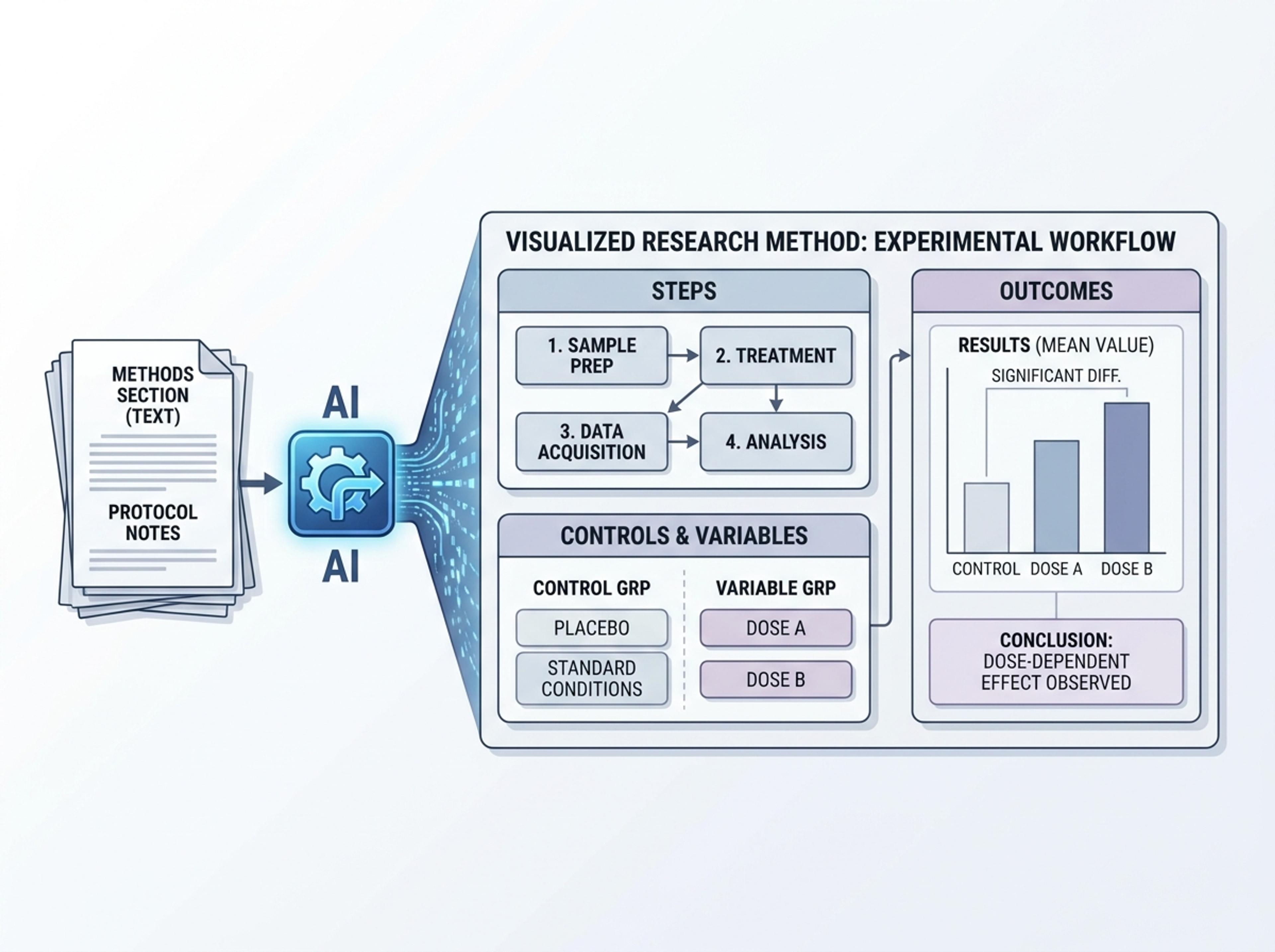
Turn methods sections, results tables, and lab notes into publication-ready scientific figures without rebuilding diagrams in vector software.
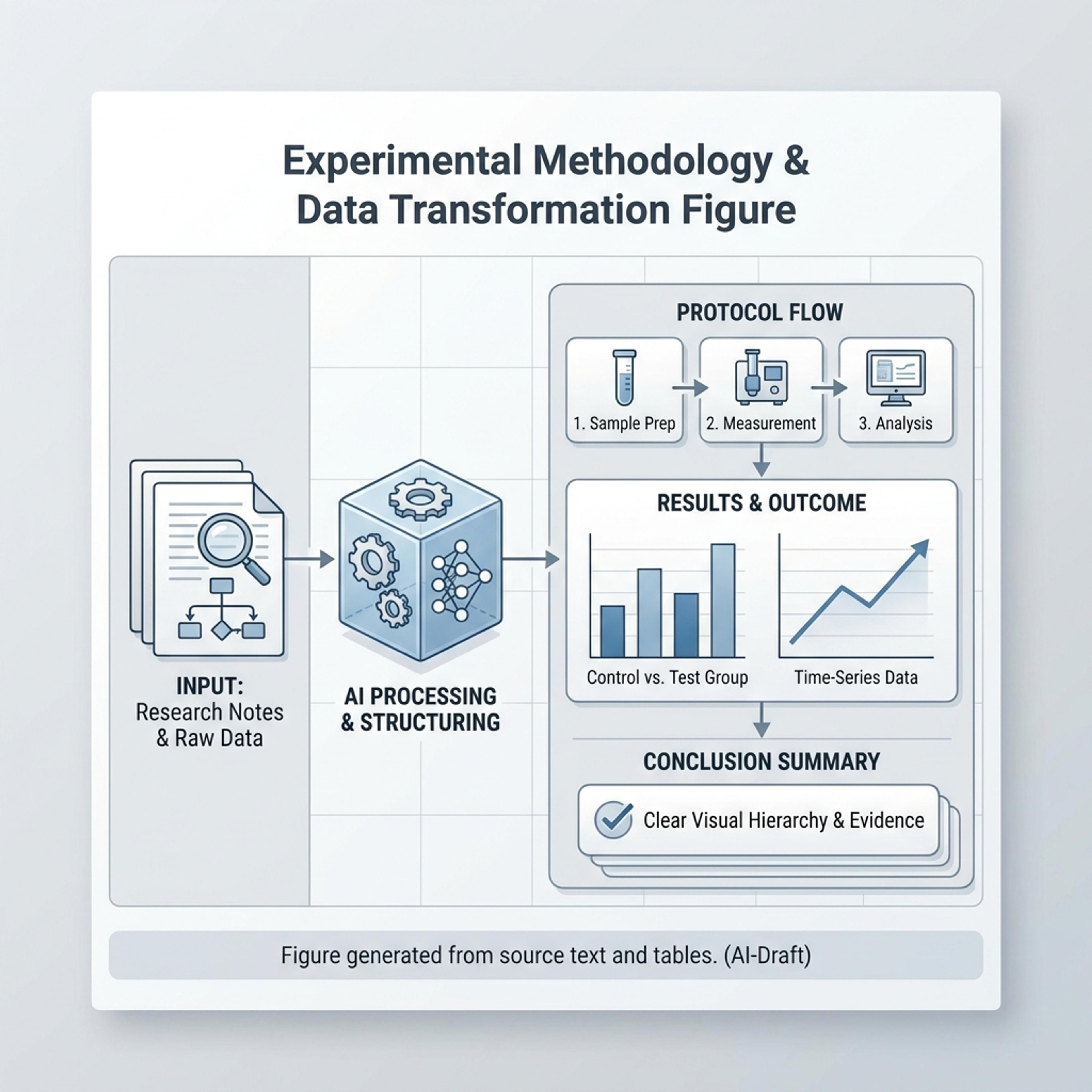
Drag and drop your paper, lab notes, lesson material, or document here or
A scientific figure generator turns methods notes, research papers, lab data, or study summaries into structured visuals with clear labels, panels, callouts, and captions. It is useful for papers, posters, grants, lectures, and research communication.
Start with methods, results, lab notes, or source data and let Infograph organize the structure into a polished scientific figure draft.
Paste a methods section or protocol and create a figure that shows steps, controls, variables, and outcomes with clean labels.
Turn K-12 science material into a friendly visual with simplified labels, approachable icons, and clear learning structure.
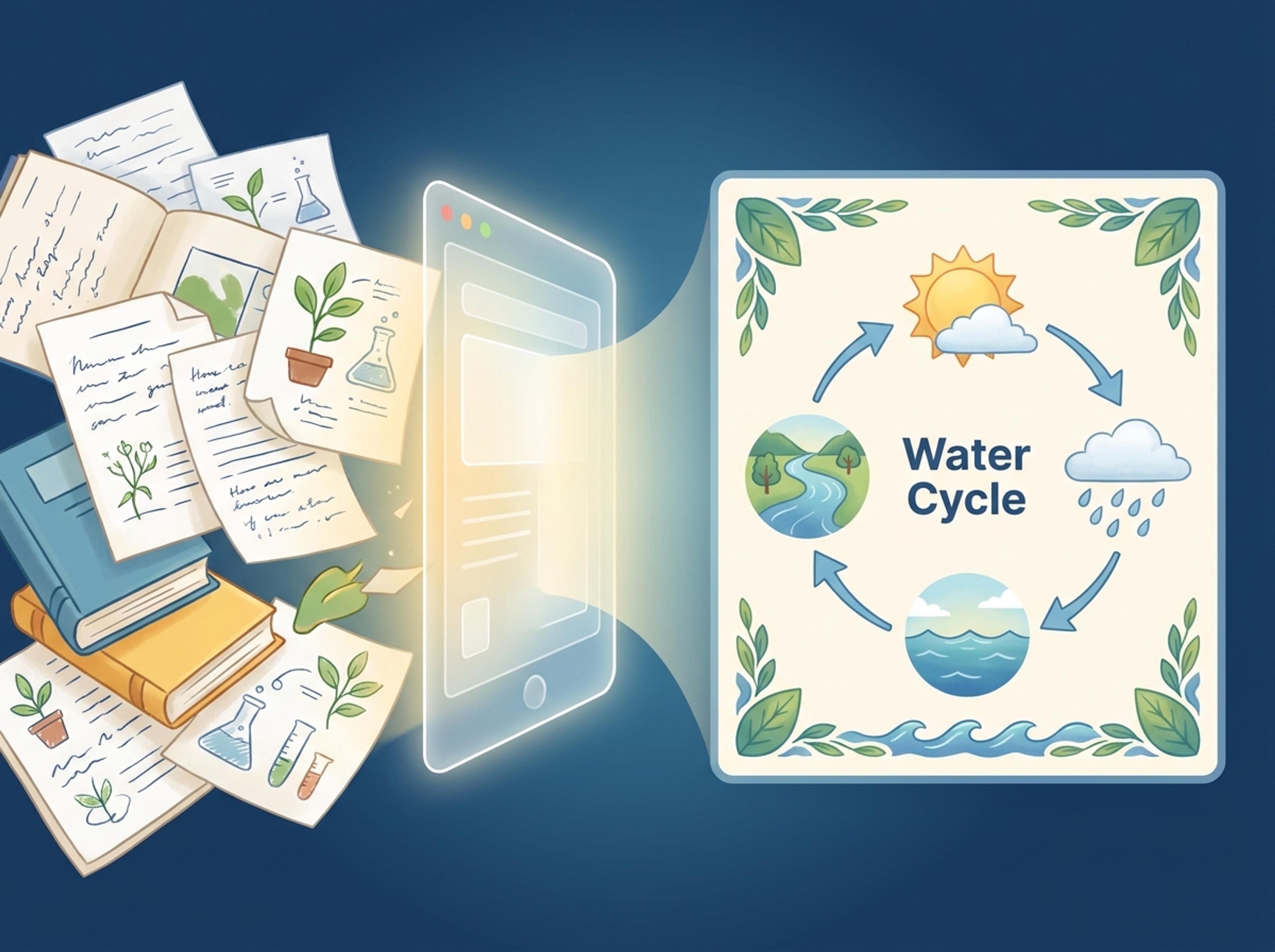
Convert papers, tables, or analysis notes into an academic figure with panels, evidence callouts, and readable hierarchy.
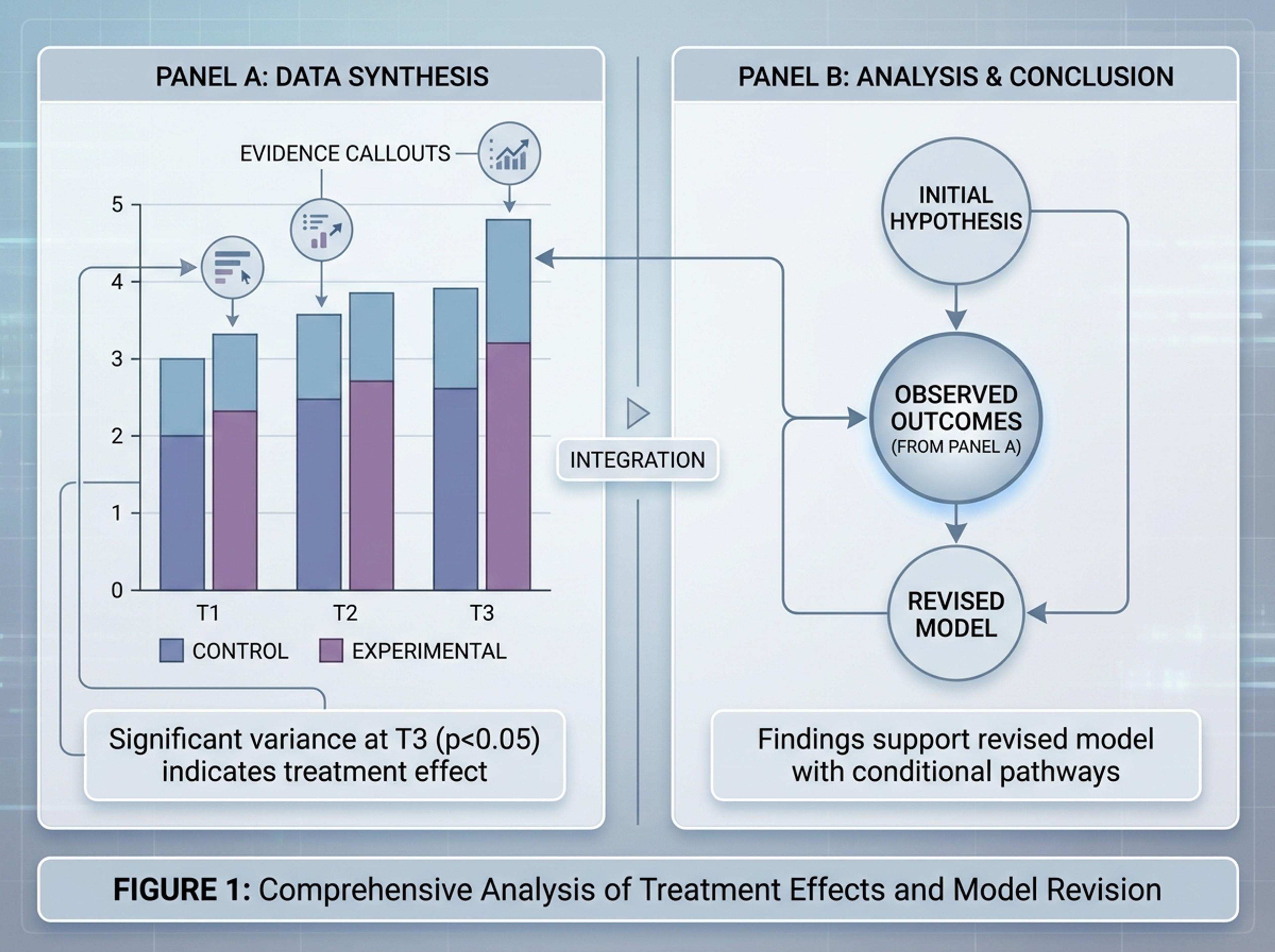
Upload a paper, paste an arXiv link, or drop in your methods notes and results. The model reads the actual prose so figure labels match what you wrote.

Pick a methods diagram, comparison panel, results summary, pathway figure, or data visualization. You can also let the AI pick automatically based on your source.

Infograph extracts the experimental steps, controls, and outcomes you described, then composes a clean figure with consistent typography and academic phrasing.

Adjust labels, recolor groupings, or rewrite a caption with a single instruction. Export as PNG or PDF in a resolution suitable for journals and slides.

Explore scientific figure results Infograph can create for K-12 lessons, academic papers, lab reports, and research communication.
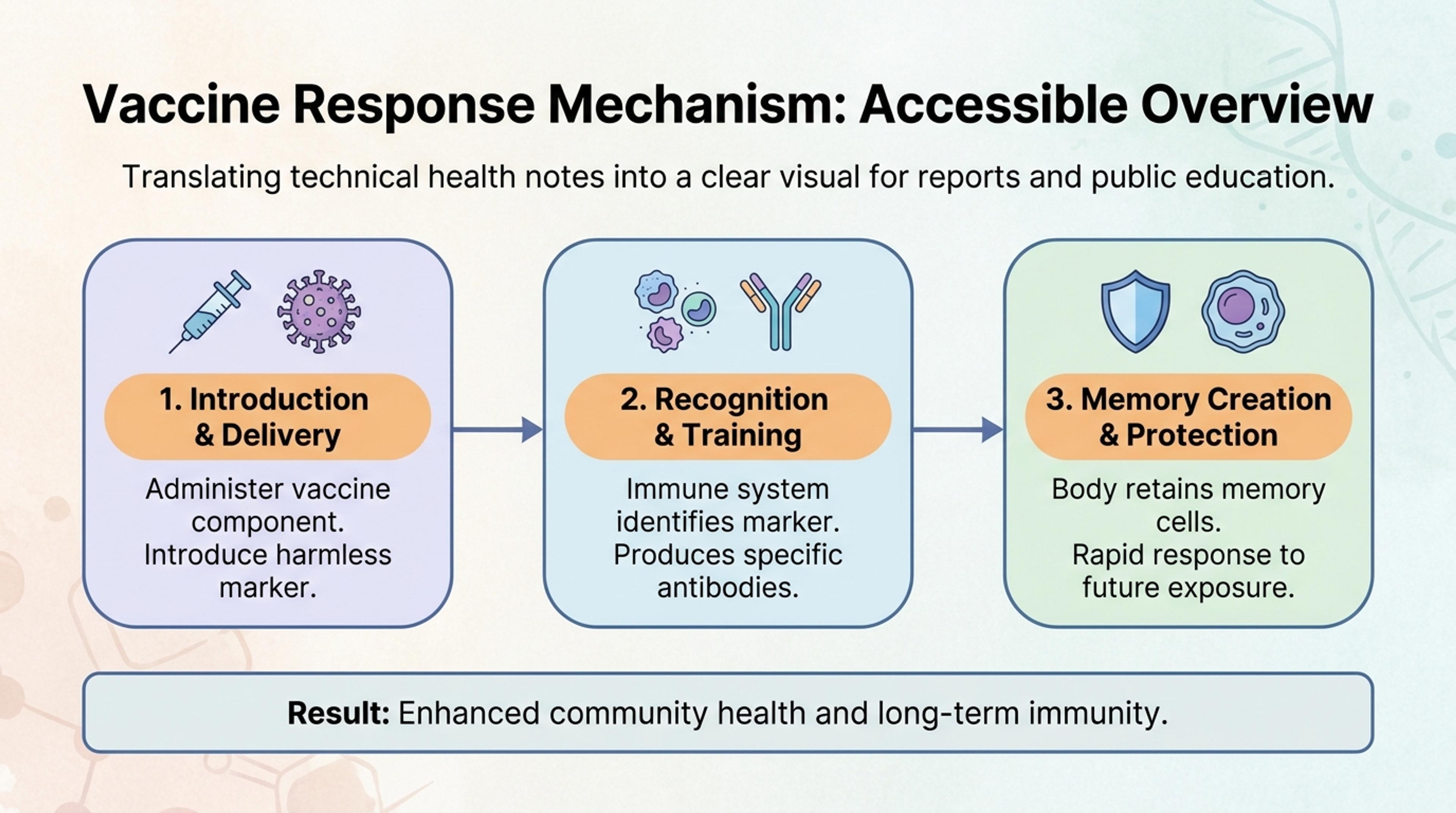
Turn technical health or biotech notes into an accessible figure for reports, decks, or public education.
You can produce methods diagrams, pathway figures, comparison panels, results dashboards, data charts, conceptual schematics, and visual summaries suitable for papers, posters, and grants.
Yes. Upload the manuscript or paste a link to a preprint and the AI extracts methods, results, and key claims so the figure stays anchored to what you actually wrote.
You can export at high resolution as PNG or PDF, then make precise label and color edits with AI prompts. Most users still review final fonts and units before submission.
Yes. Paste a CSV-like table or upload a results sheet and the AI will choose appropriate chart treatments, write captions, and assemble a coherent figure layout.
Yes. Uploaded manuscripts, pasted text, and generated figures remain private to your account unless you explicitly choose to share them.
Treat AI-generated figures the same way you would treat any tool-assisted figure. Most journals accept them when the underlying data and methods are described in the paper.
Explore adjacent Infograph tools for DNA diagrams, brain diagrams, concept maps, timelines, and source-to-infographic workflows.
Turn sequencing notes, gene descriptions, or research papers into a clear DNA diagram suitable for posters, journals, and classroom slides.
Turn neuroscience notes, journal abstracts, or lecture material into a labeled brain diagram suitable for slides, posters, and study guides.
Turn notes, papers, lesson plans, and topics into concept maps that show ideas, links, hierarchy, and relationships.
Turn project briefs, history readings, research notes, or links into a clean timeline infographic with milestones, labels, and visual flow.
Paste an article, transcript, or batch of notes and Infograph turns the text into a polished infographic with hierarchy, callouts, and chart treatments.
Upload a research paper, white paper, or report PDF and Infograph extracts the structure to render a clean infographic — no copy-paste between tools.
Turn papers, lab notes, links, text, and data into scientific figures, graphical abstracts, biology diagrams, and research visuals. AI Scientific Figure Maker | Built for research and education