


Label Brain Regions
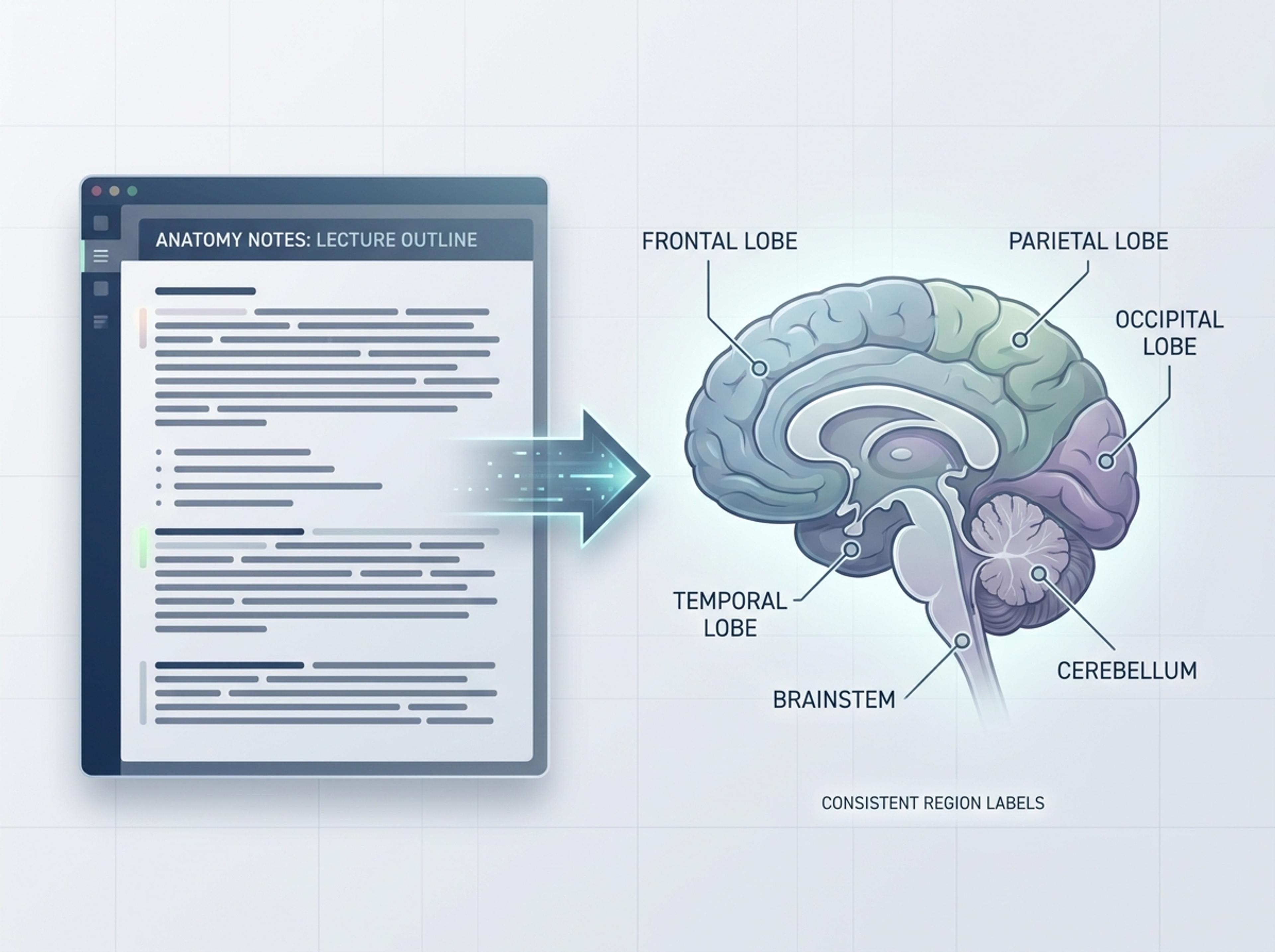
Paste anatomy notes or a lecture outline and create a clear diagram with consistent region labels and connector callouts.
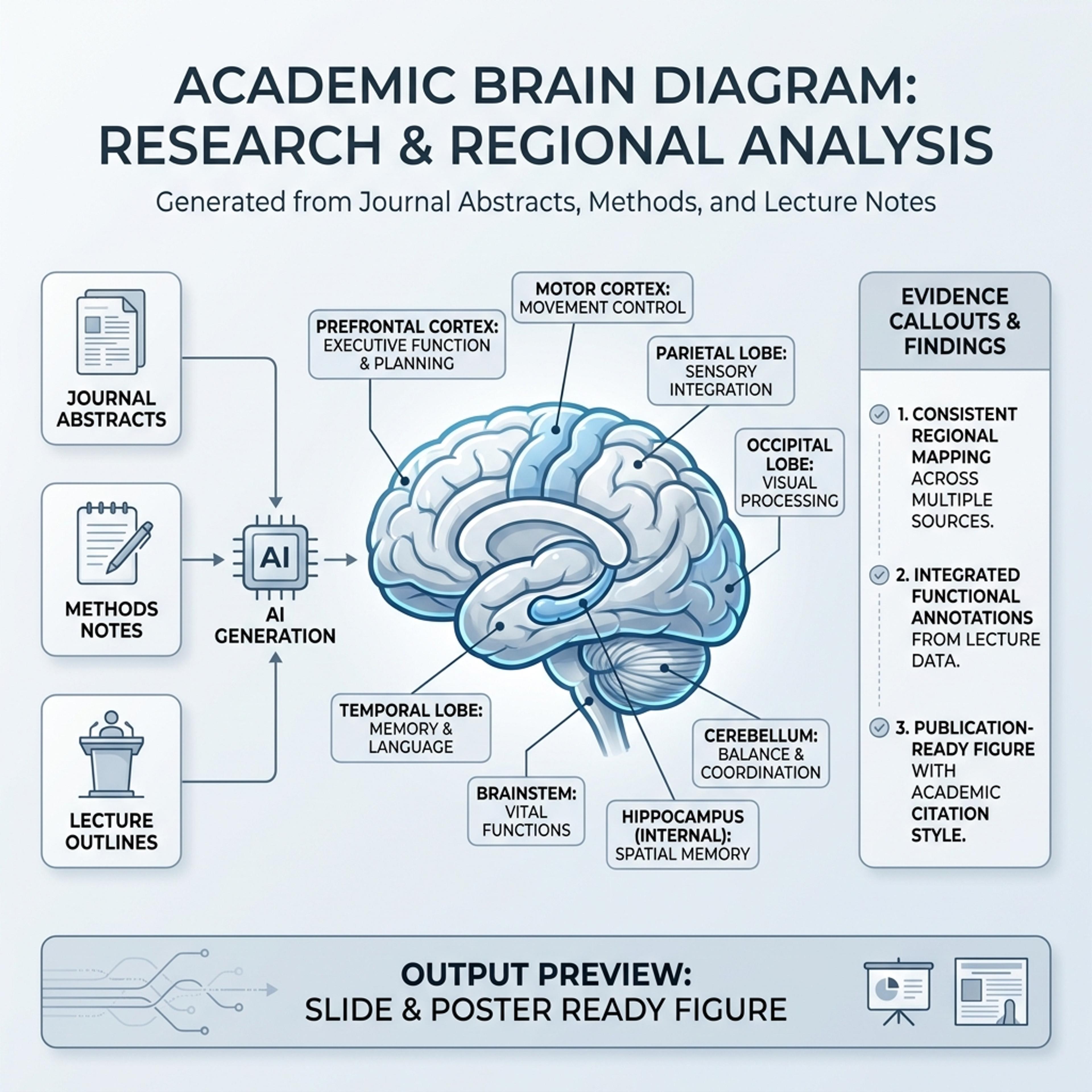
Turn neuroscience notes, journal abstracts, or lecture material into a labeled brain diagram suitable for slides, posters, and study guides.
Drag and drop your paper, lab notes, lesson material, or document here or
A brain diagram labels anatomical regions, pathways, functions, or study findings so neuroscience material is easier to explain. It is useful for lecture notes, journal abstracts, study guides, posters, and science communication.
Start with research notes, a lecture outline, or a journal abstract and let Infograph organize regions, labels, and callouts into a clean brain diagram.
Paste anatomy notes or a lecture outline and create a clear diagram with consistent region labels and connector callouts.
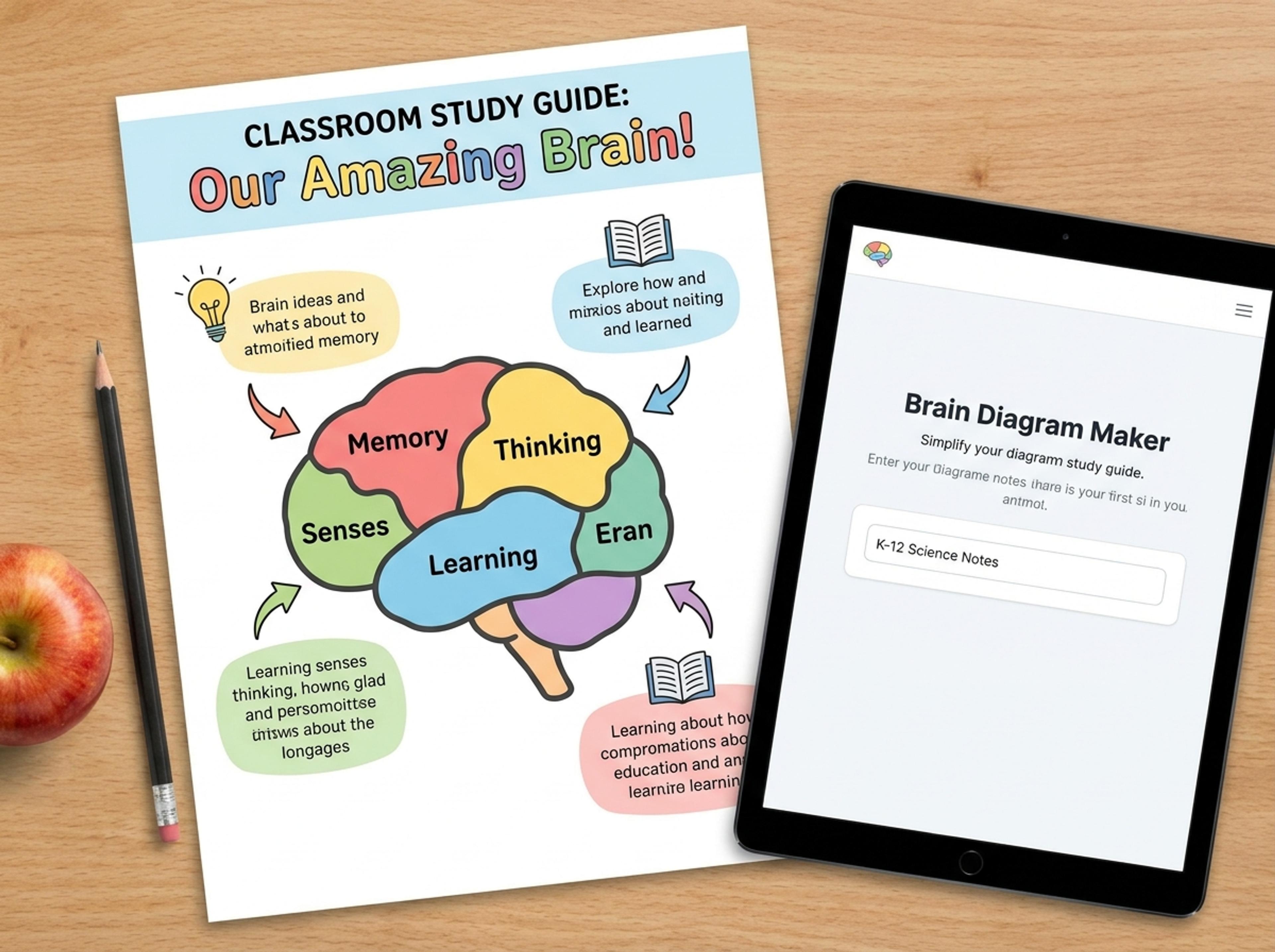
Turn K-12 biology material into a friendly brain visual with simplified labels, color-coded parts, and student-ready explanations.
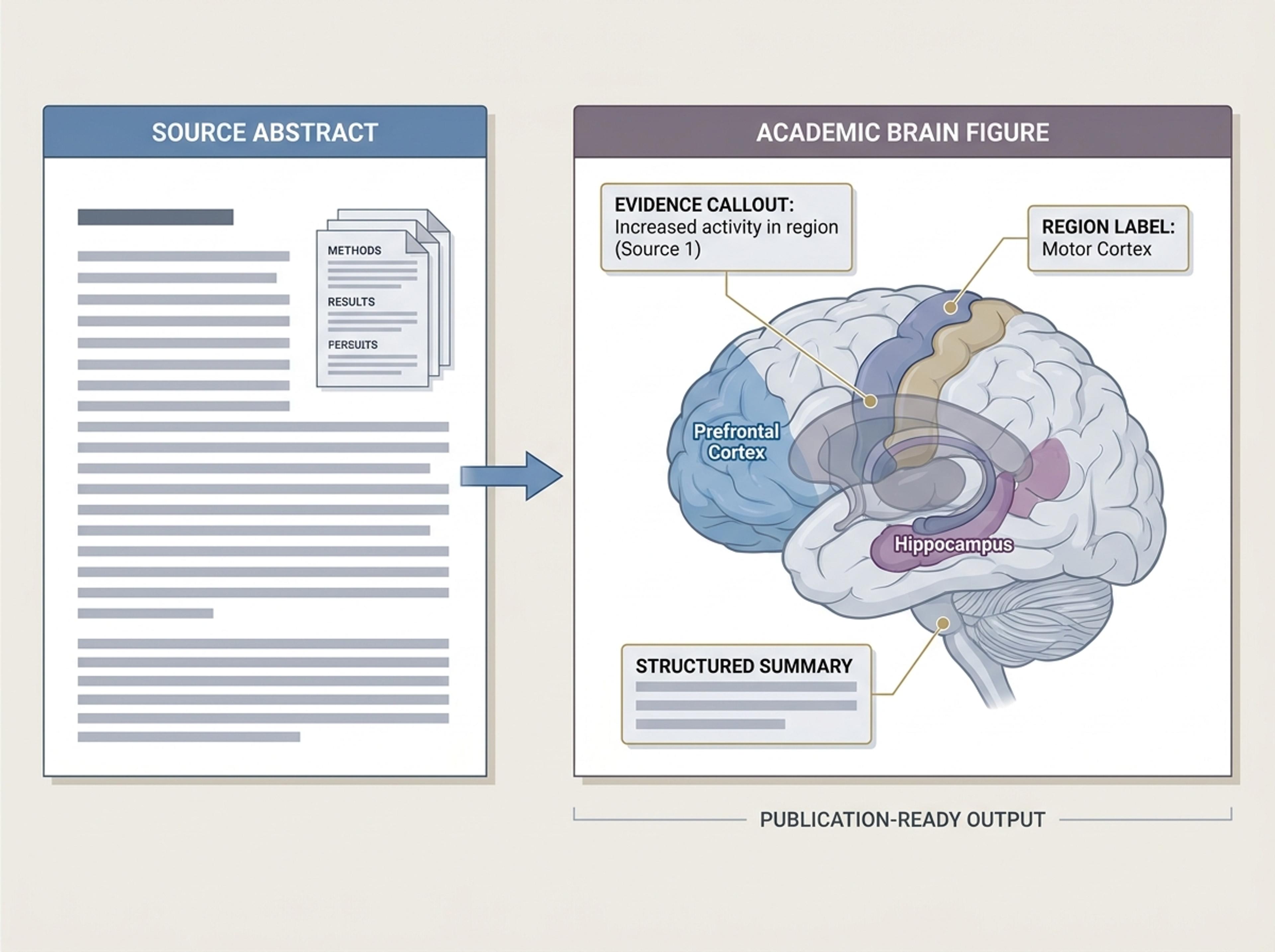
Convert journal abstracts or methods notes into an academic brain figure with labeled regions, evidence callouts, and clean structure.
Upload neuroscience notes, paste a journal abstract, or link to a paper. Real source text means accurate anatomical labels instead of fabricated terms.

Decide whether to show the full cortex, focus on a specific region, or compare structures side by side. Set the labeling depth for your audience.

The model maps each region described in your text to the correct anatomical area and adds clear labels using consistent academic phrasing.

Rephrase any label, recolor regions, or add citation callouts with AI prompts, then export the brain diagram as a high-resolution PNG, JPG, or PDF figure.

Explore brain diagram results Infograph can create for study guides, K-12 science lessons, academic figures, and explainer content.
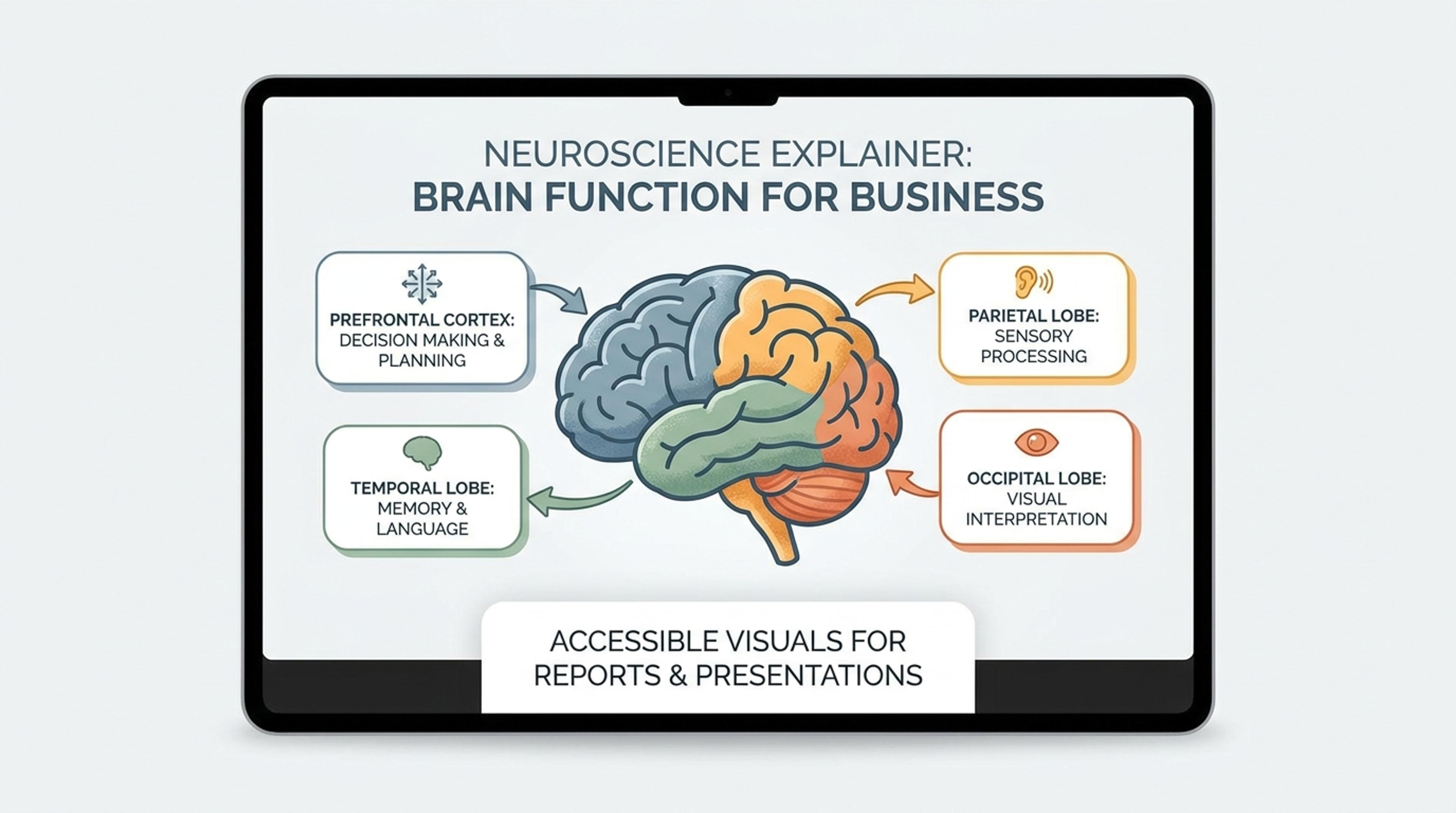
Turn plain-language neuroscience content into an accessible visual for reports, blogs, or public education.
The AI matches your textual descriptions to standard anatomical regions. Always review the figure against your reference atlas before publication.
Yes. Tell the AI the region — frontal cortex, hippocampus, cerebellum — and it focuses the diagram, with optional inset views of surrounding structures.
Yes. Each region can carry a short label, a longer caption, or a citation marker. You can hide any layer for a cleaner diagram.
You can export at high resolution as PNG or PDF, then make precise label and color edits with prompts. Most journal figures need a final review at 300 DPI.
Yes. Choose lateral, sagittal, coronal, or top-down views. The AI re-renders labels and connectors to fit each perspective.
Explore adjacent Infograph tools for scientific figures, concept maps, timelines, comparisons, and source-to-infographic workflows.
Turn methods sections, results tables, and lab notes into publication-ready scientific figures without rebuilding diagrams in vector software.
Turn notes, papers, lesson plans, and topics into concept maps that show ideas, links, hierarchy, and relationships.
Turn project briefs, history readings, research notes, or links into a clean timeline infographic with milestones, labels, and visual flow.
Drop in feature lists, evaluation docs, or research notes and turn them into a side-by-side comparison chart that reads cleanly in decks and reports.
Paste an article, transcript, or batch of notes and Infograph turns the text into a polished infographic with hierarchy, callouts, and chart treatments.
Upload a research paper, white paper, or report PDF and Infograph extracts the structure to render a clean infographic — no copy-paste between tools.
Turn papers, lab notes, links, text, and data into scientific figures, graphical abstracts, biology diagrams, and research visuals. AI Scientific Figure Maker | Built for research and education