


Explain DNA Structure
Paste biology notes and create a labeled DNA visual with base pairs, strands, direction, and concise annotations.
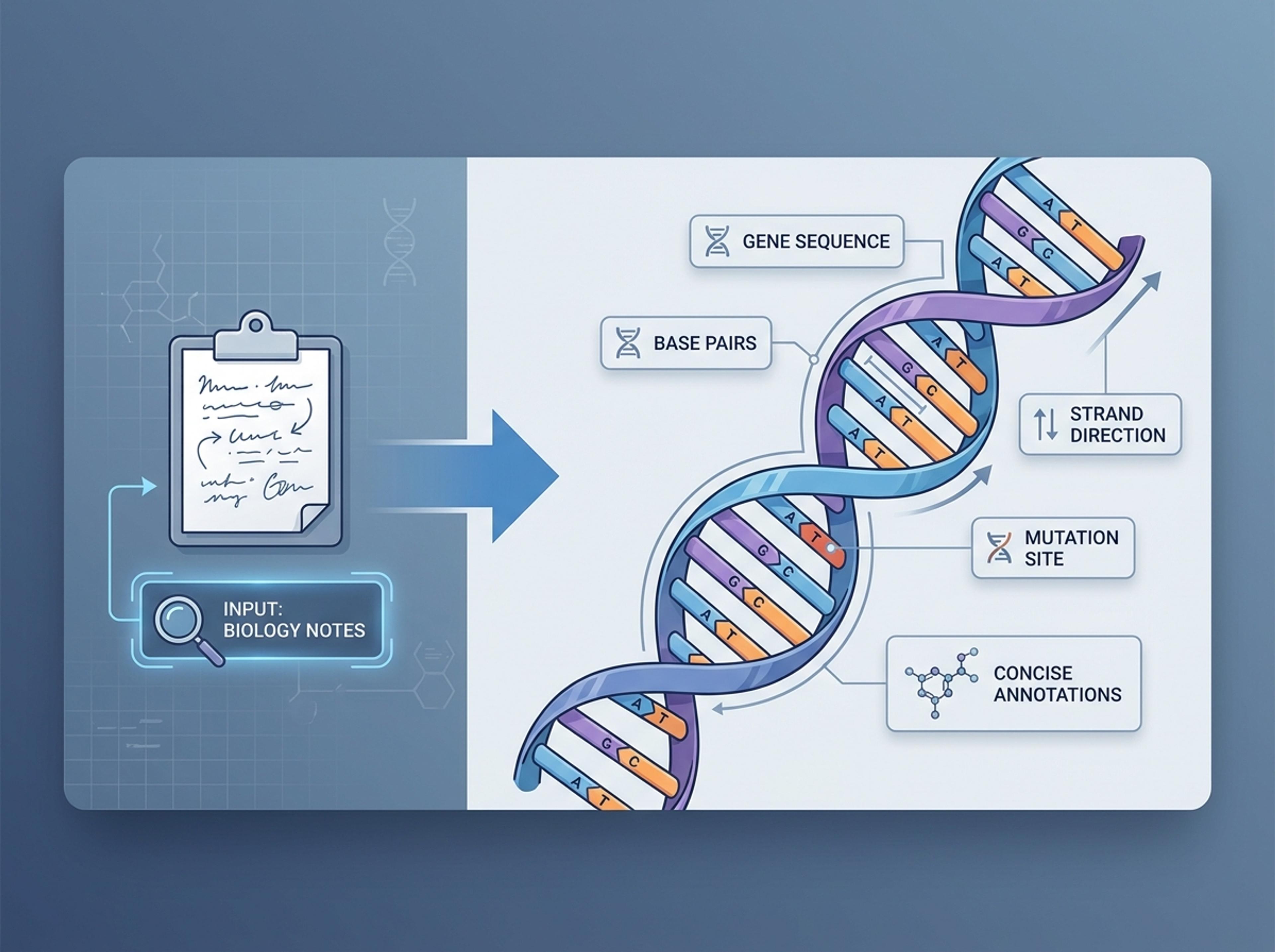
Turn sequencing notes, gene descriptions, or research papers into a clear DNA diagram suitable for posters, journals, and classroom slides.
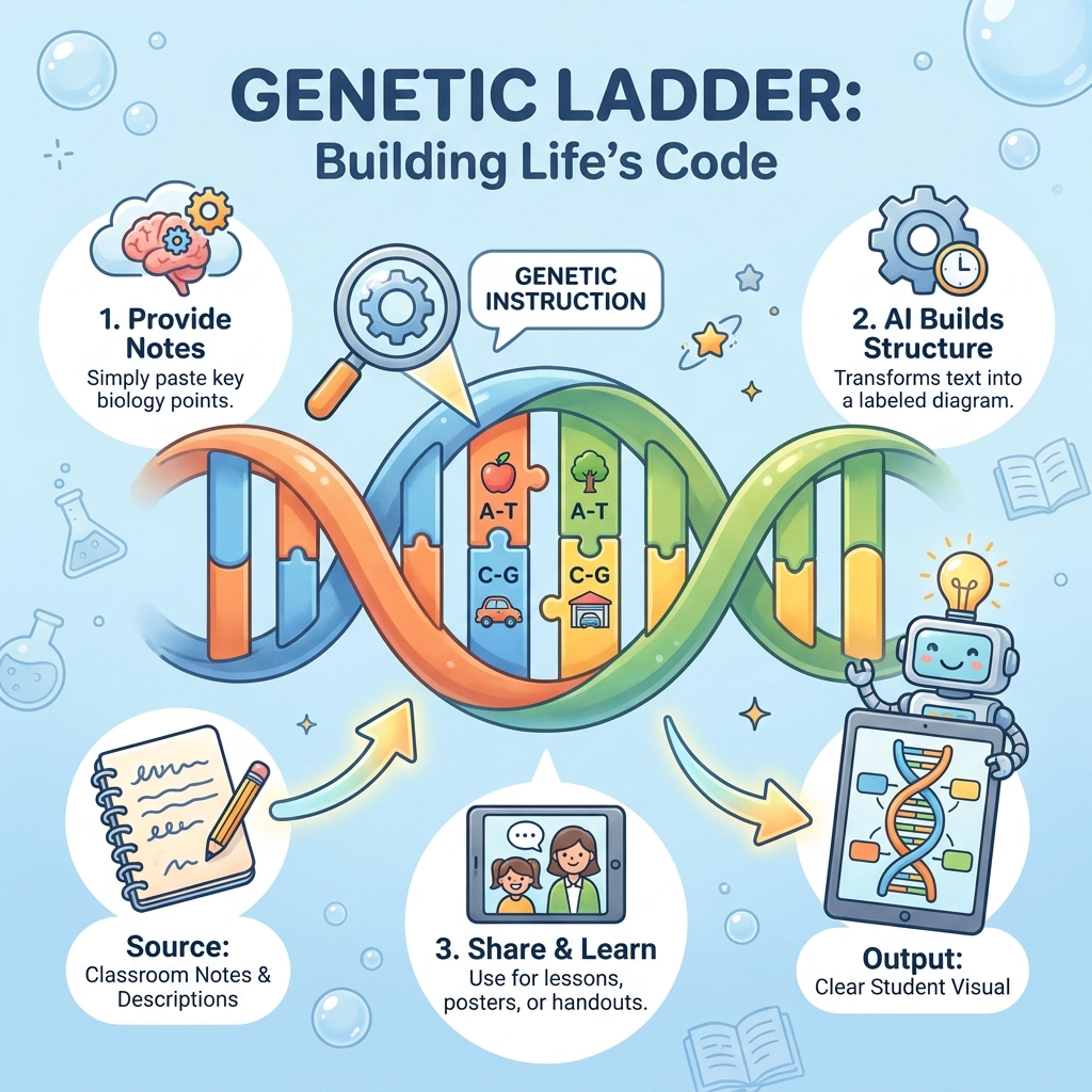
Drag and drop your paper, lab notes, lesson material, or document here or
A DNA diagram maker turns genetics notes, sequence descriptions, textbook excerpts, or research papers into labeled DNA visuals. It is useful for biology lessons, lab reports, posters, genetics explainers, and academic communication.
Start with sequence notes, gene descriptions, or textbook material and let Infograph build a readable DNA diagram with labels and callouts.
Paste biology notes and create a labeled DNA visual with base pairs, strands, direction, and concise annotations.
Turn classroom material into a colorful student-friendly diagram that makes genes, replication, or inheritance easier to follow.
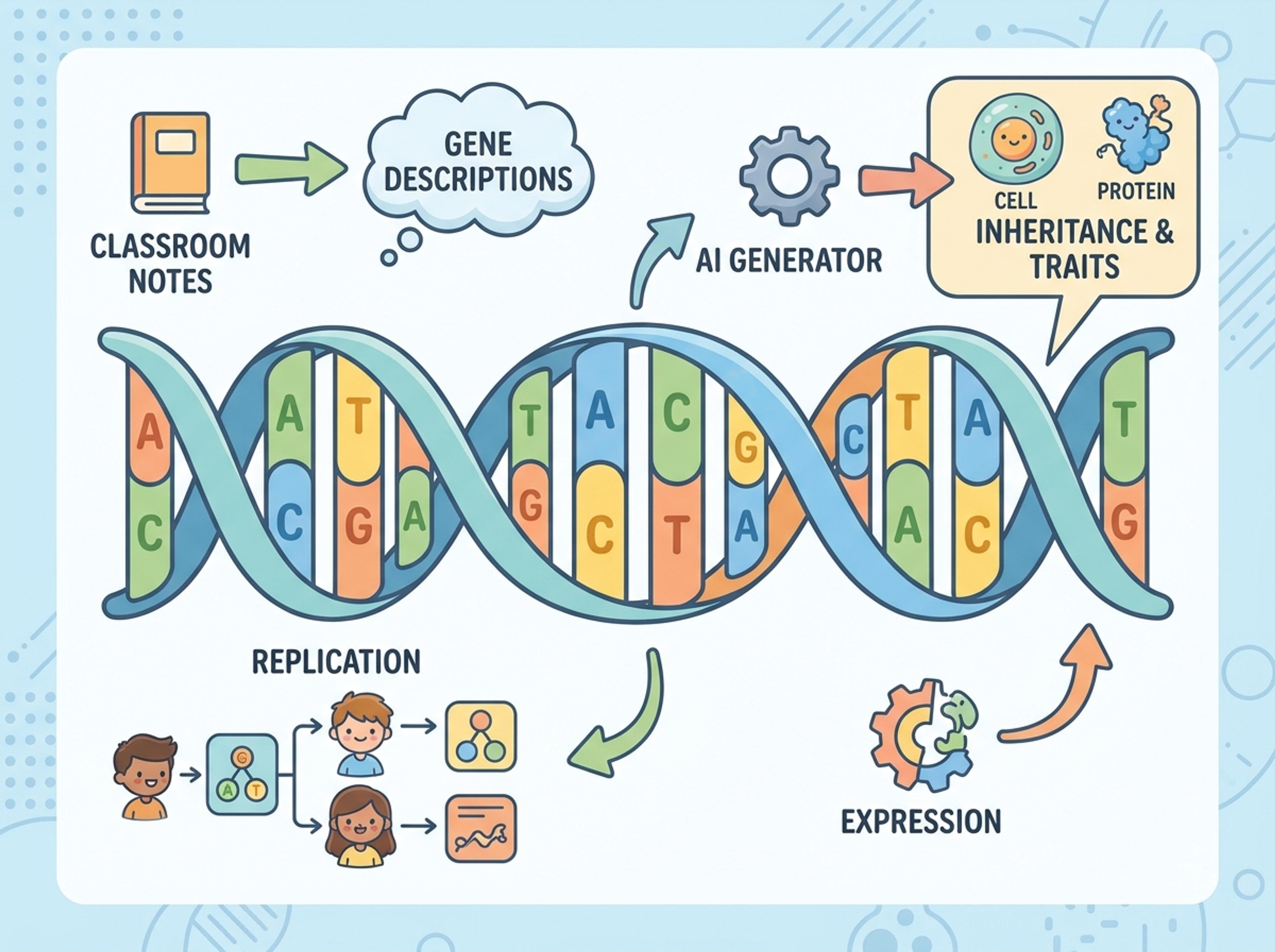
Convert gene descriptions, mutation notes, or paper excerpts into a clean academic diagram for reports or posters.
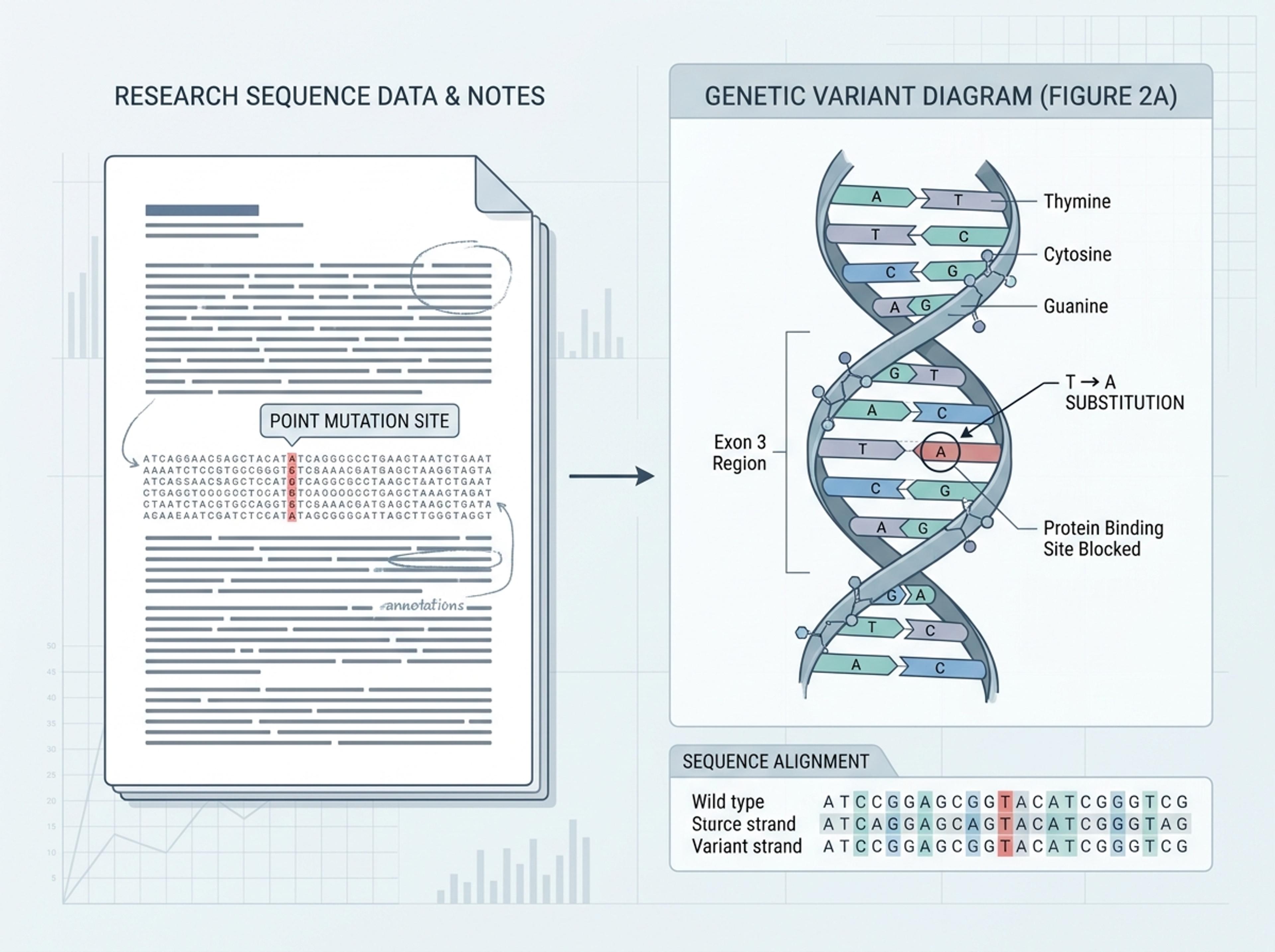
Upload research notes, paste a sequence description, or link to a paper. The AI reads the molecular terms and keeps biological accuracy intact.

Choose double helix, base-pair stacks, or annotated chromosome callouts, and decide how technical the labeling should be for your audience.

AI builds the helix or sequence layout, places labels along the strand, and aligns annotations to the regions you described in the source material.

Reword a label, recolor a base-pair group, or highlight a mutation with a single instruction, then export the DNA diagram as PNG, JPG, or PDF.

Explore DNA diagram results Infograph can create for K-12 biology, genetics explainers, academic figures, and science communication.
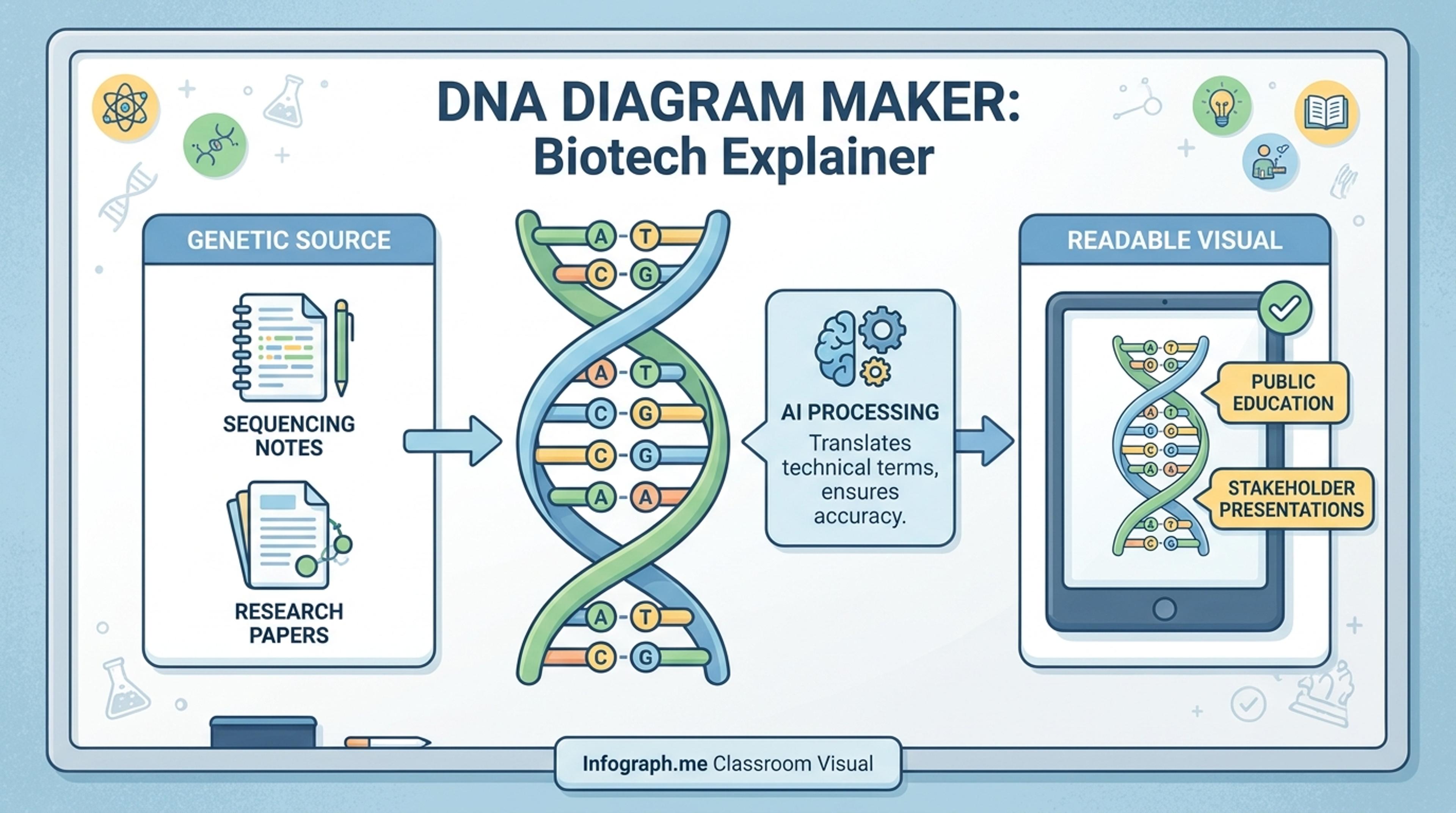
Translate technical genetics content into a readable visual for stakeholders or public education.
You can generate double helix, base-pair stacks, replication forks, transcription views, chromosome maps, and annotated sequence schematics.
Yes. Tell the AI the position and label and it highlights the region with a callout. Useful for CRISPR papers, restriction mapping, and variant analysis.
Yes for short sequences. For longer regions the AI groups bases into colored bands so the diagram stays readable while keeping key positions visible.
You can export at high resolution as PNG or PDF. Most users still review the figure against their lab style guide before final submission.
Yes. Pick a classroom style and the AI uses consistent base-pair colors, larger labels, and simpler annotations — ideal for posters and study guides.
Explore adjacent Infograph tools for scientific figures, brain diagrams, concept maps, cell visuals, and source-to-infographic workflows.
Turn methods sections, results tables, and lab notes into publication-ready scientific figures without rebuilding diagrams in vector software.
Turn neuroscience notes, journal abstracts, or lecture material into a labeled brain diagram suitable for slides, posters, and study guides.
Turn notes, papers, lesson plans, and topics into concept maps that show ideas, links, hierarchy, and relationships.
Turn your biology notes, research papers, and textbook PDFs into clear, accurate cell structure diagrams with Infograph.
Paste an article, transcript, or batch of notes and Infograph turns the text into a polished infographic with hierarchy, callouts, and chart treatments.
Upload a research paper, white paper, or report PDF and Infograph extracts the structure to render a clean infographic — no copy-paste between tools.
Turn papers, lab notes, links, text, and data into scientific figures, graphical abstracts, biology diagrams, and research visuals. AI Scientific Figure Maker | Built for research and education