

Extract the Real Structure
Infograph reads full passages, finds the major themes, and turns long paragraphs into concise visual sections without losing the source meaning.
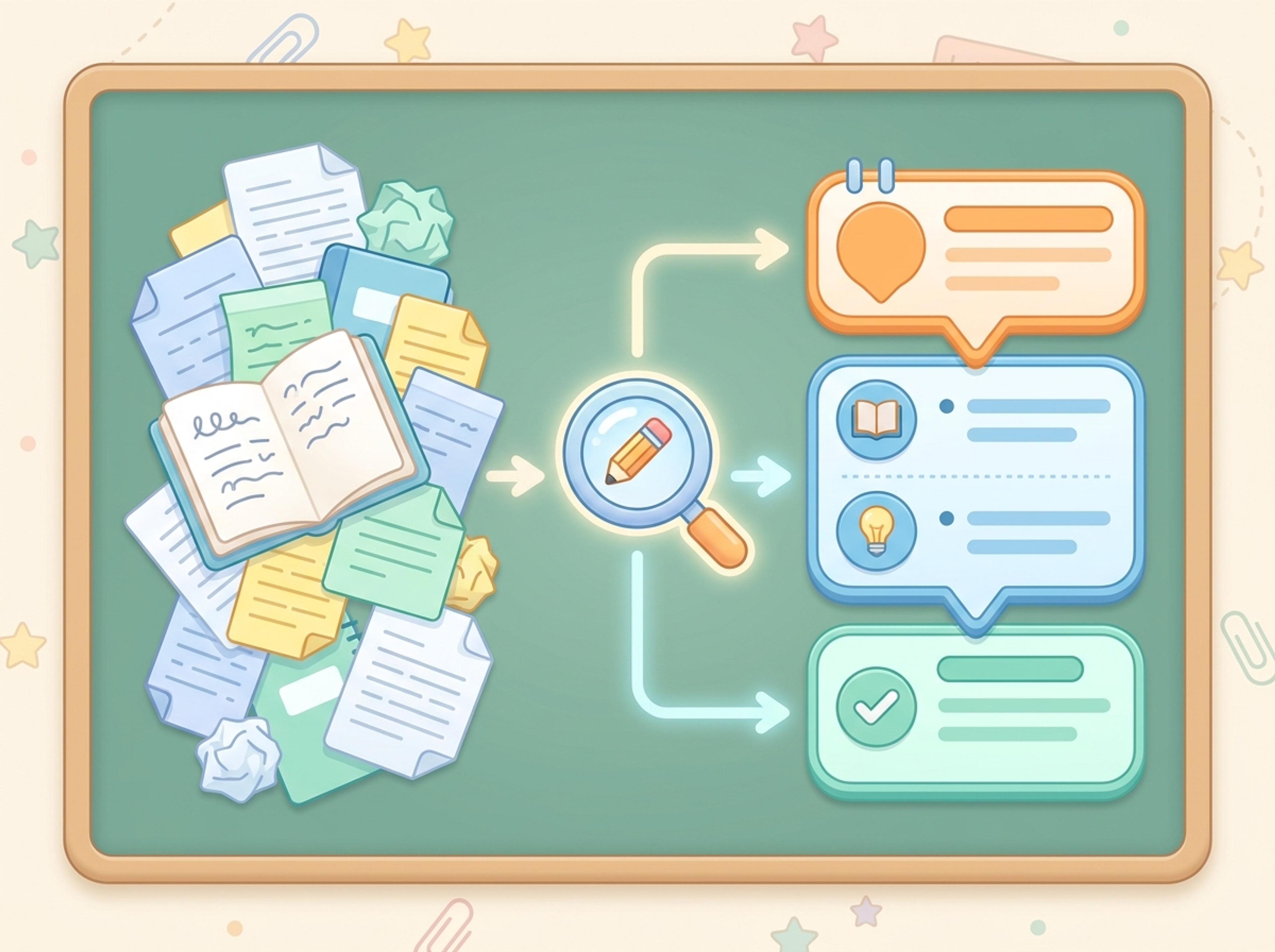
Paste an article, transcript, or batch of notes and Infograph turns the text into a polished infographic with hierarchy, callouts, and chart treatments.
Explore finished infographic results created from articles, transcripts, classroom notes, and research summaries.
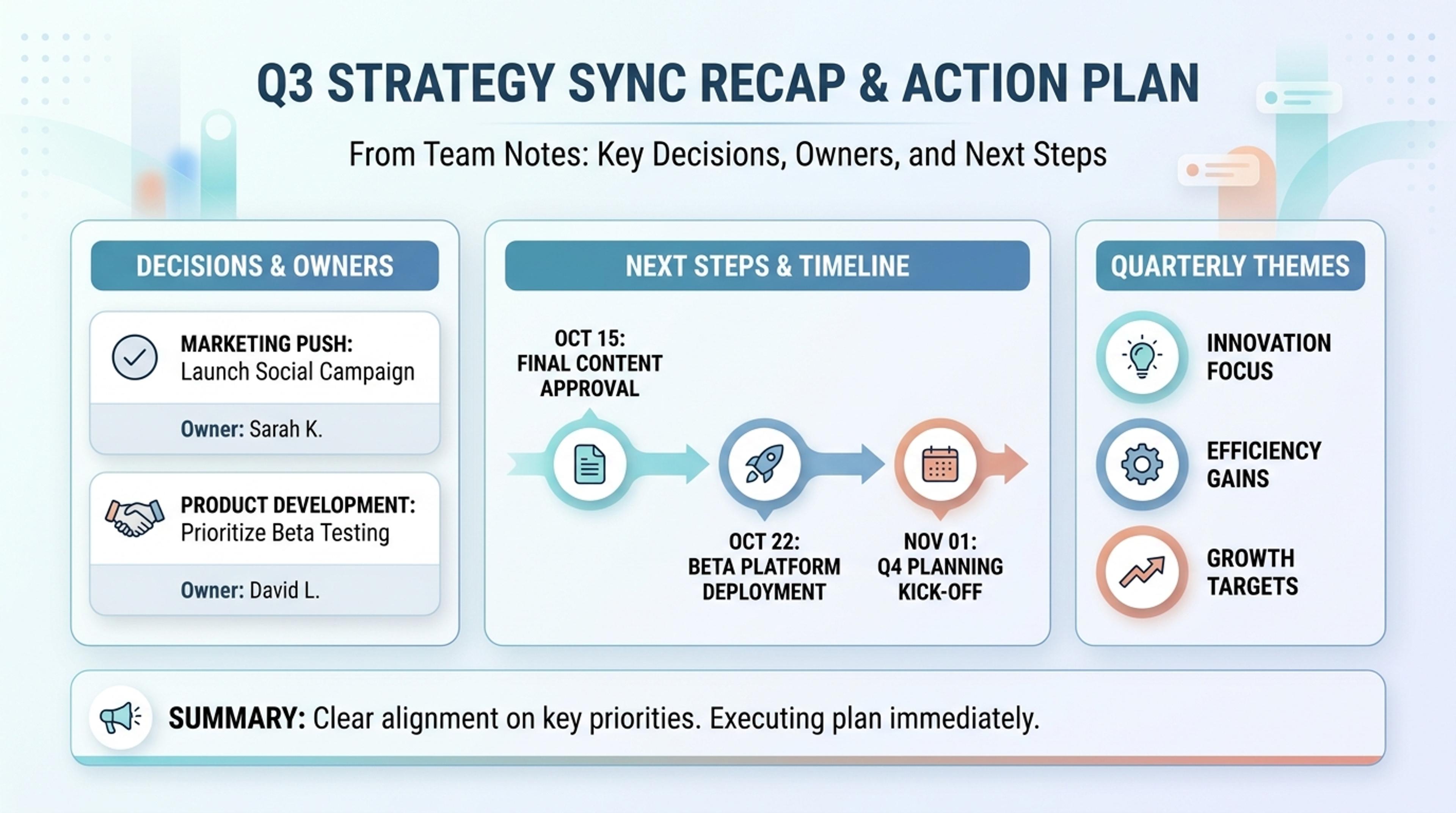
Turn team notes into a crisp infographic with decisions, owners, and next steps.
Paste articles, transcripts, lesson notes, or rough source material and let Infograph extract structure, hierarchy, and visual flow.
Infograph reads full passages, finds the major themes, and turns long paragraphs into concise visual sections without losing the source meaning.
Convert meeting notes, research summaries, and lesson material into a one-page visual that is easier to scan than a document.
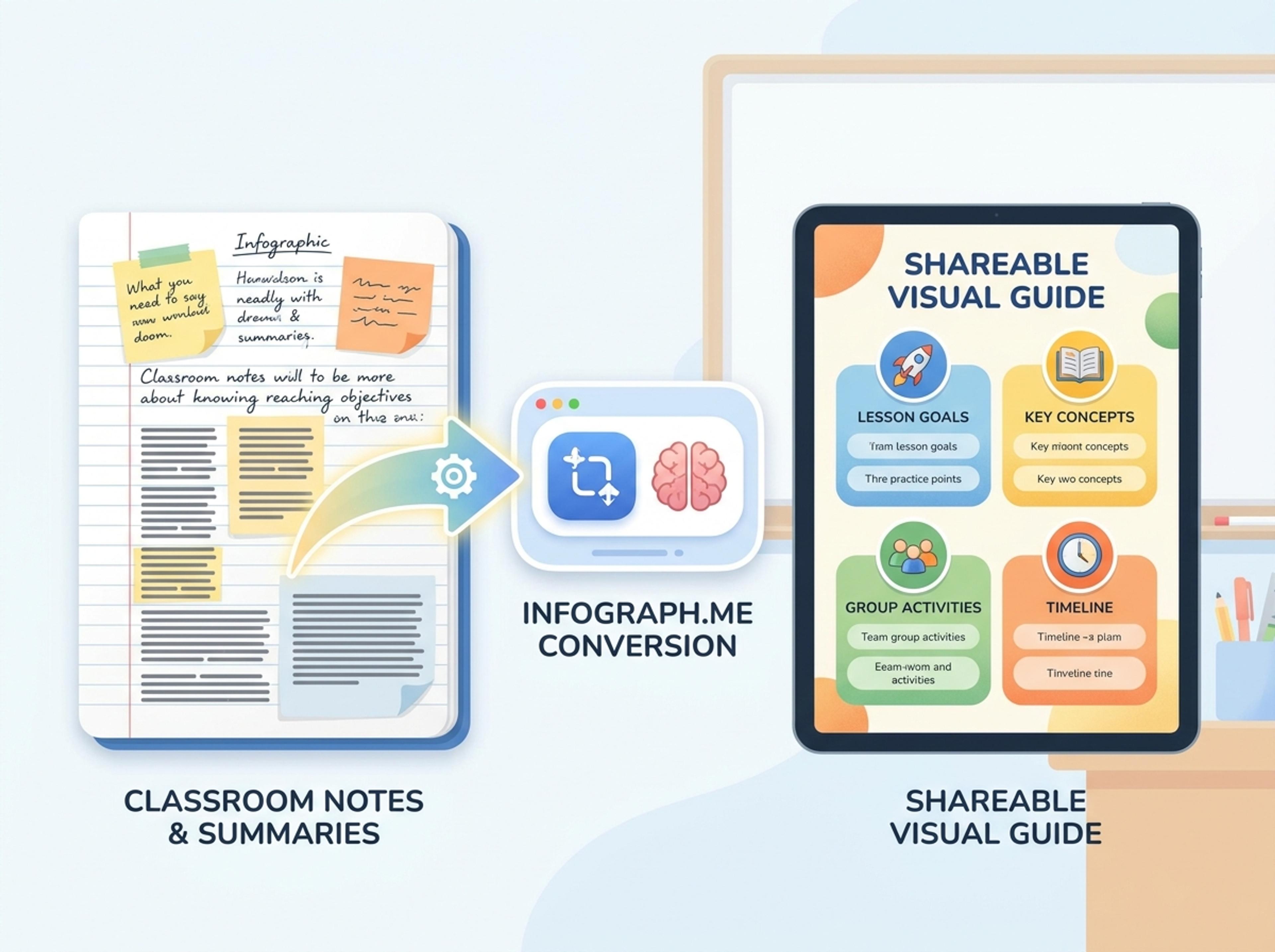
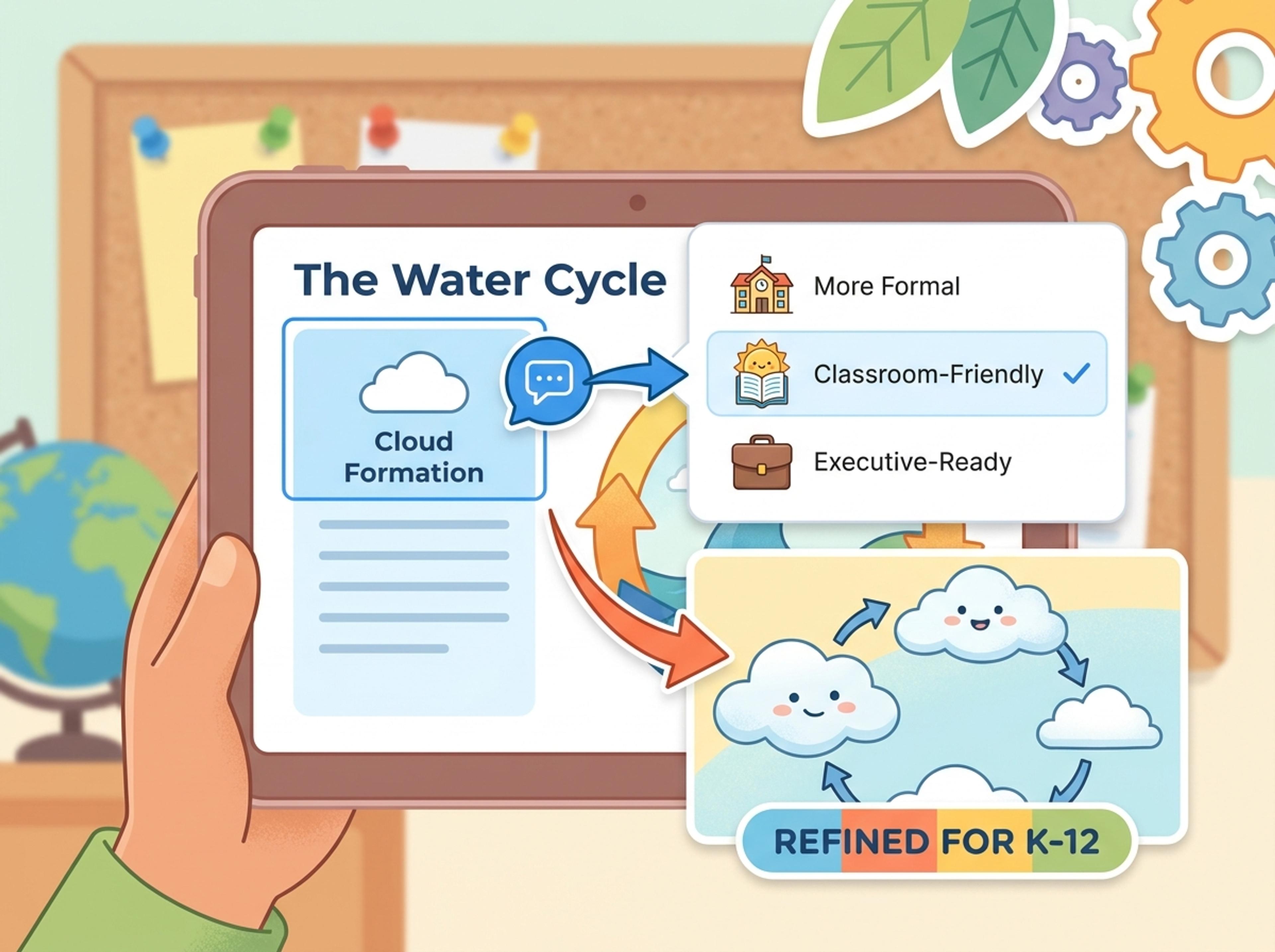
After generation, refine headlines, change emphasis, or ask the AI to make the infographic more formal, classroom-friendly, or executive-ready.
Drop in an article, a meeting transcript, or pages of notes. The AI reads the full text instead of working from a single short prompt.
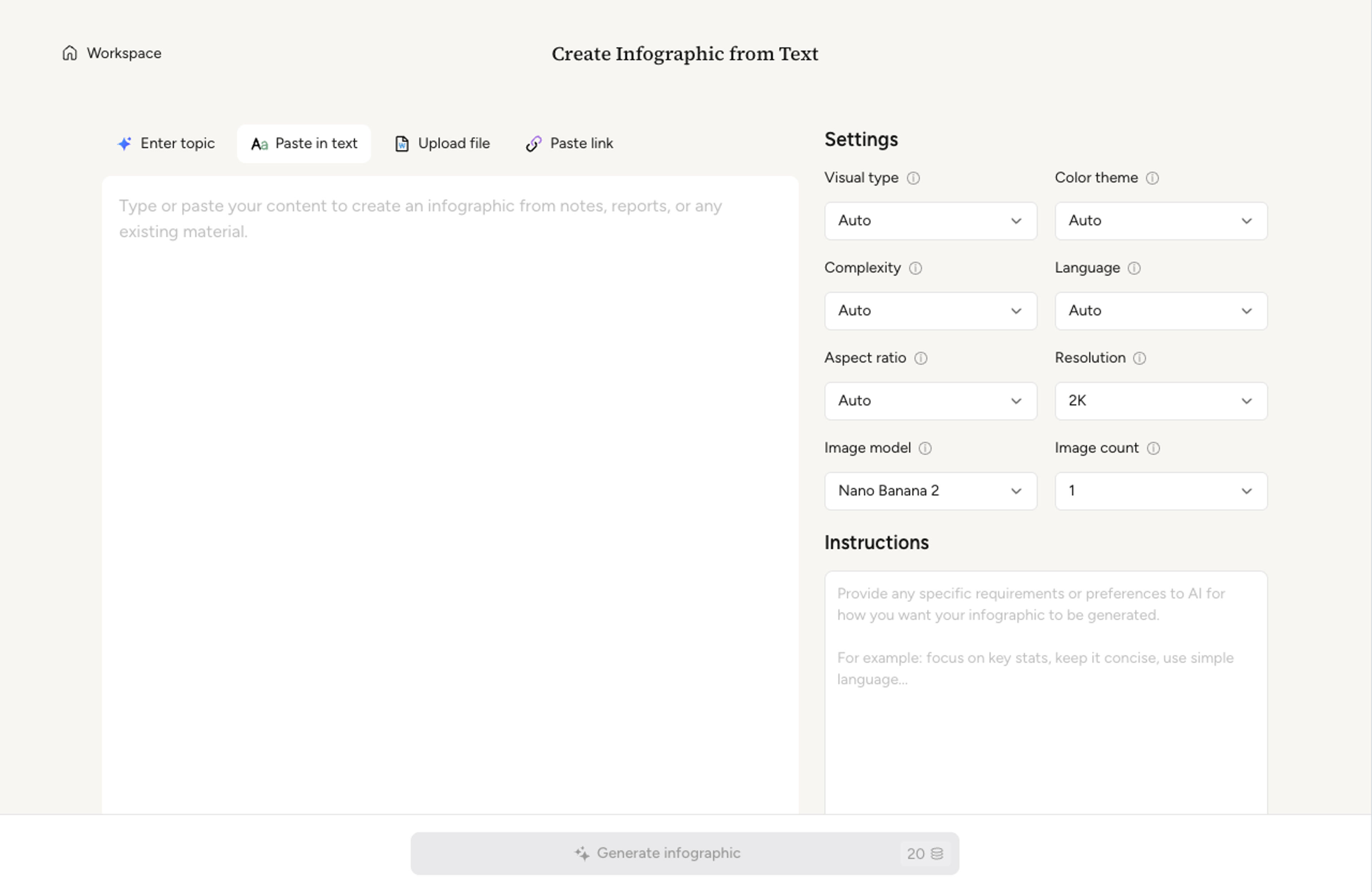
Choose a one-page summary, a multi-section infographic, or a step-by-step format. The AI suggests a default based on how your text is structured.

Infograph identifies the headline insight, supporting points, and any quotable callouts. It lays them out with consistent typography and clear hierarchy.

Tighten copy, swap a chart, or recolor a section with a quick prompt. Export as PNG, JPG, or PDF for blog posts, decks, or printed handouts.

Go from pasted source material to a readable visual without rebuilding the content by hand.
Sections come from the actual text, not generic prompt filler.
Headlines, callouts, and supporting points are ranked for scanability.
Turn existing notes, posts, and transcripts into new visual assets.
Shift the tone toward K-12, academic, executive, or social-friendly output.
Refine wording, colors, structure, or emphasis after the first draft.
Download the result for posts, decks, handouts, and reports.
Most articles and transcripts up to a few thousand words convert well. For longer text, the AI summarizes sections to keep the infographic readable.
Yes. Paste a transcript or a batch of notes and the AI identifies themes, decisions, and quotes that belong on the visual.
Yes. The AI surfaces quotable lines as callouts. You can pin a quote so it always appears in the final visual.
The AI keeps your phrasing where the text is already concise. For dense paragraphs it offers a tighter rewrite that you can accept or override.
Export as PNG or JPG for blog posts and social, or PDF for printed handouts and conference materials.
Explore adjacent Infograph tools for PDFs, Word docs, PowerPoint decks, tables, and visual formats.
Upload a research paper, white paper, or report PDF and Infograph extracts the structure to render a clean infographic — no copy-paste between tools.
Upload a .docx — strategy memo, research note, internal report — and Infograph turns the structure into a clean infographic without rewriting the doc.
Upload a .pptx and Infograph extracts the slide content into a single infographic — perfect for blog posts, social posts, or executive one-pagers.
Drop in a CSV, paste a markdown table, or upload a sheet and Infograph turns the rows into a chart-driven infographic instead of a wall of numbers.
Turn project briefs, history readings, research notes, or links into a clean timeline infographic with milestones, labels, and visual flow.
Drop in meeting transcripts, research notes, or a single topic and Infograph builds a clean radial mind map you can iterate on.
Turn papers, lab notes, links, text, and data into scientific figures, graphical abstracts, biology diagrams, and research visuals. AI Scientific Figure Maker | Built for research and education