


Organize Brainstorming Notes
Paste meeting notes or scattered ideas and create a radial map that groups themes, tasks, questions, and next steps.
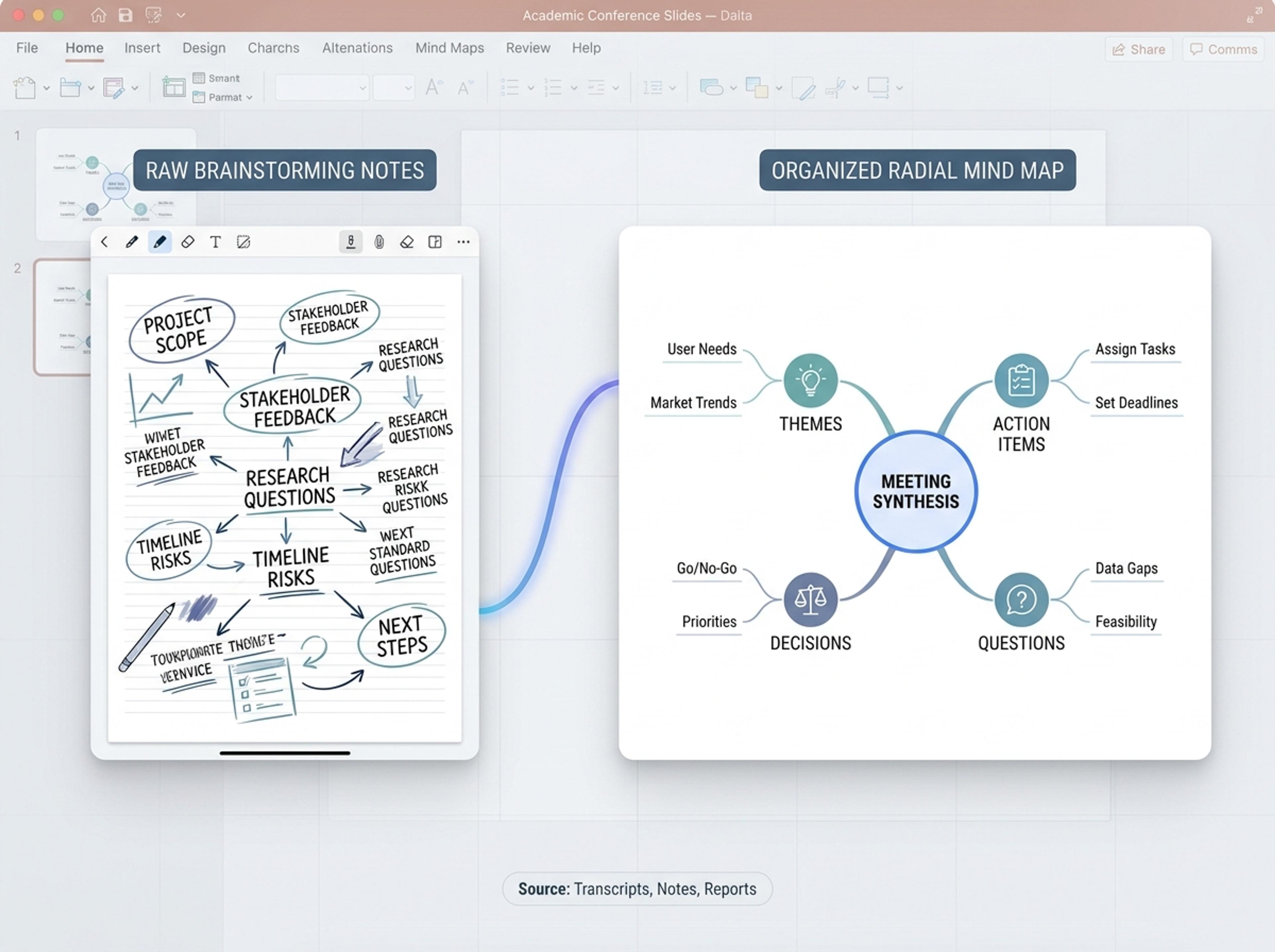
Drop in meeting transcripts, research notes, or a single topic and Infograph builds a clean radial mind map you can iterate on.
Drag and drop your paper, lab notes, lesson material, or document here or
A mind map places one central idea in the middle and branches related topics outward, making associations, subtopics, and idea clusters easy to scan. It is useful for brainstorming, lesson planning, research synthesis, meeting notes, and concept exploration.
Start from messy notes, transcripts, or a single topic and let Infograph organize branches, labels, and relationships into a readable radial map.
Paste meeting notes or scattered ideas and create a radial map that groups themes, tasks, questions, and next steps.
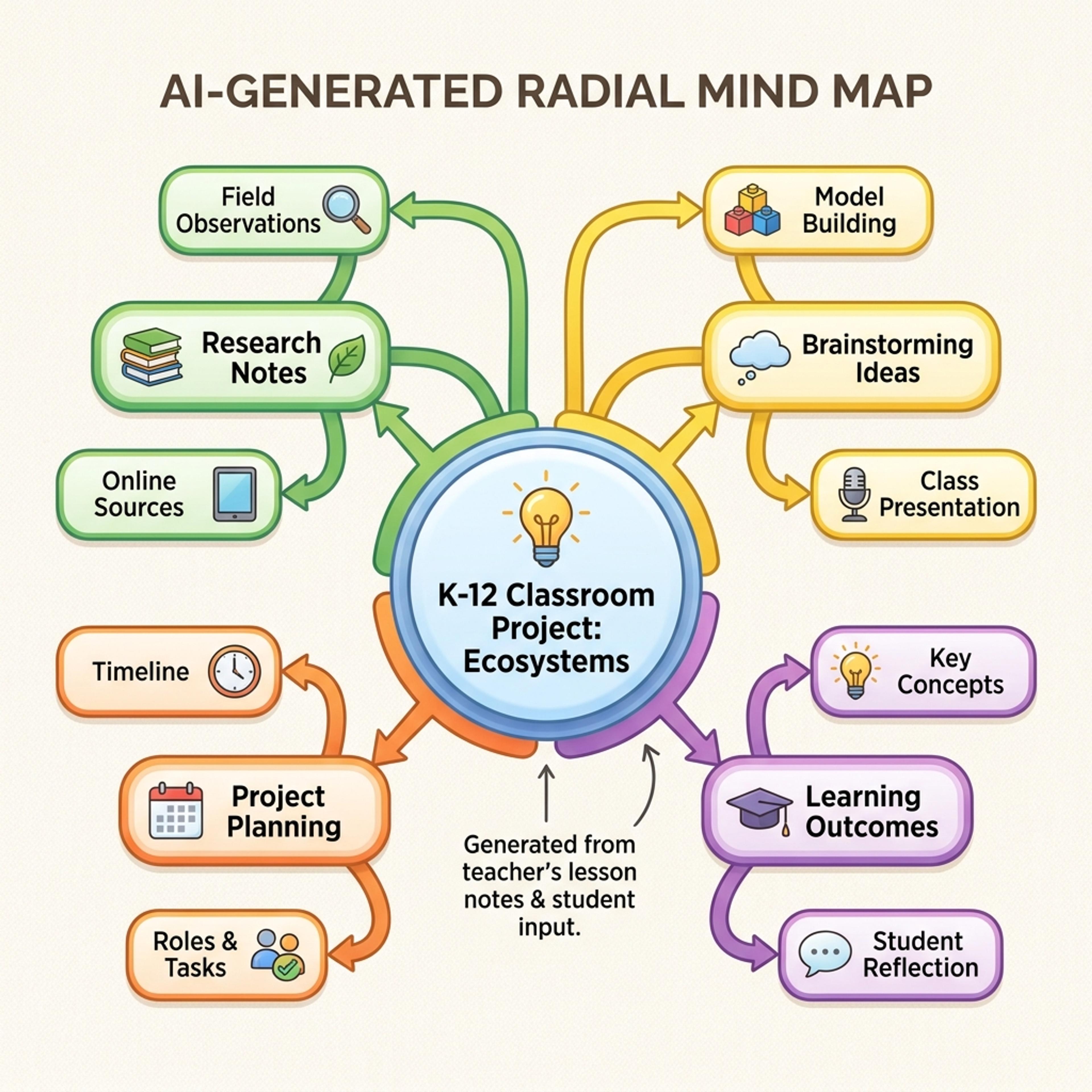
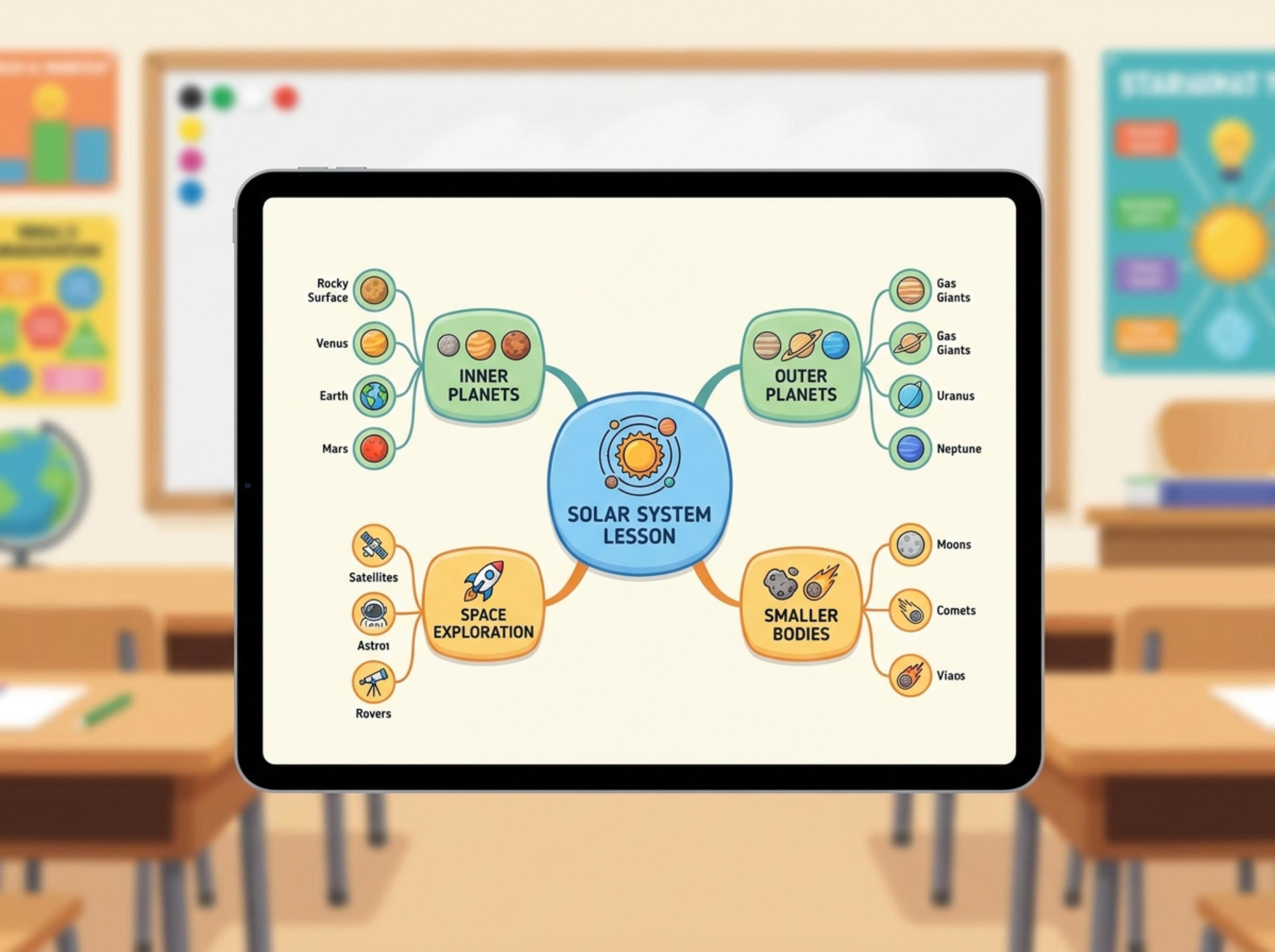
Turn a K-12 lesson topic into a colorful map with clear branches students can use before writing, reading, or discussion.
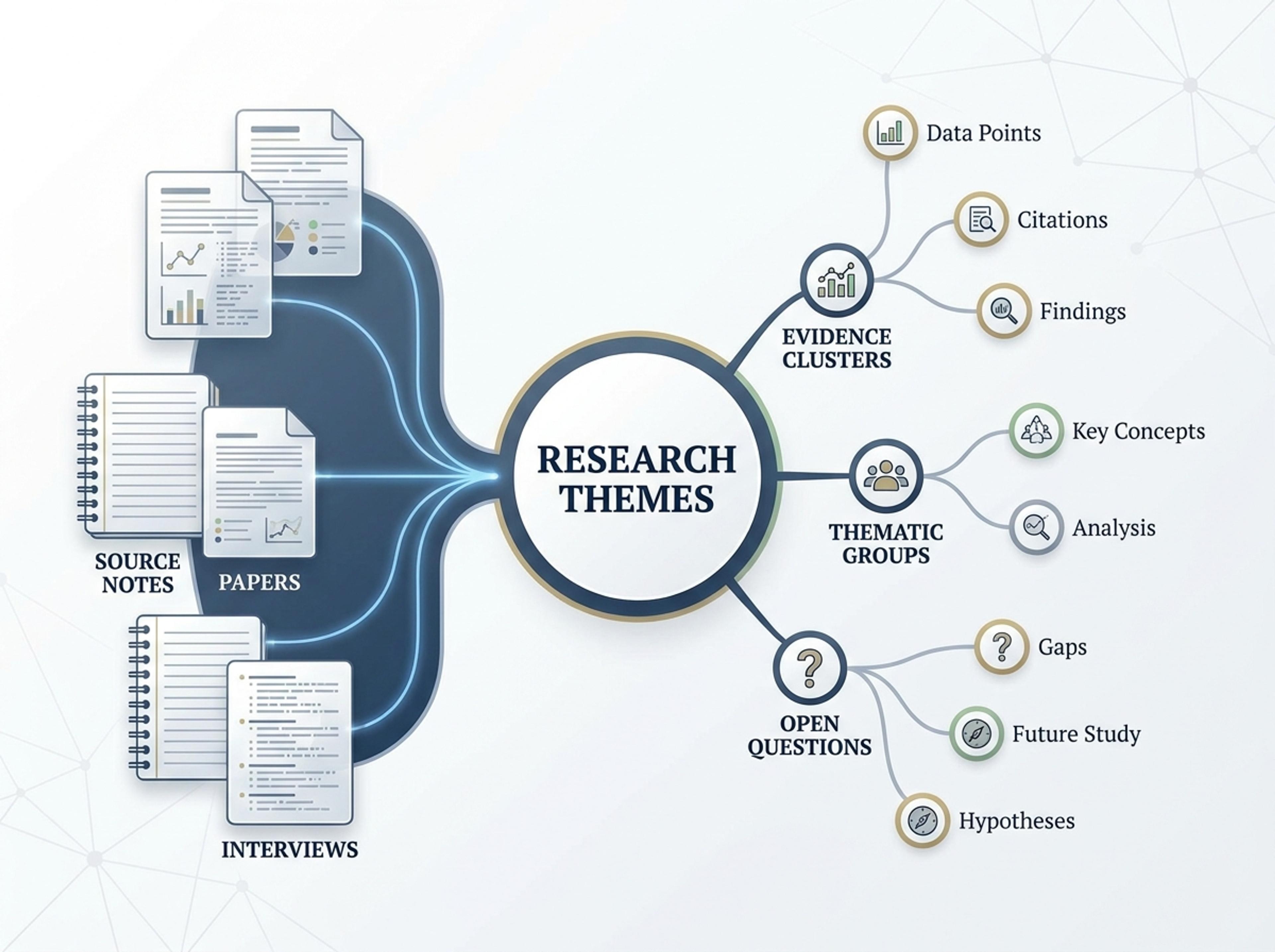
Convert papers, interviews, or source notes into a map of themes, evidence clusters, and open questions.
Bring in research notes, meeting transcripts, articles, or a reference URL. Infograph reads the full text so the mind map starts from real content rather than a blank canvas.

Choose how dense the branches should be, set the central topic, and pin the visual style. You stay in control of structure while skipping tedious manual layout.

The model identifies parent topics, sub-topics, and relationships, then arranges them into a balanced radial mind map you can iterate on.

Use plain-language prompts to reword nodes, add branches, or recolor regions. Export the mind map as PNG, JPG, or PDF for slides, docs, or print.

Explore mind map results Infograph can create for brainstorming, K-12 lessons, research synthesis, and planning.
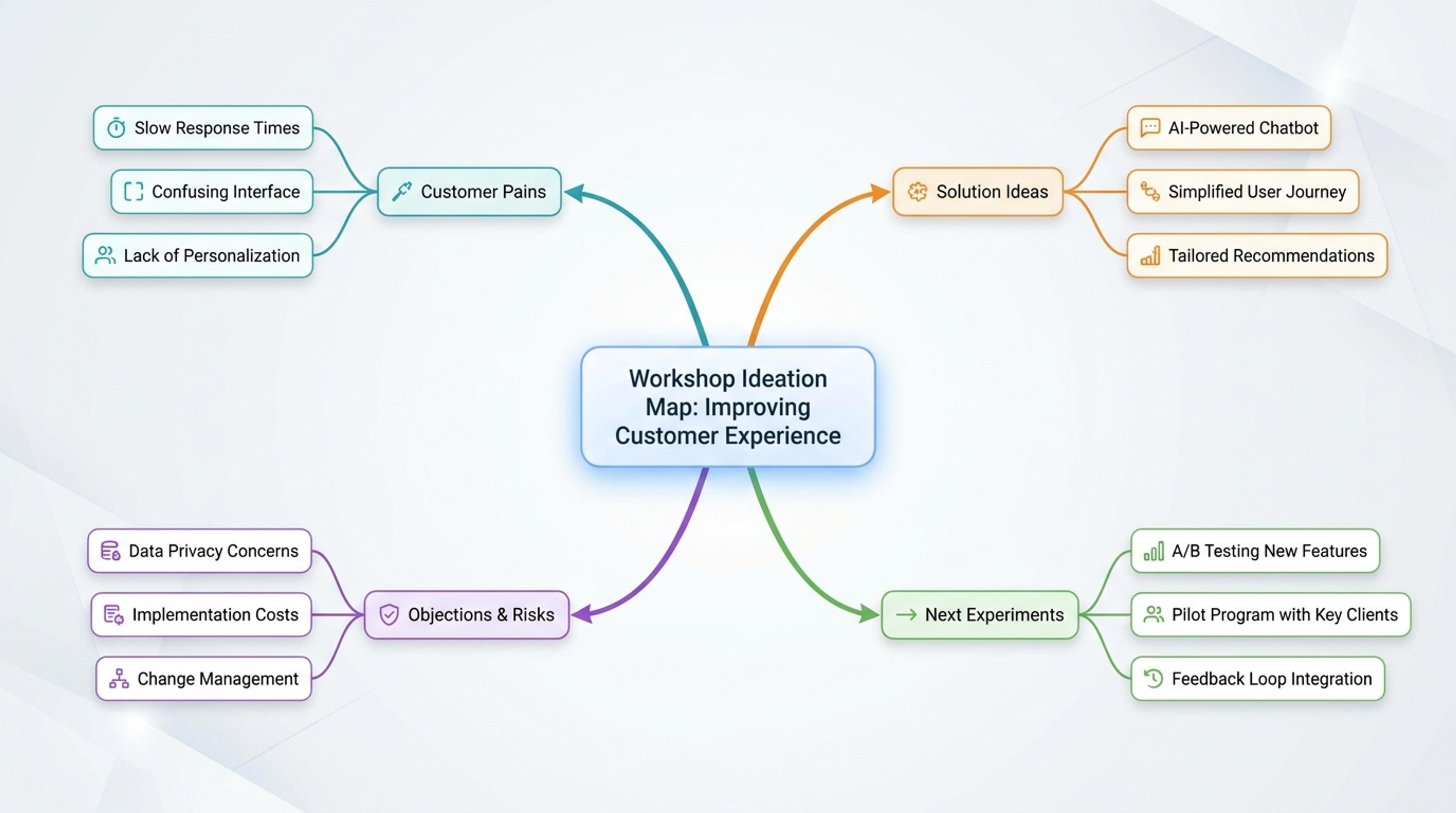
Group customer pains, solution ideas, objections, and next experiments around one topic.
Yes. Upload a doc, paste a transcript, or drop in a URL and the AI extracts the central topic, branches, and sub-branches based on the content.
A mind map starts from one central topic and branches outward radially, while a concept map shows labeled relationships in a network. Mind maps suit brainstorming and study notes.
Five to nine main branches reads well at a glance. The AI splits or merges branches automatically to keep the map balanced.
Yes. Add a node, reorder a branch, recolor a region, or rewrite a sub-topic with a quick prompt. The radial layout rebalances itself.
Export as PNG or JPG for slides and embeds, or PDF for handouts and printed study guides.
Explore adjacent Infograph tools for timelines, funnels, pyramids, comparisons, and source-to-infographic workflows.
Turn project briefs, history readings, research notes, or links into a clean timeline infographic with milestones, labels, and visual flow.
Drop in your funnel data, paste a marketing recap, or describe each stage and turn it into a clean conversion funnel ready for the next QBR slide.
Turn frameworks like Maslow, Bloom's, or your own strategy stack into a clean pyramid chart that orders priorities at a glance.
Turn topics, notes, documents, or links into a clean two-circle or three-circle Venn diagram with readable labels and overlap summaries.
Paste an article, transcript, or batch of notes and Infograph turns the text into a polished infographic with hierarchy, callouts, and chart treatments.
Upload a research paper, white paper, or report PDF and Infograph extracts the structure to render a clean infographic — no copy-paste between tools.
Turn papers, lab notes, links, text, and data into scientific figures, graphical abstracts, biology diagrams, and research visuals. AI Scientific Figure Maker | Built for research and education