


Map Project Milestones
Paste a launch plan, roadmap, or status summary and turn scattered dates into a clear sequence of milestones.
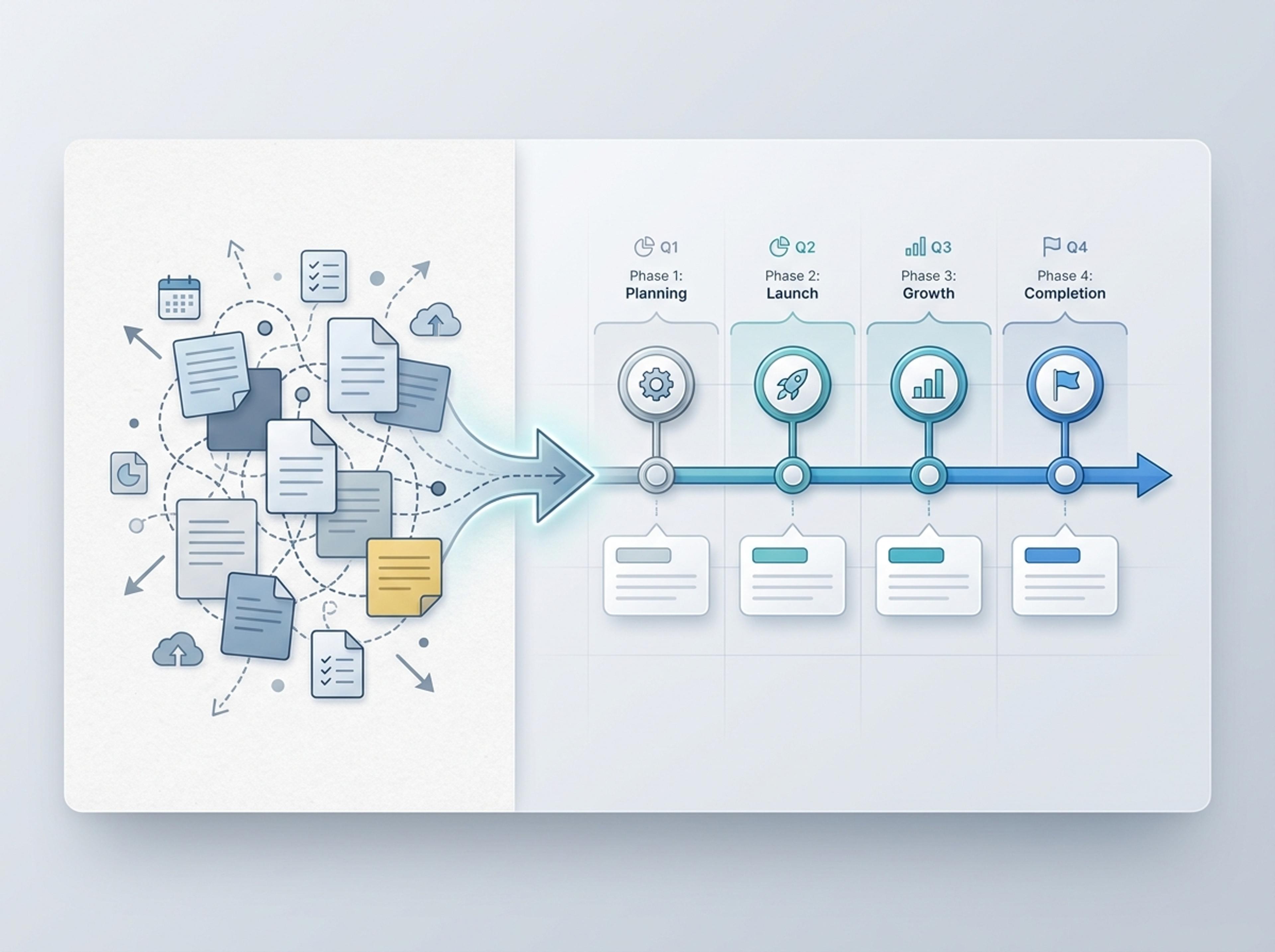
Turn project briefs, history readings, research notes, or links into a clean timeline infographic with milestones, labels, and visual flow.
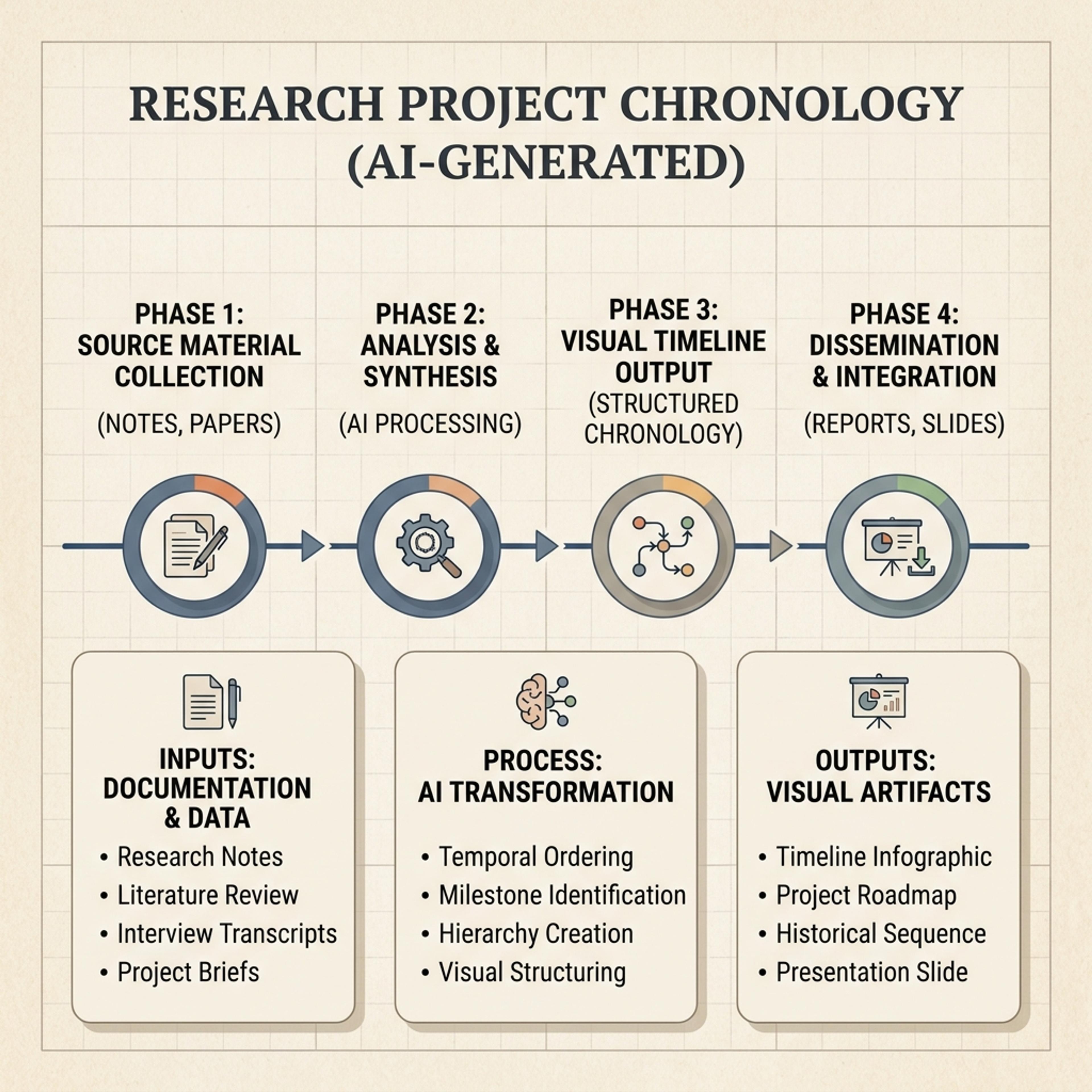
Drag and drop your paper, lab notes, lesson material, or document here or
A timeline infographic turns events, dates, milestones, or phases into a visual sequence that is easy to scan. It is useful for project plans, classroom history lessons, research chronology, product roadmaps, and any story where order matters.
Start from rough source material and let Infograph organize dates, milestones, phases, and captions into a readable timeline.
Paste a launch plan, roadmap, or status summary and turn scattered dates into a clear sequence of milestones.
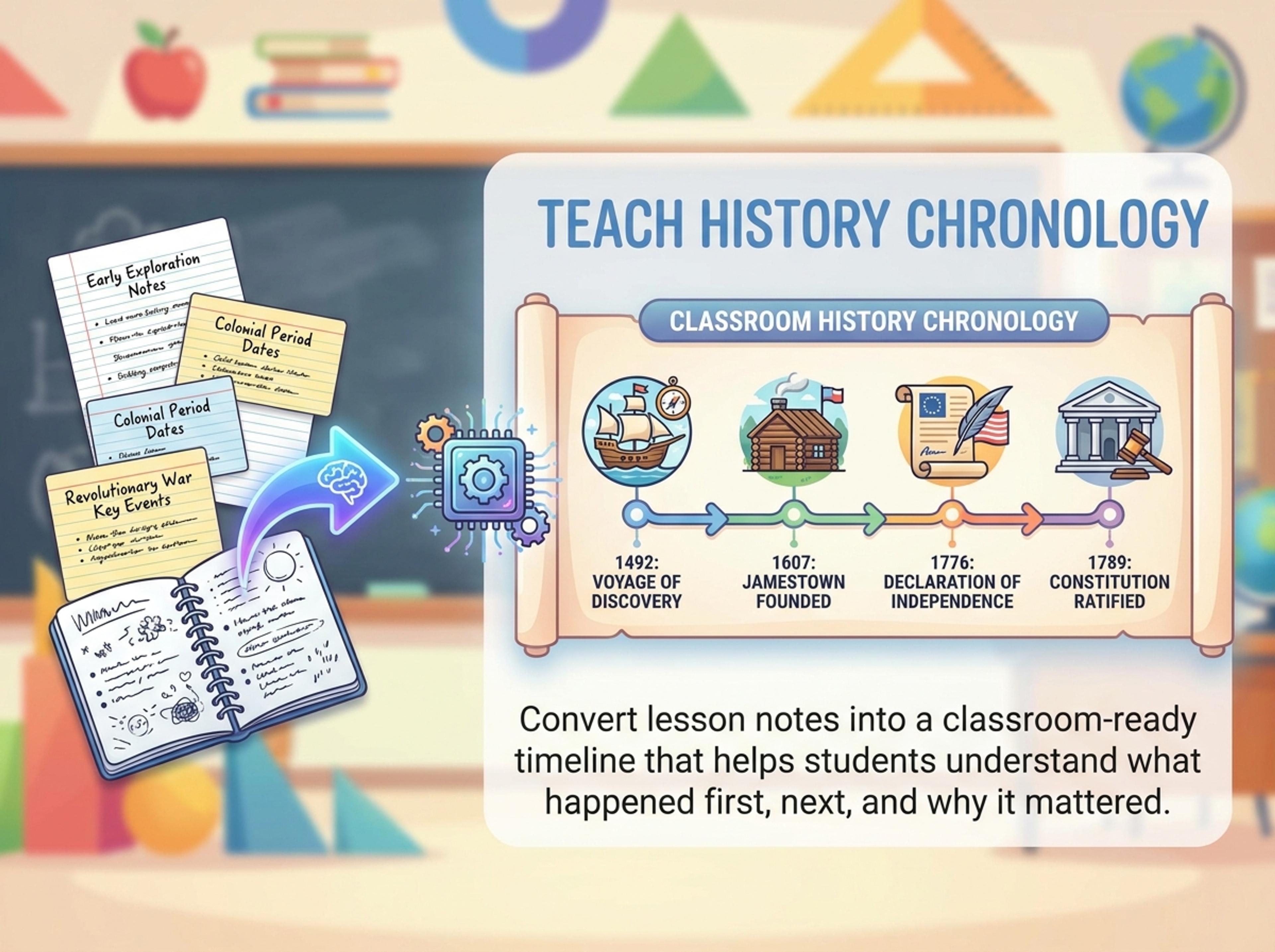
Convert lesson notes into a classroom-ready timeline that helps students understand what happened first, next, and why it mattered.
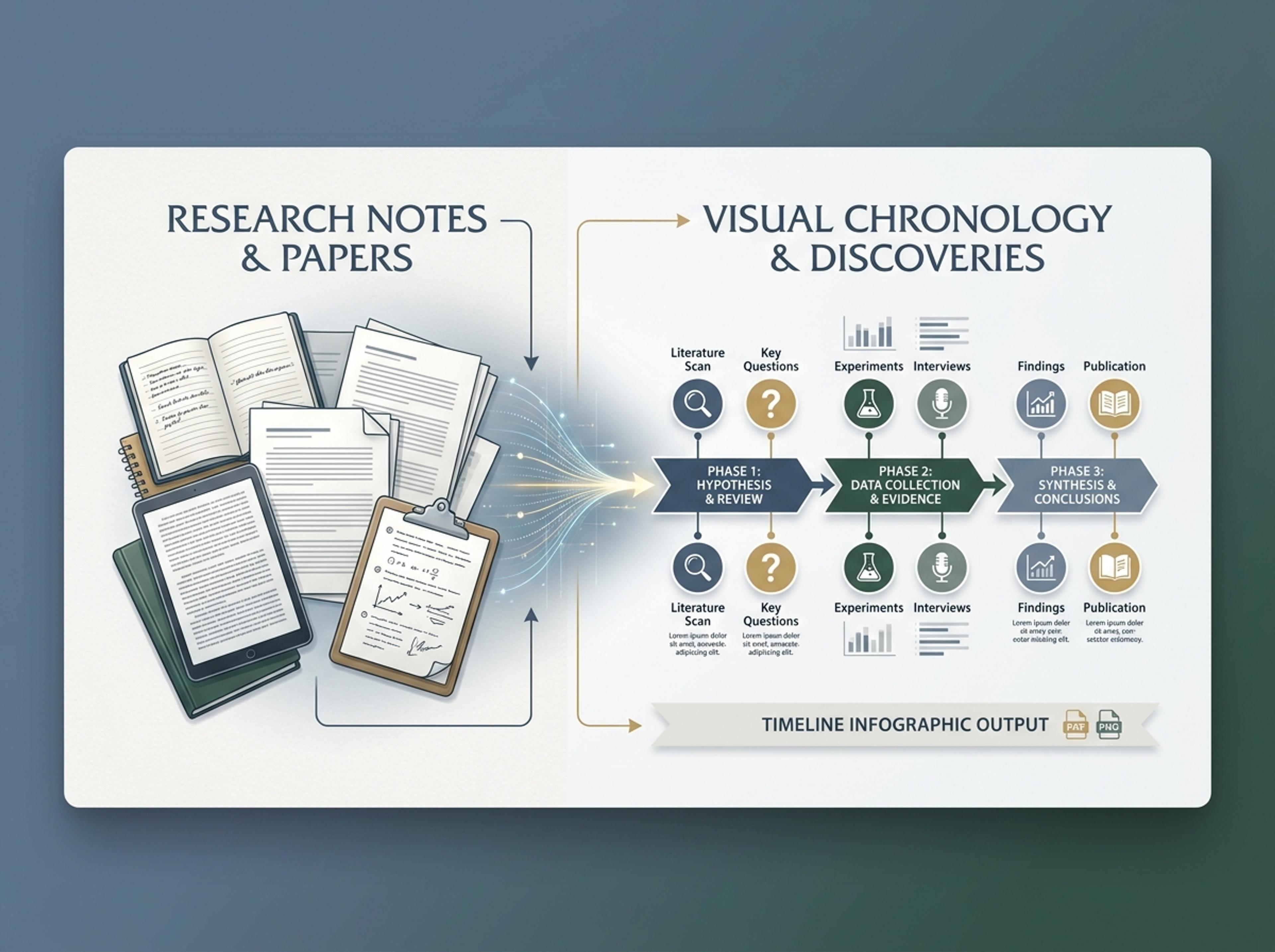
Turn papers, interviews, or research notes into a visual chronology of discoveries, phases, evidence, and decisions.
Describe the topic, paste event notes, upload a document, or add a link. Infograph can work from real source material, not only a short prompt.

Use a horizontal timeline for slides and dashboards, or a vertical timeline when you need more explanation in a report or handout.

Infograph orders events, balances spacing, groups related phases, and writes short milestone labels that stay readable.

Ask AI to add a missing milestone, simplify a caption, recolor a phase, or adjust the time span, then export as PNG, JPG, or PDF.

Explore timeline results Infograph can create for product launches, K-12 lessons, research summaries, and strategic milestones.
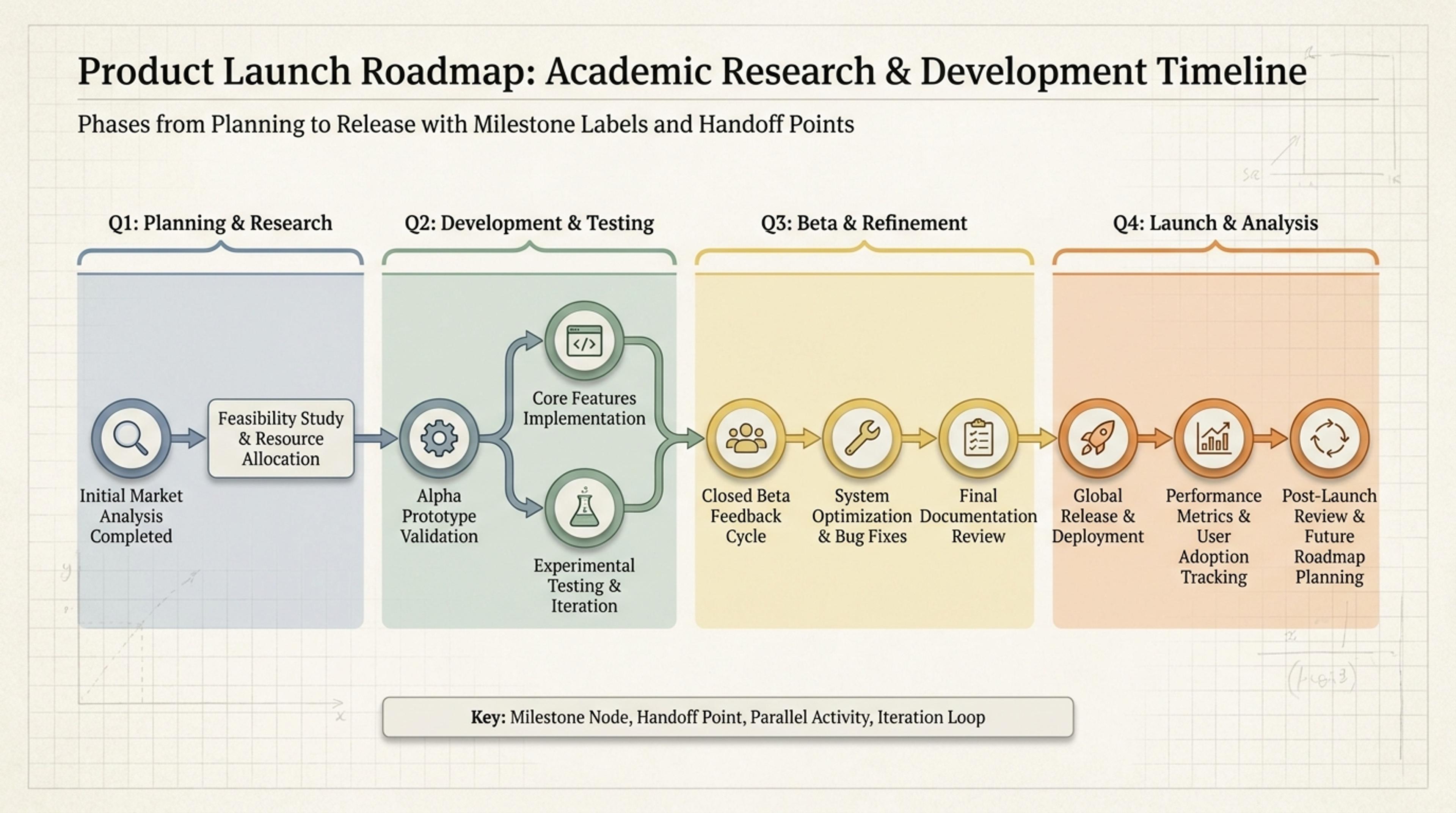
Show phases from planning to release with milestone labels and handoff points.
Yes. Upload a planning document, article, research summary, or lesson notes and the AI pulls out dates, events, and milestones for the timeline.
Yes. Use horizontal timelines for slides and visual summaries, or vertical timelines when you need more room for captions in documents and handouts.
Yes. Use the link tab when the timeline is based on an article, report, project page, or other source you want Infograph to summarize.
Yes. Ask AI to add a missing milestone, move an event, rewrite a caption, merge phases, or change the timeline style.
You can export the finished timeline infographic as PNG, JPG, or PDF for slides, reports, teaching materials, and shared documents.
Explore adjacent Infograph tools for comparisons, mind maps, funnels, pyramids, and source-to-infographic workflows.
Turn topics, notes, documents, or links into a clean two-circle or three-circle Venn diagram with readable labels and overlap summaries.
Drop in meeting transcripts, research notes, or a single topic and Infograph builds a clean radial mind map you can iterate on.
Drop in your funnel data, paste a marketing recap, or describe each stage and turn it into a clean conversion funnel ready for the next QBR slide.
Turn frameworks like Maslow, Bloom's, or your own strategy stack into a clean pyramid chart that orders priorities at a glance.
Paste an article, transcript, or batch of notes and Infograph turns the text into a polished infographic with hierarchy, callouts, and chart treatments.
Upload a research paper, white paper, or report PDF and Infograph extracts the structure to render a clean infographic — no copy-paste between tools.
Turn papers, lab notes, links, text, and data into scientific figures, graphical abstracts, biology diagrams, and research visuals. AI Scientific Figure Maker | Built for research and education