

Summarize Long Documents
AI reads headings, body text, captions, and tables so the infographic reflects the actual PDF instead of a pasted abstract.
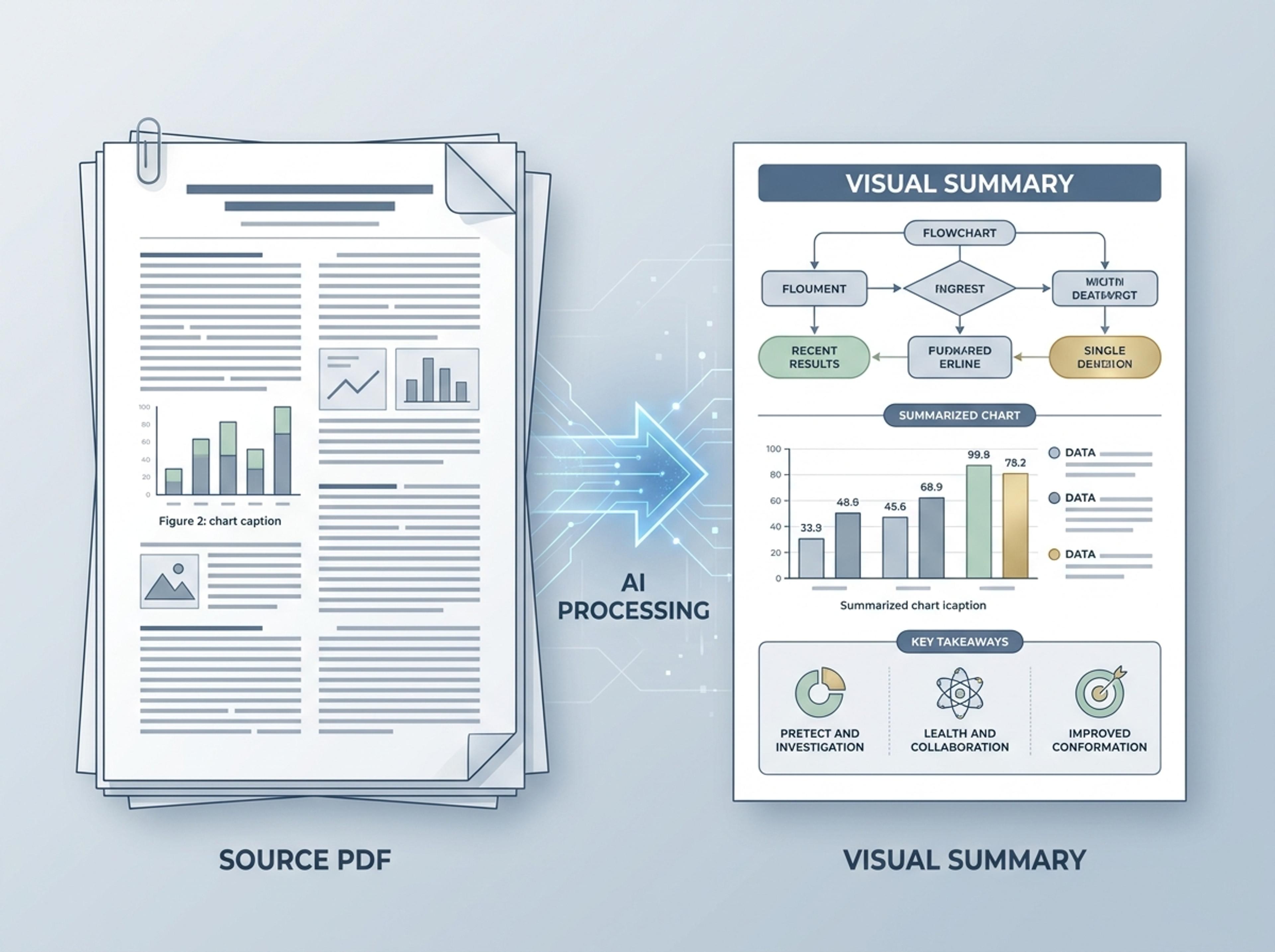
Upload a research paper, white paper, or report PDF and Infograph extracts the structure to render a clean infographic — no copy-paste between tools.
Explore finished infographic results created from research papers, business reports, classroom readings, and strategy briefs.
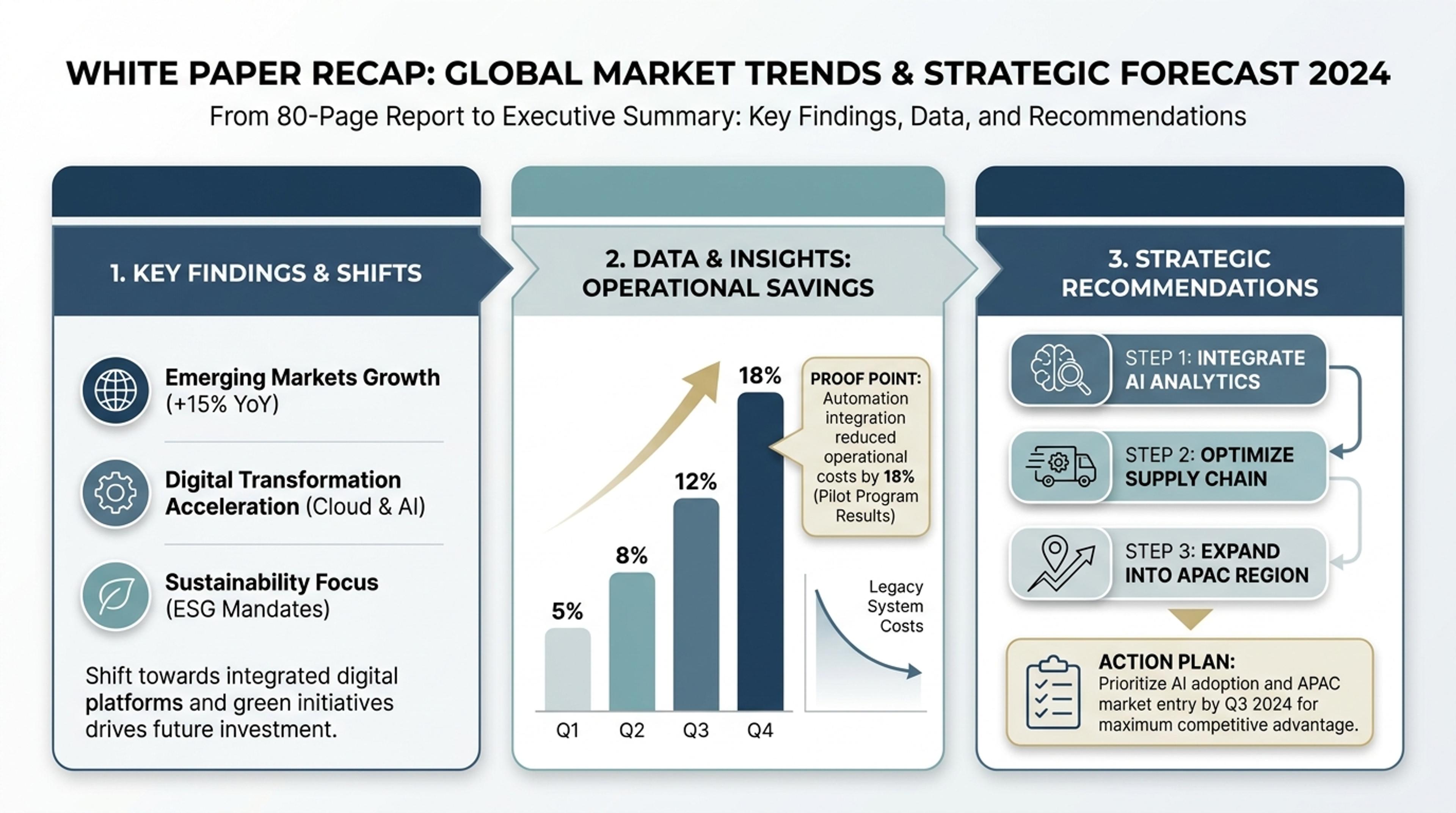
Convert a long report into a visual summary with findings, charts, and proof points.
Upload papers, white papers, reports, and briefs, then let Infograph identify the strongest structure for a polished infographic.
AI reads headings, body text, captions, and tables so the infographic reflects the actual PDF instead of a pasted abstract.
Important claims, metrics, and recommendations become callouts, chart treatments, and visual sections readers can scan quickly.
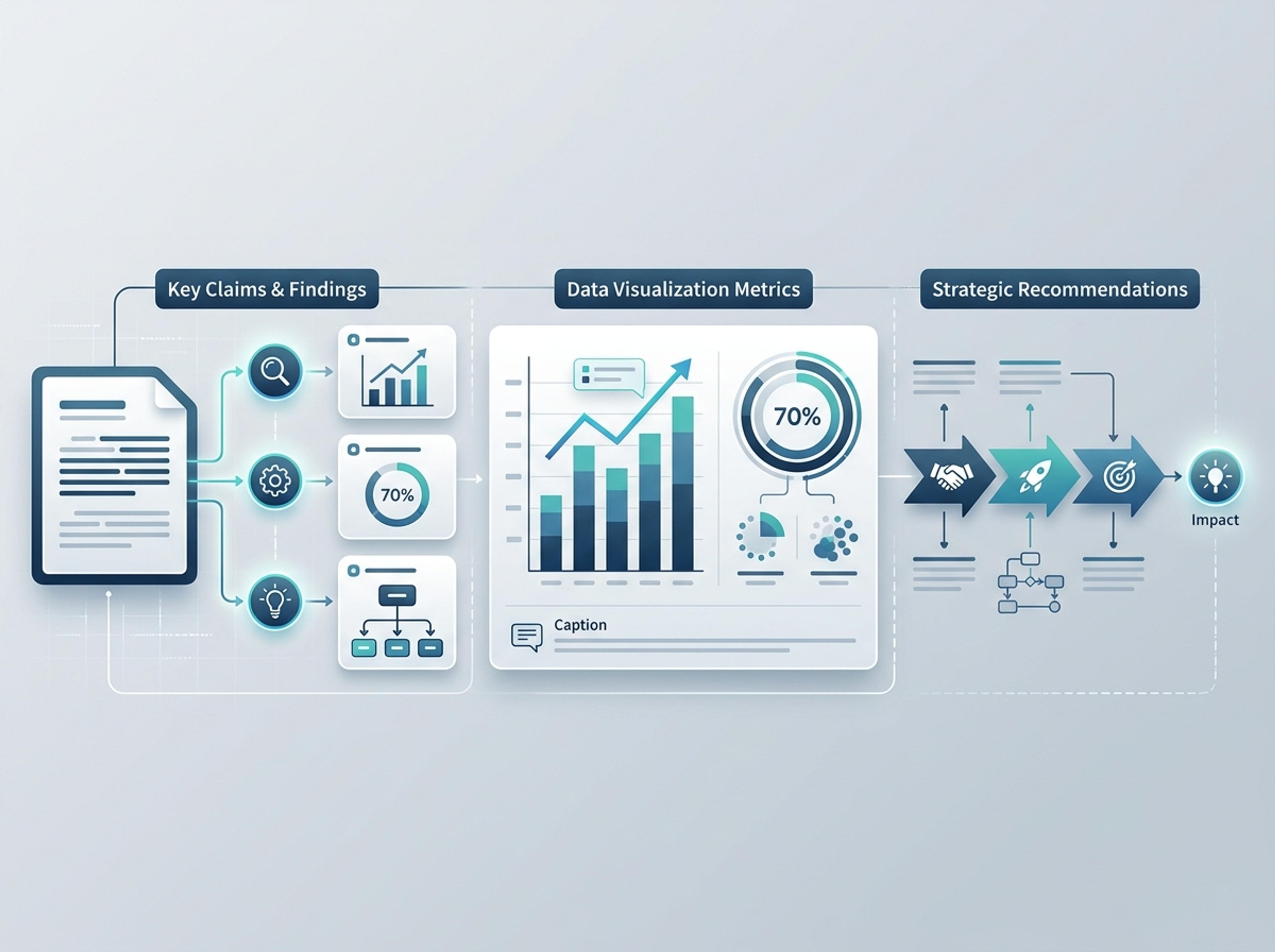
Turn a dense PDF into a visual for blog posts, internal updates, policy summaries, sales follow-up, or classroom handouts.
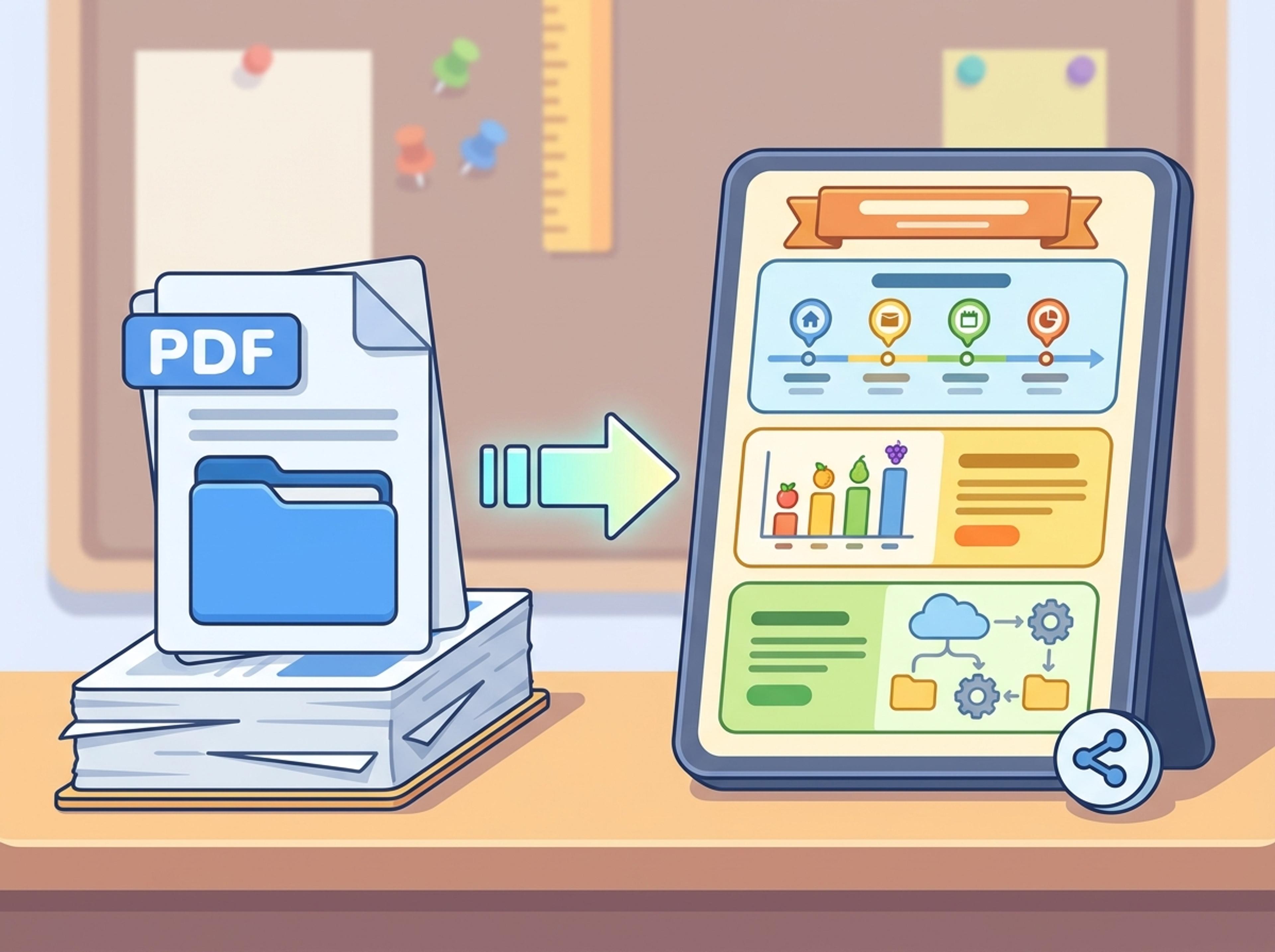
Drop your PDF — research paper, white paper, internal report, or pitch document. The AI reads the body text, figures, and tables directly.
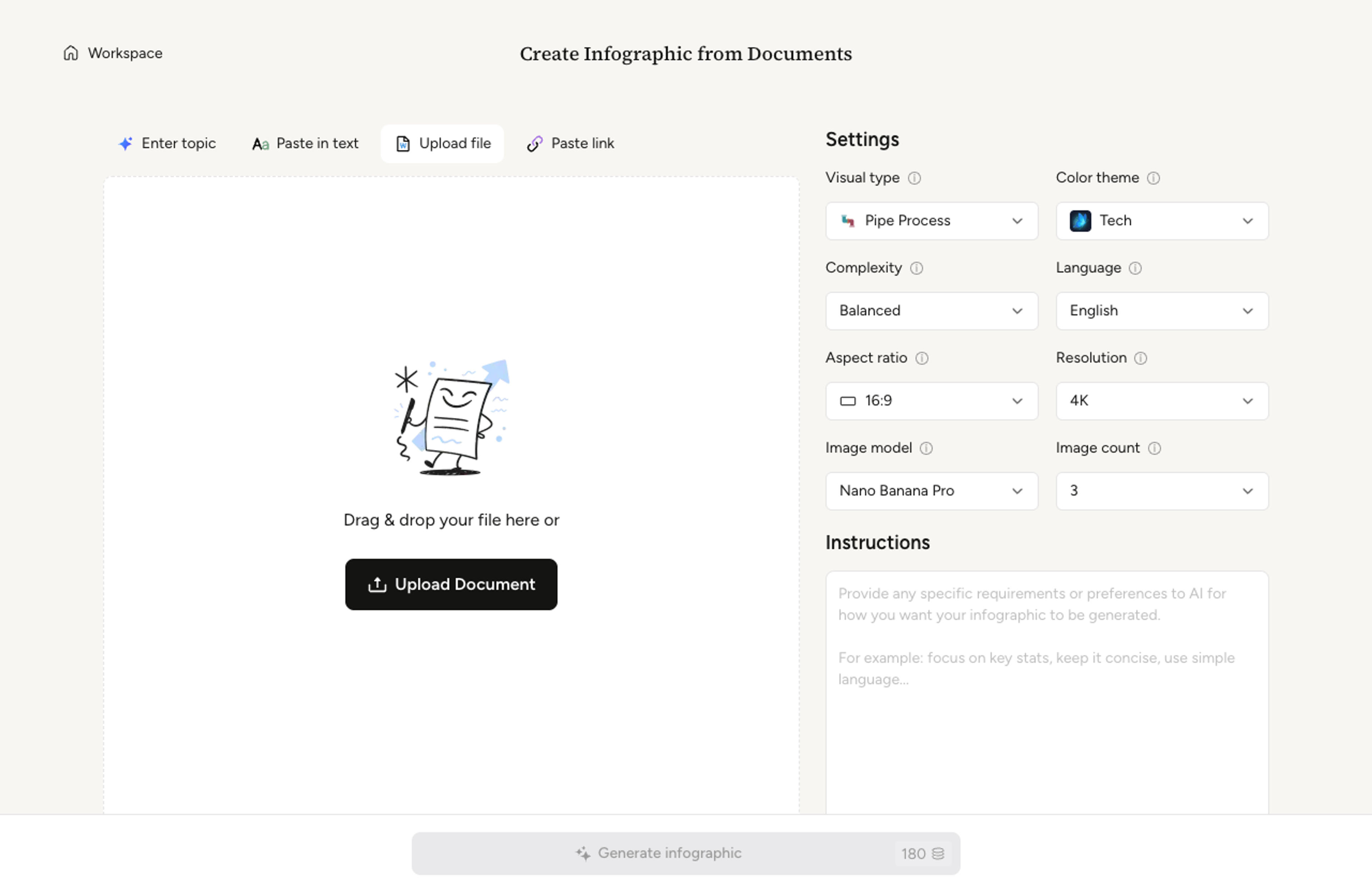
Pick a one-page summary, a multi-section infographic, or a poster-style layout. Infograph adapts the format to the density of your PDF.

The AI extracts headlines, supporting points, and any data callouts from the PDF, ranks the most important findings, and lays them out cleanly.

Tighten copy, swap a chart, or recolor a section with a single prompt. Export as PNG, JPG, or PDF for sharing online or printing for handouts.

Move from long-form documents to credible visuals while keeping the source material grounded.
The AI reviews document structure instead of only the first page or title.
Findings, recommendations, and numerical points become visual anchors.
Table-heavy PDFs can become chart treatments, summaries, or structured grids.
Download infographic outputs for online publishing, decks, or print.
Create business recaps, classroom visuals, academic posters, or strategy one-pagers.
Change section order, simplify language, or adjust style with follow-up prompts.
Yes. The AI reads body text, headings, captions, and table content. It ranks the most important findings so the infographic stays focused.
Research papers, white papers, internal reports, policy briefs, and pitch documents all work well. PDFs with text-based content convert better than scanned images.
The AI reads numerical findings in the text and rebuilds chart treatments to match. For original chart images, the AI recreates a clean version rather than embedding the raster.
Most PDFs convert in under a minute. Larger documents with many pages may take longer as the AI reads through the full source before composing the infographic.
Tables are converted into chart treatments, summary callouts, or a structured grid depending on the data. Use the table-to-infographic flow if your source is primarily tabular.
Explore adjacent Infograph tools for text, Word docs, PowerPoint decks, tables, and visual formats.
Paste an article, transcript, or batch of notes and Infograph turns the text into a polished infographic with hierarchy, callouts, and chart treatments.
Upload a .docx — strategy memo, research note, internal report — and Infograph turns the structure into a clean infographic without rewriting the doc.
Upload a .pptx and Infograph extracts the slide content into a single infographic — perfect for blog posts, social posts, or executive one-pagers.
Drop in a CSV, paste a markdown table, or upload a sheet and Infograph turns the rows into a chart-driven infographic instead of a wall of numbers.
Turn topics, notes, documents, or links into a clean two-circle or three-circle Venn diagram with readable labels and overlap summaries.
Drop in your funnel data, paste a marketing recap, or describe each stage and turn it into a clean conversion funnel ready for the next QBR slide.
Turn papers, lab notes, links, text, and data into scientific figures, graphical abstracts, biology diagrams, and research visuals. AI Scientific Figure Maker | Built for research and education