

Preserve Document Sections
Headings, lists, and important paragraphs become visual groups so your Word document keeps its original logic.
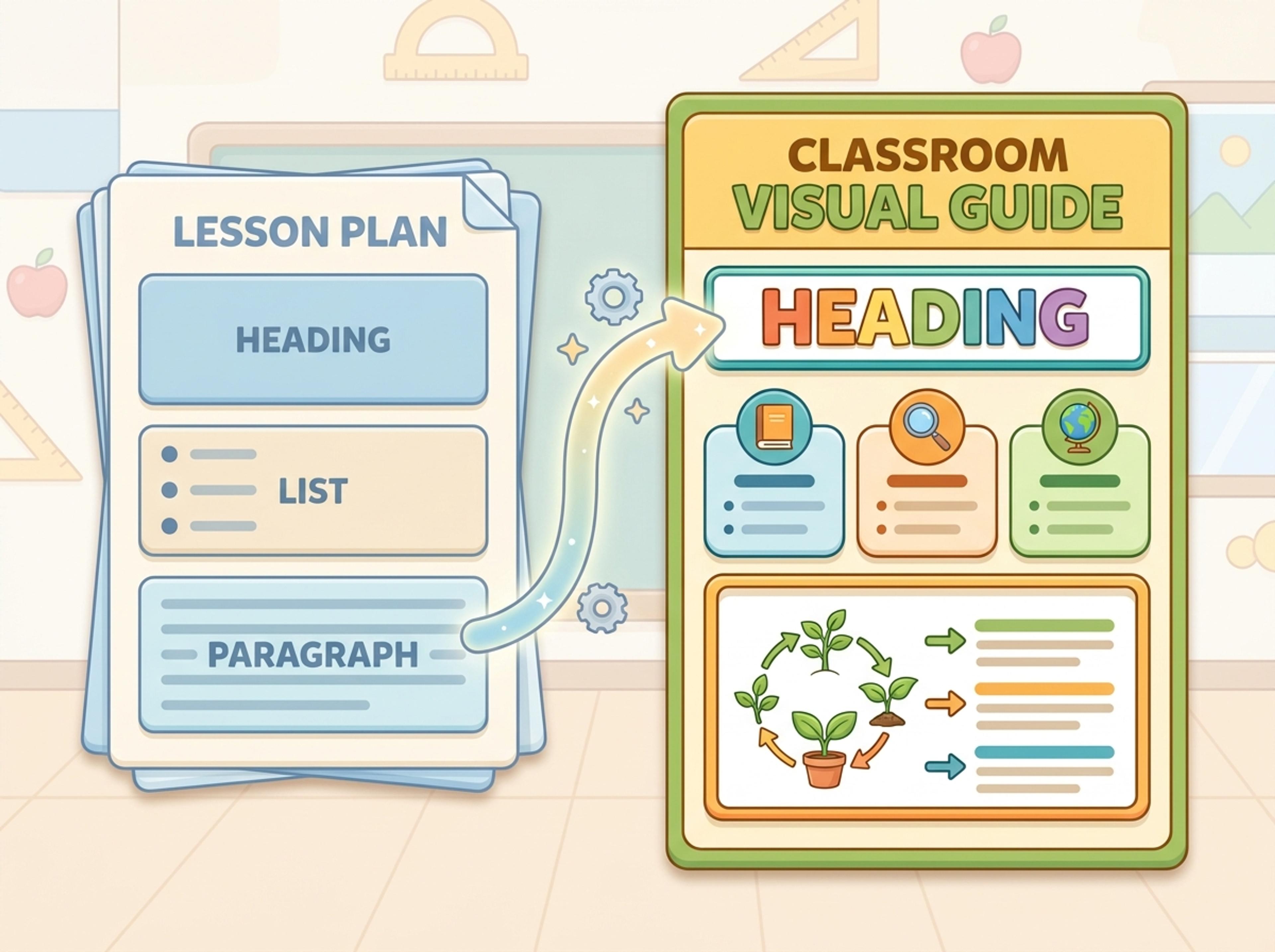
Upload a .docx — strategy memo, research note, internal report — and Infograph turns the structure into a clean infographic without rewriting the doc.
Explore finished infographic results created from memos, lesson plans, research notes, and internal reports.
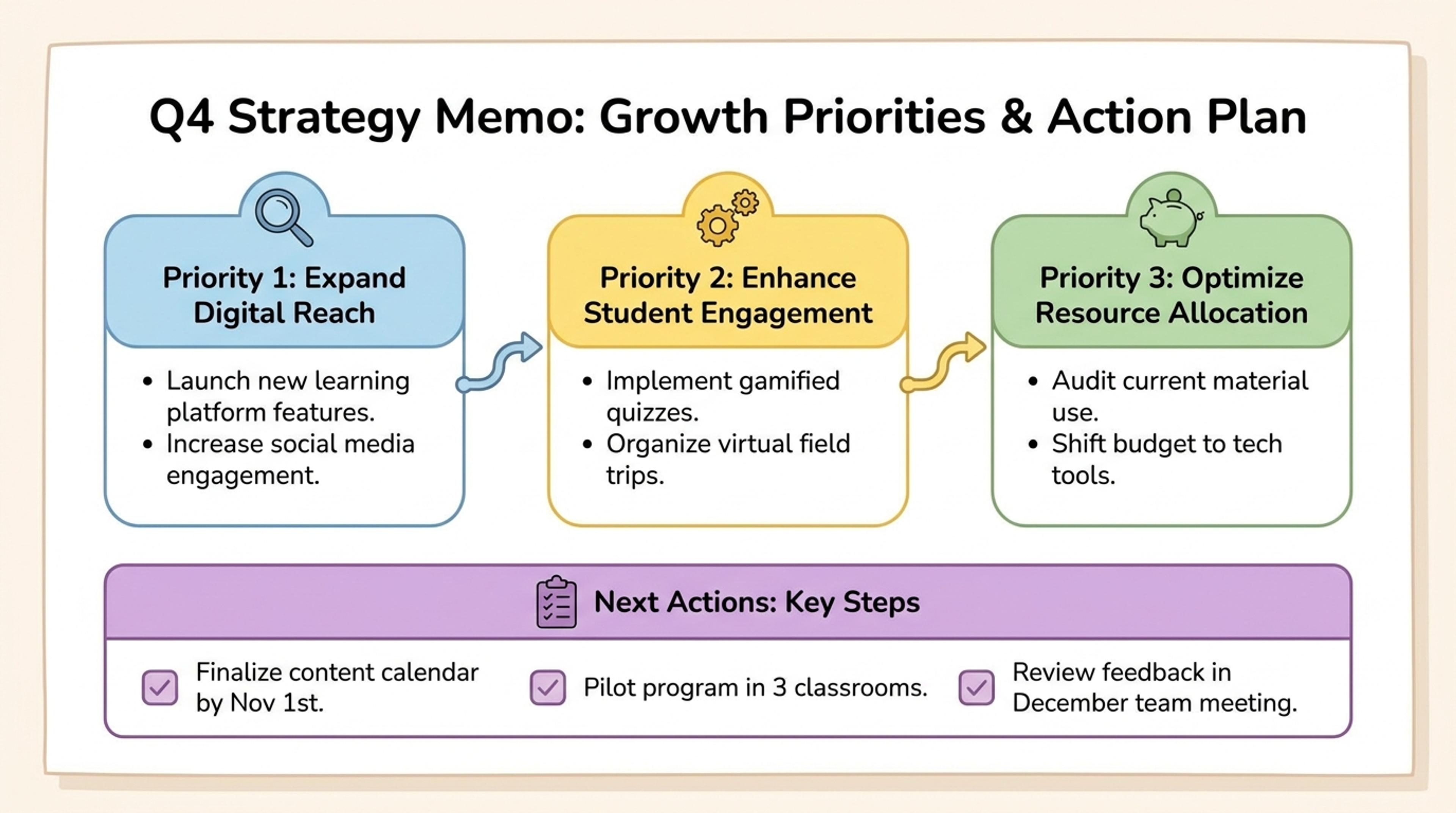
Turn a Word memo into priorities, supporting points, and next actions.
Upload memos, lesson plans, reports, and notes, then let Infograph convert the document structure into a readable infographic.
Headings, lists, and important paragraphs become visual groups so your Word document keeps its original logic.
Transform SOPs, strategy memos, and updates into visual summaries people can understand without reading every paragraph.
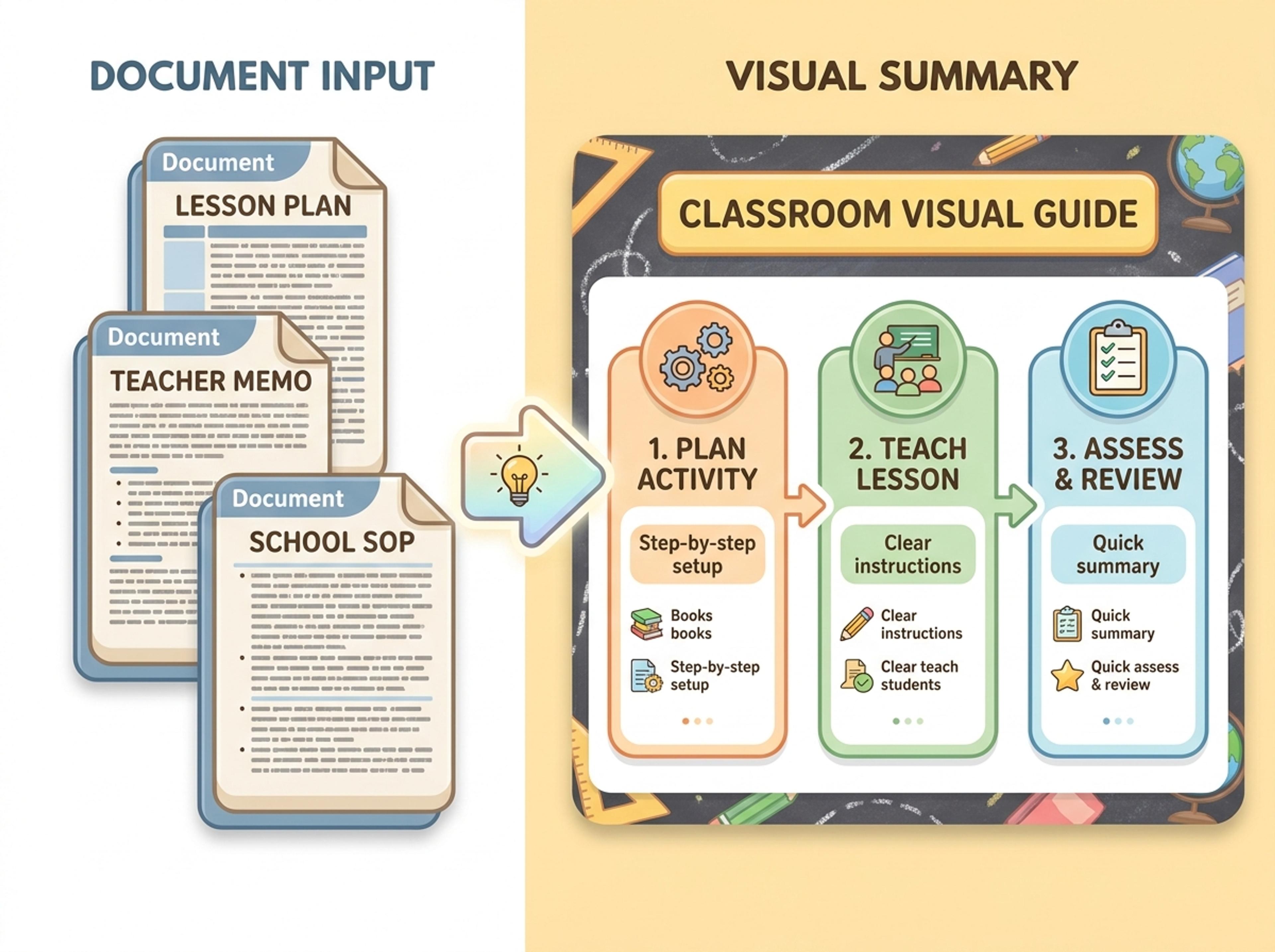
Convert lesson plans and teaching notes into student-ready visuals with simple labels, friendly hierarchy, and clear takeaways.
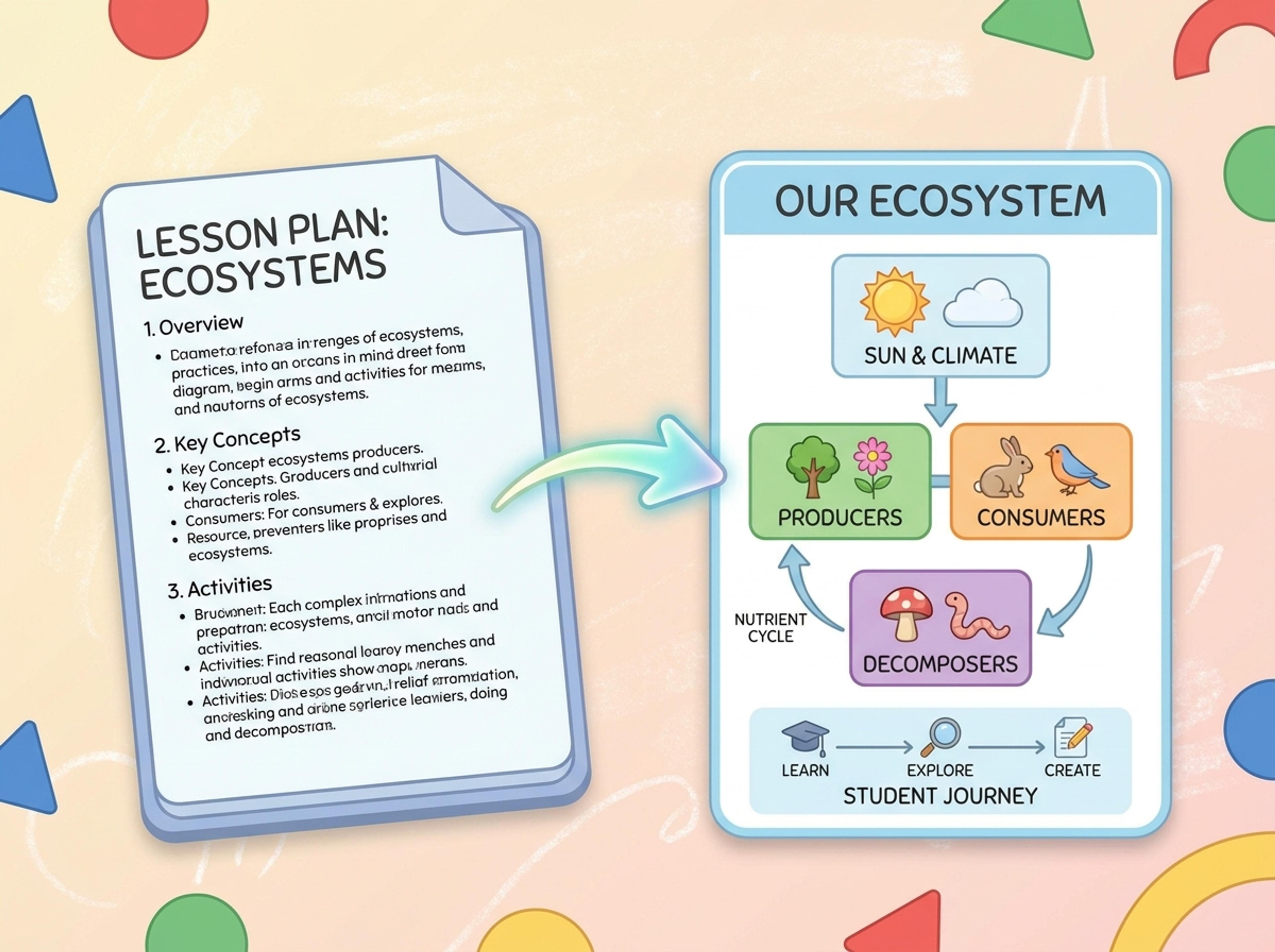
Drop your .docx — strategy memo, internal report, lesson plan, or research note. The AI reads headings and body content directly.
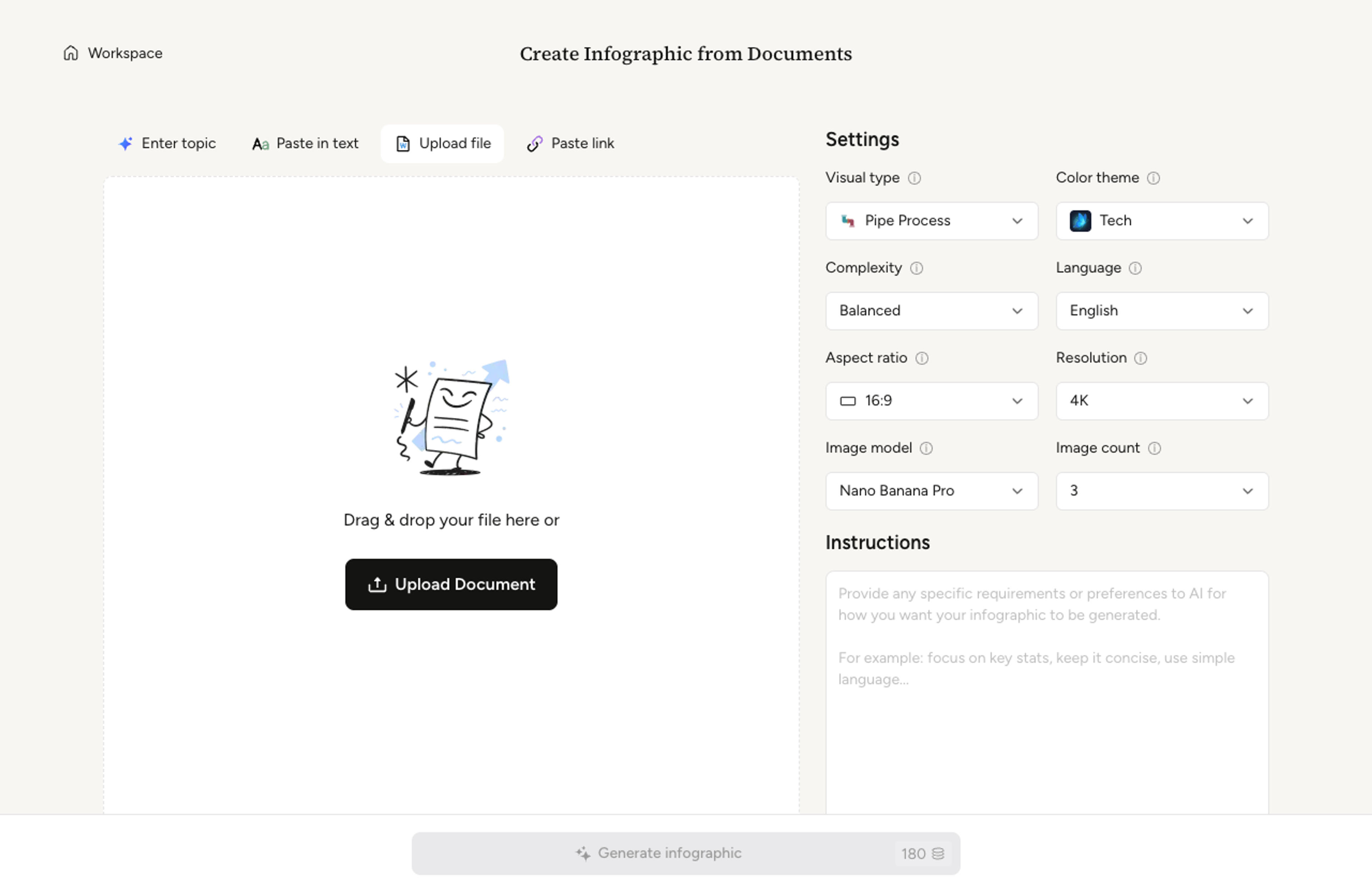
Choose a one-page summary, a multi-section infographic, or a step-by-step guide. The format adapts to how your Word doc is structured.

The AI extracts section headings as visual anchors, summarizes paragraphs into concise points, and lays the content out with clear hierarchy.

Recolor a section, rewrite a callout, or rearrange order with a quick prompt. Export as PNG, JPG, or PDF for sharing or print.

Reuse existing documents as the source for polished visuals without rebuilding the content manually.
Document headings become the backbone of the visual structure.
Bullet lists become grouped points, steps, or comparison sections.
Use memos, reports, lesson plans, SOPs, and research notes.
Make the result classroom-friendly, executive-ready, or research-oriented.
Adjust copy, color, order, and emphasis after the first draft.
Download the final infographic for sharing, printing, or embedding.
Yes. Modern .docx files work out of the box. Older .doc files are supported, though some formatting nuances may not carry over perfectly.
Section headings become visual anchors, lists become bullet groups or step blocks, and tables convert to chart or grid treatments depending on density.
Yes. Section structure carries over from the Word doc. You can reorder or hide sections in the infographic with plain-language prompts.
The AI works primarily from text. Embedded images are not transcribed pixel-by-pixel; the AI re-renders any visual treatment from the surrounding caption and context.
Direct Word export is not currently supported. Export as PNG, JPG, or PDF and embed the image in the Word doc if you need a hybrid.
Explore adjacent Infograph tools for PDFs, text, PowerPoint decks, tables, and visual formats.
Upload a research paper, white paper, or report PDF and Infograph extracts the structure to render a clean infographic — no copy-paste between tools.
Paste an article, transcript, or batch of notes and Infograph turns the text into a polished infographic with hierarchy, callouts, and chart treatments.
Upload a .pptx and Infograph extracts the slide content into a single infographic — perfect for blog posts, social posts, or executive one-pagers.
Drop in a CSV, paste a markdown table, or upload a sheet and Infograph turns the rows into a chart-driven infographic instead of a wall of numbers.
Drop in meeting transcripts, research notes, or a single topic and Infograph builds a clean radial mind map you can iterate on.
Turn project briefs, history readings, research notes, or links into a clean timeline infographic with milestones, labels, and visual flow.
Turn papers, lab notes, links, text, and data into scientific figures, graphical abstracts, biology diagrams, and research visuals. AI Scientific Figure Maker | Built for research and education