

Condense Slide Narratives
AI reads slide titles, bullets, and data callouts, then turns the deck into a single coherent infographic story.
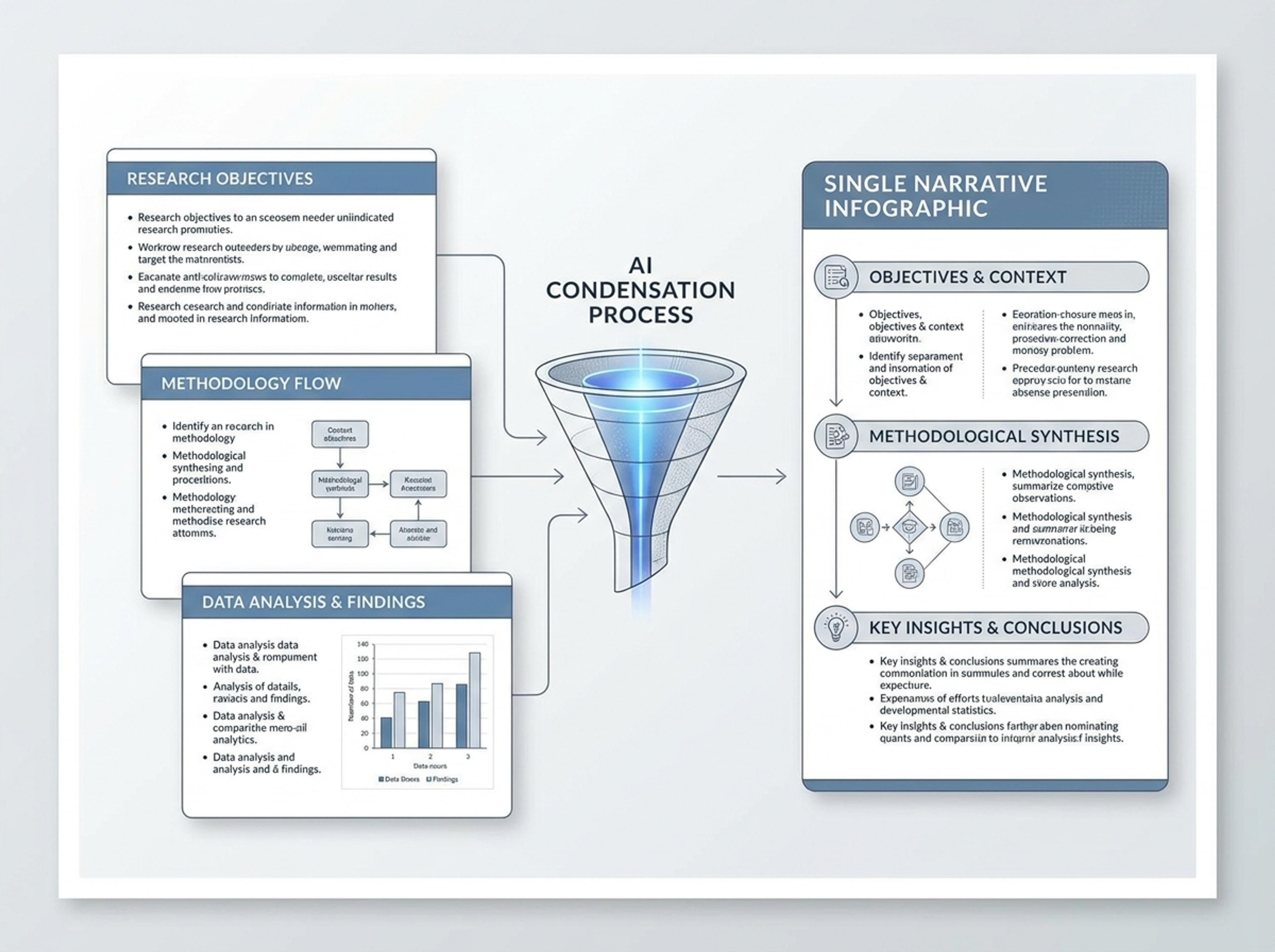
Upload a .pptx and Infograph extracts the slide content into a single infographic — perfect for blog posts, social posts, or executive one-pagers.
Explore finished infographic results created from decks, training slides, research presentations, and strategy updates.
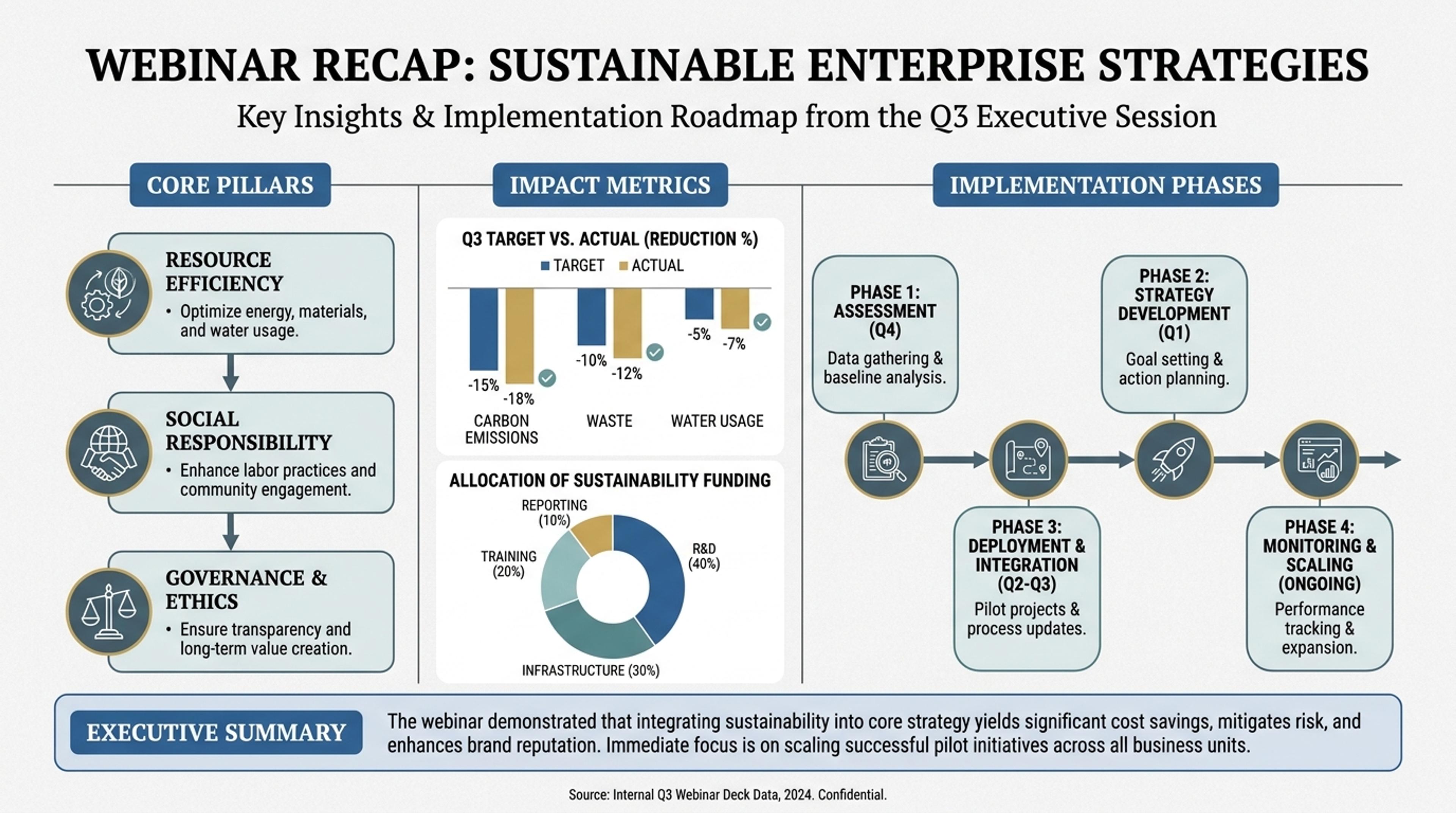
Convert a webinar deck into a narrative visual with key takeaways and proof points.
Upload a PowerPoint deck and let Infograph compress the narrative into a polished visual for posts, recap pages, or executive follow-up.
AI reads slide titles, bullets, and data callouts, then turns the deck into a single coherent infographic story.
Convert webinar decks, training materials, and sales presentations into visuals that are easier to share after the session.
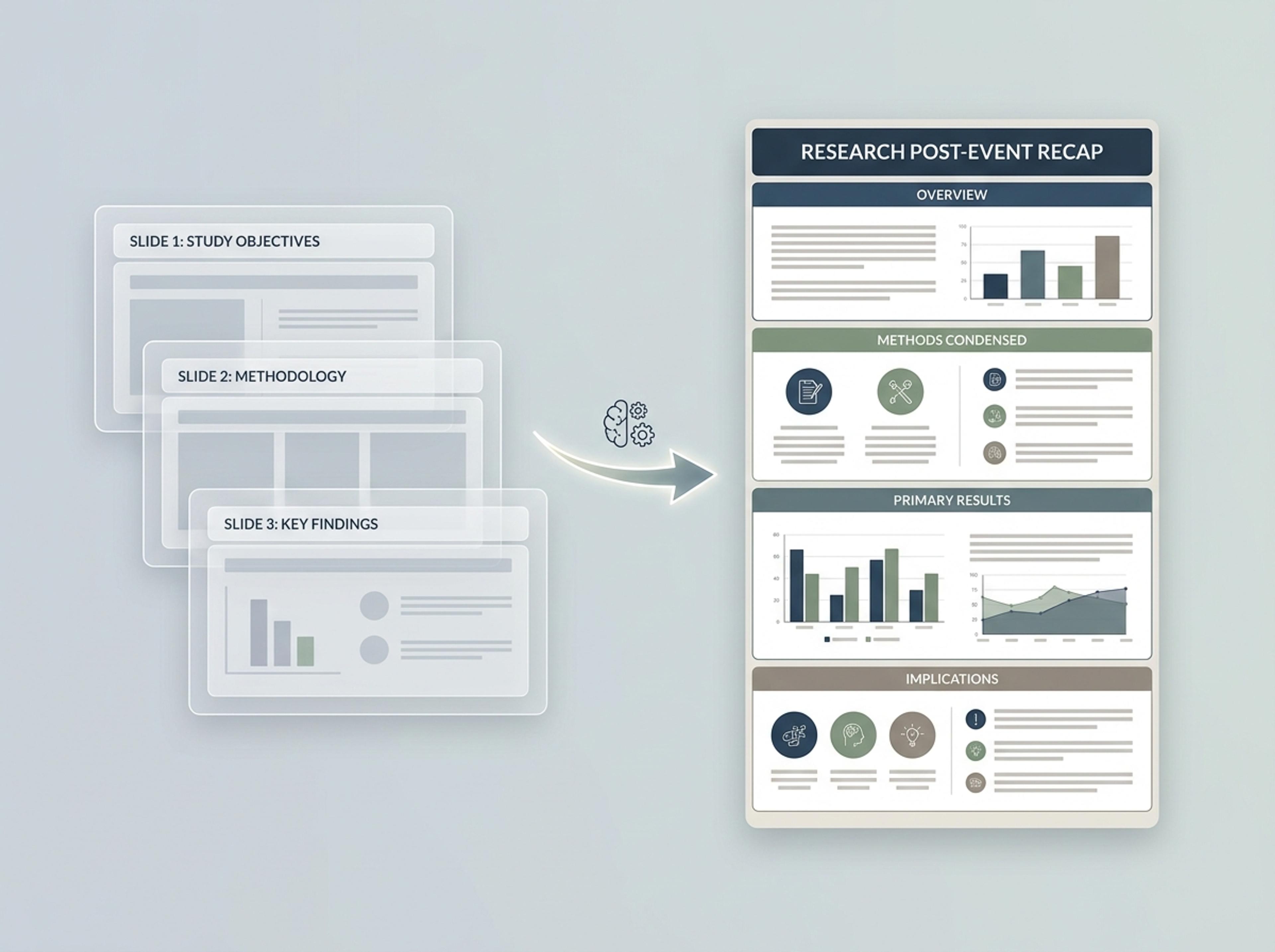
Turn slides you already made into blog images, social visuals, classroom summaries, and client follow-up assets.
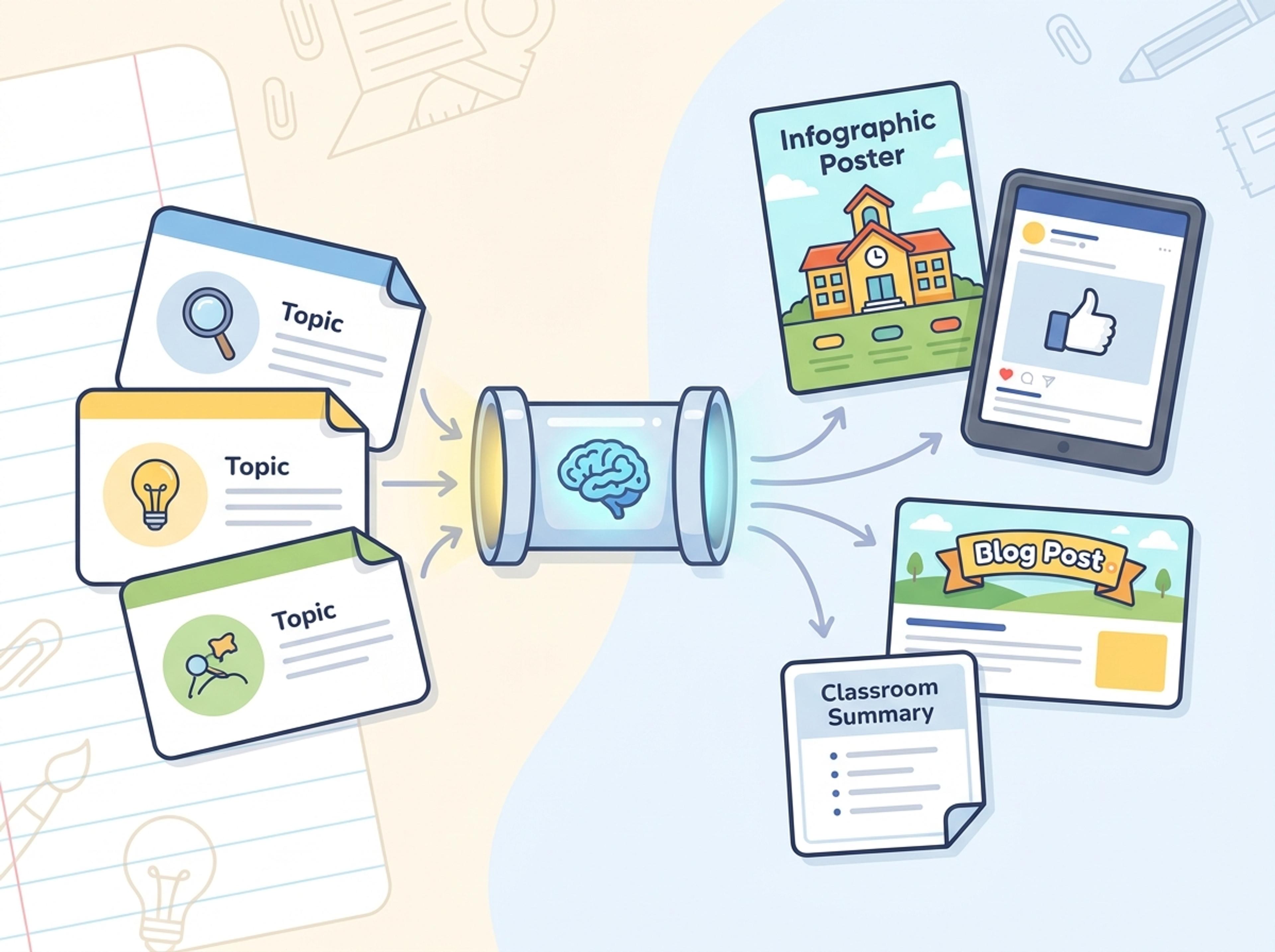
Drop your deck — board update, sales kickoff, training material, or internal review. The AI reads slide titles, bullets, and any data callouts.
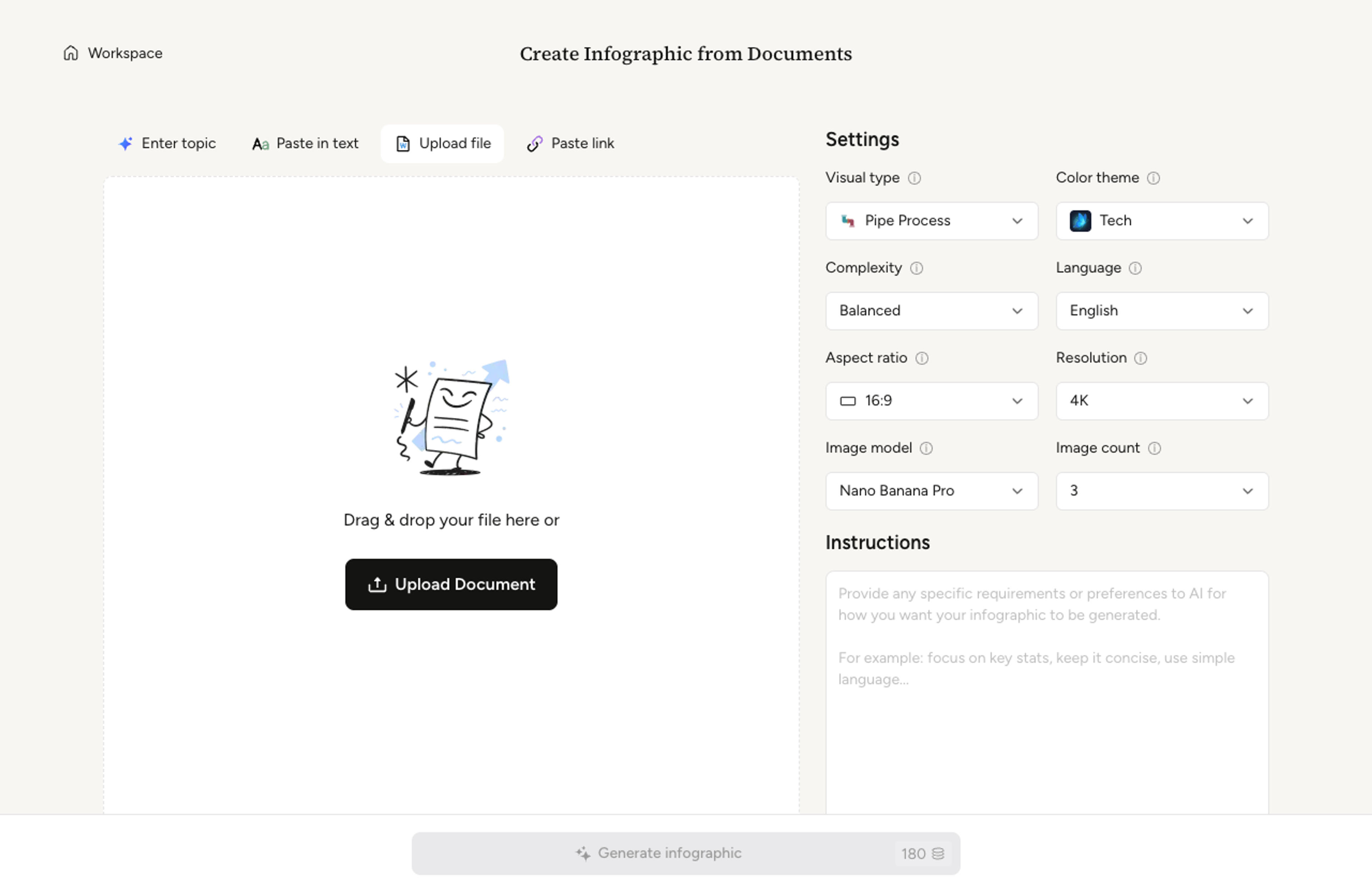
Pick a one-page summary, a multi-section infographic, or a poster-style condensed view. Infograph maps slides to sections automatically.

The AI compresses the deck into a coherent narrative, ranks the strongest sections, and writes short captions per section based on the slide content.

Tighten copy, recolor a section, or merge two slides with a quick instruction. Export as PNG, JPG, or PDF for blog posts, social, or print.

Turn slide-heavy communication into a single visual asset while preserving the strongest message.
The AI maps slide titles and bullets into a cleaner section structure.
Long decks become a readable visual story with fewer repeated points.
Data callouts and slide metrics can become chart-like infographic sections.
Create blog, social, event, and follow-up assets from one deck.
Rewrite sections, reorder slides, or change audience tone after generation.
Export infographic results for sharing, publishing, or print.
Yes. Modern .pptx files import cleanly. Older .ppt files are supported, though some formatting nuances may not carry over perfectly.
Embedded charts and tables convert to clean chart treatments based on the underlying numbers in the slide. Decorative graphics are described and rebuilt as text-based callouts.
Yes. By default the slide sequence becomes the section order in the infographic. You can reorder, merge, or hide sections with prompts.
The AI infers brand colors from the master slide and uses them as accents. You can override with a brand palette prompt at any time.
Yes. Uploaded decks and the infographics generated from them stay private to your account unless you explicitly choose to share them.
Explore adjacent Infograph tools for PDFs, Word docs, text, tables, and visual formats.
Upload a research paper, white paper, or report PDF and Infograph extracts the structure to render a clean infographic — no copy-paste between tools.
Upload a .docx — strategy memo, research note, internal report — and Infograph turns the structure into a clean infographic without rewriting the doc.
Paste an article, transcript, or batch of notes and Infograph turns the text into a polished infographic with hierarchy, callouts, and chart treatments.
Drop in a CSV, paste a markdown table, or upload a sheet and Infograph turns the rows into a chart-driven infographic instead of a wall of numbers.
Drop in feature lists, evaluation docs, or research notes and turn them into a side-by-side comparison chart that reads cleanly in decks and reports.
Turn strategy memos, planning sessions, or release notes into a roadmap visual that reads cleanly in stakeholder reviews and quarterly updates.
Turn papers, lab notes, links, text, and data into scientific figures, graphical abstracts, biology diagrams, and research visuals. AI Scientific Figure Maker | Built for research and education