


Map Family Relationships
Paste family members, generations, partners, siblings, and key notes to create a clear relationship map.
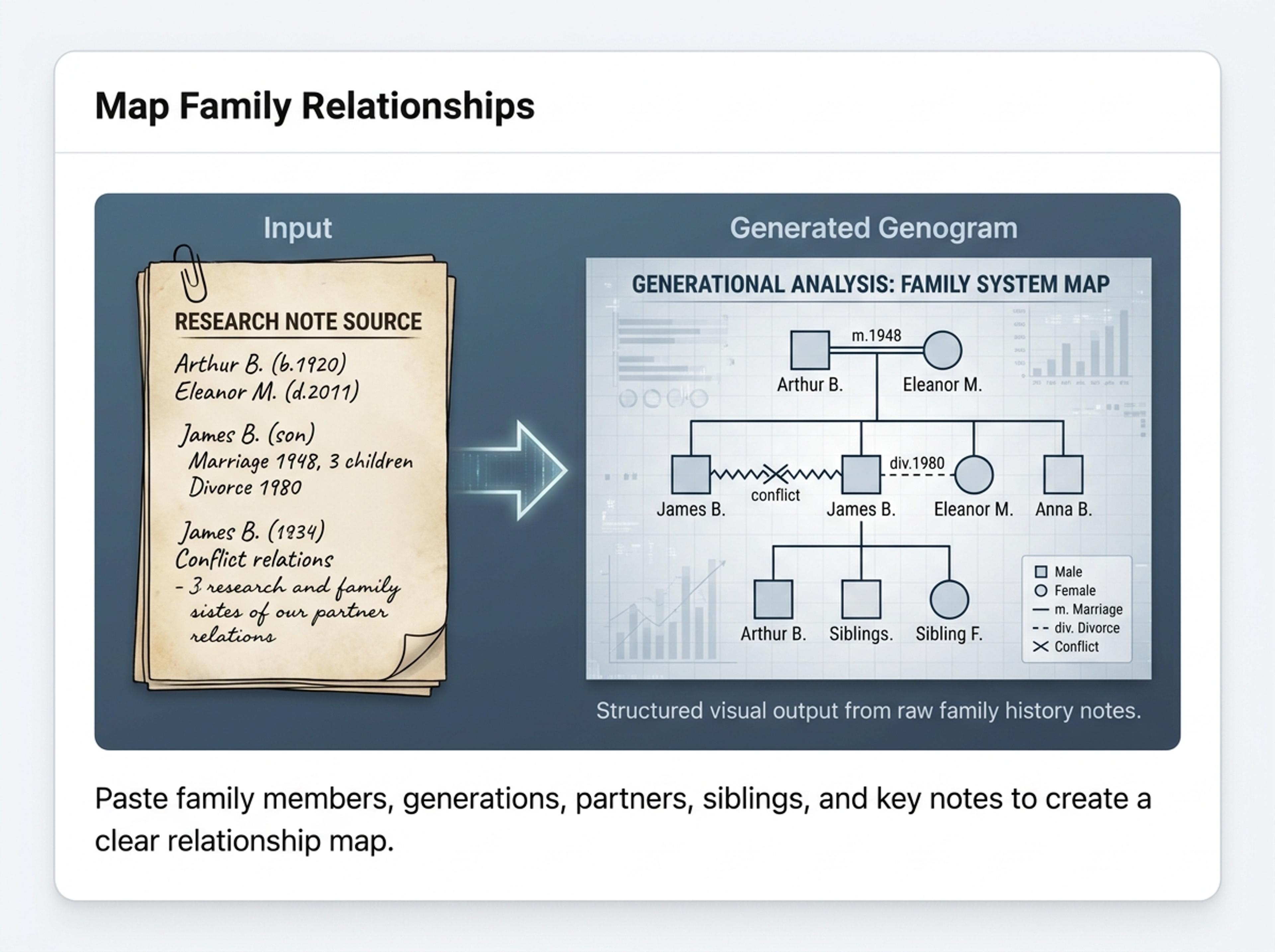
Describe family relationships in plain English and Infograph builds a clean genogram for therapy intake, family research, or classroom use.
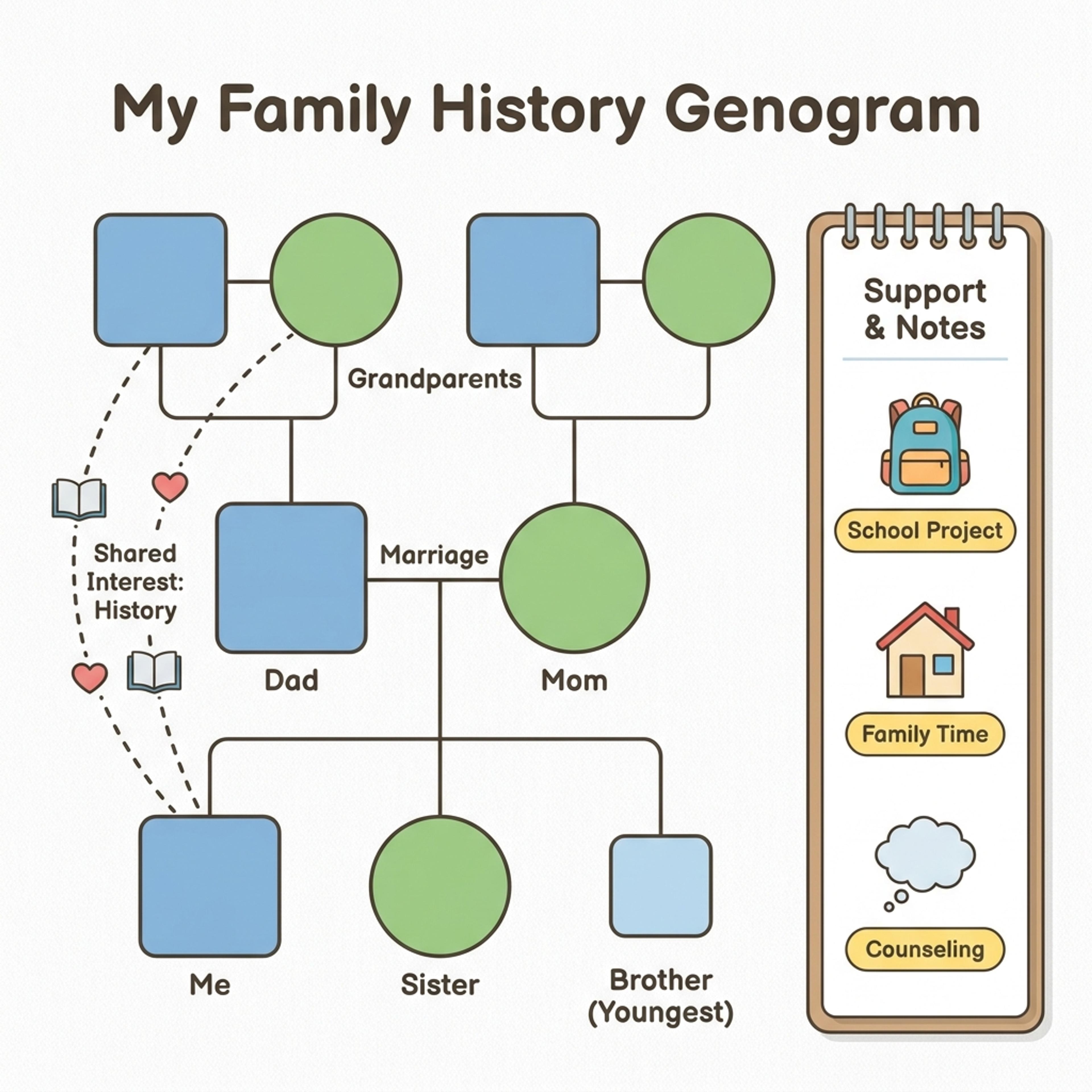
Drag and drop your paper, lab notes, lesson material, or document here or
A genogram maps family relationships, generations, life events, and support patterns in a structured visual. It is useful for family history projects, counseling intake, social work notes, healthcare context, classroom assignments, and any explanation where relationships across generations matter.
Start with names, relationships, notes, or a family-history outline and let Infograph organize people, generations, labels, and relationship cues into a readable genogram.
Paste family members, generations, partners, siblings, and key notes to create a clear relationship map.
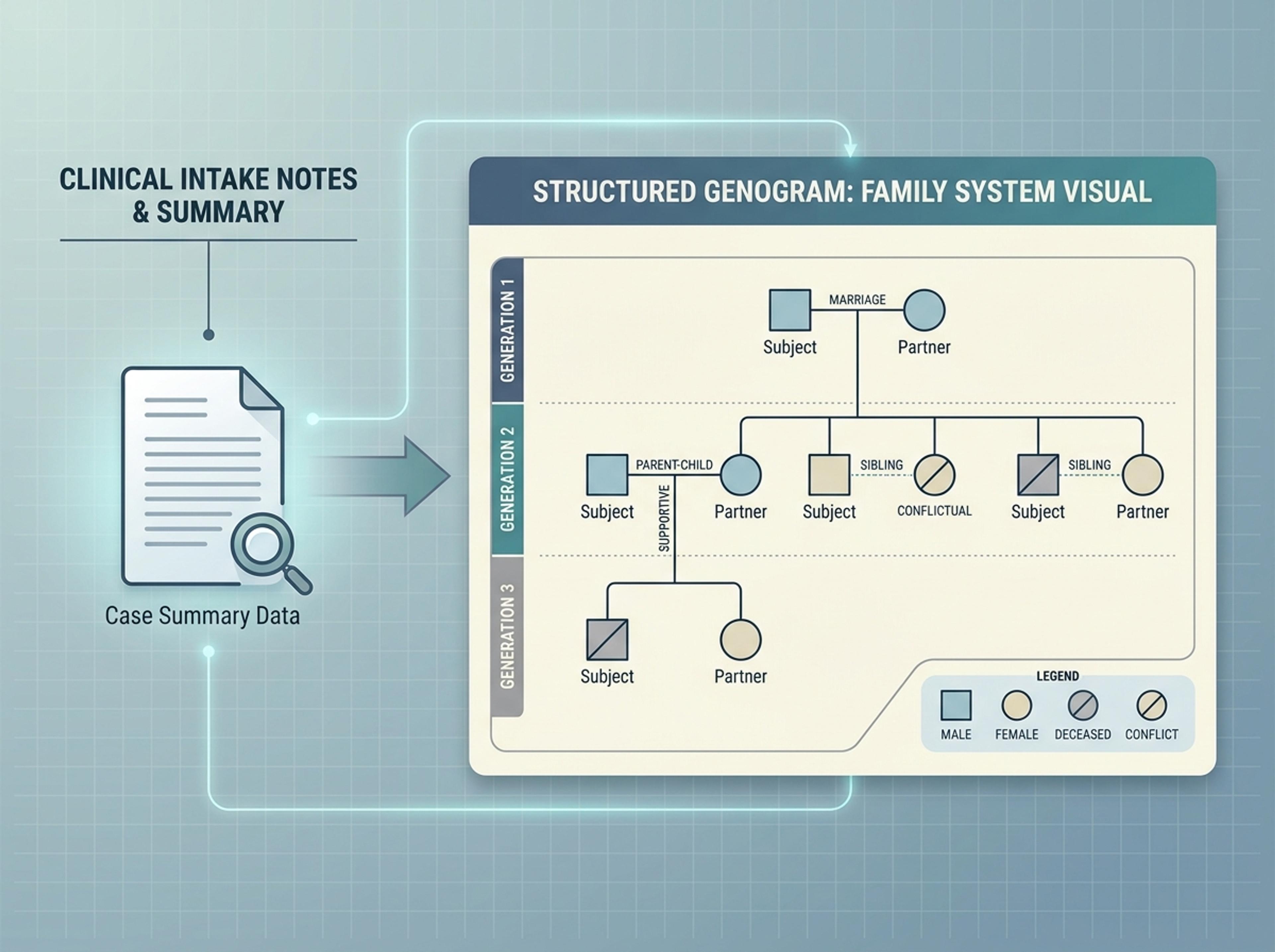
Convert intake notes or case summaries into a structured visual that helps clarify family systems and support patterns.
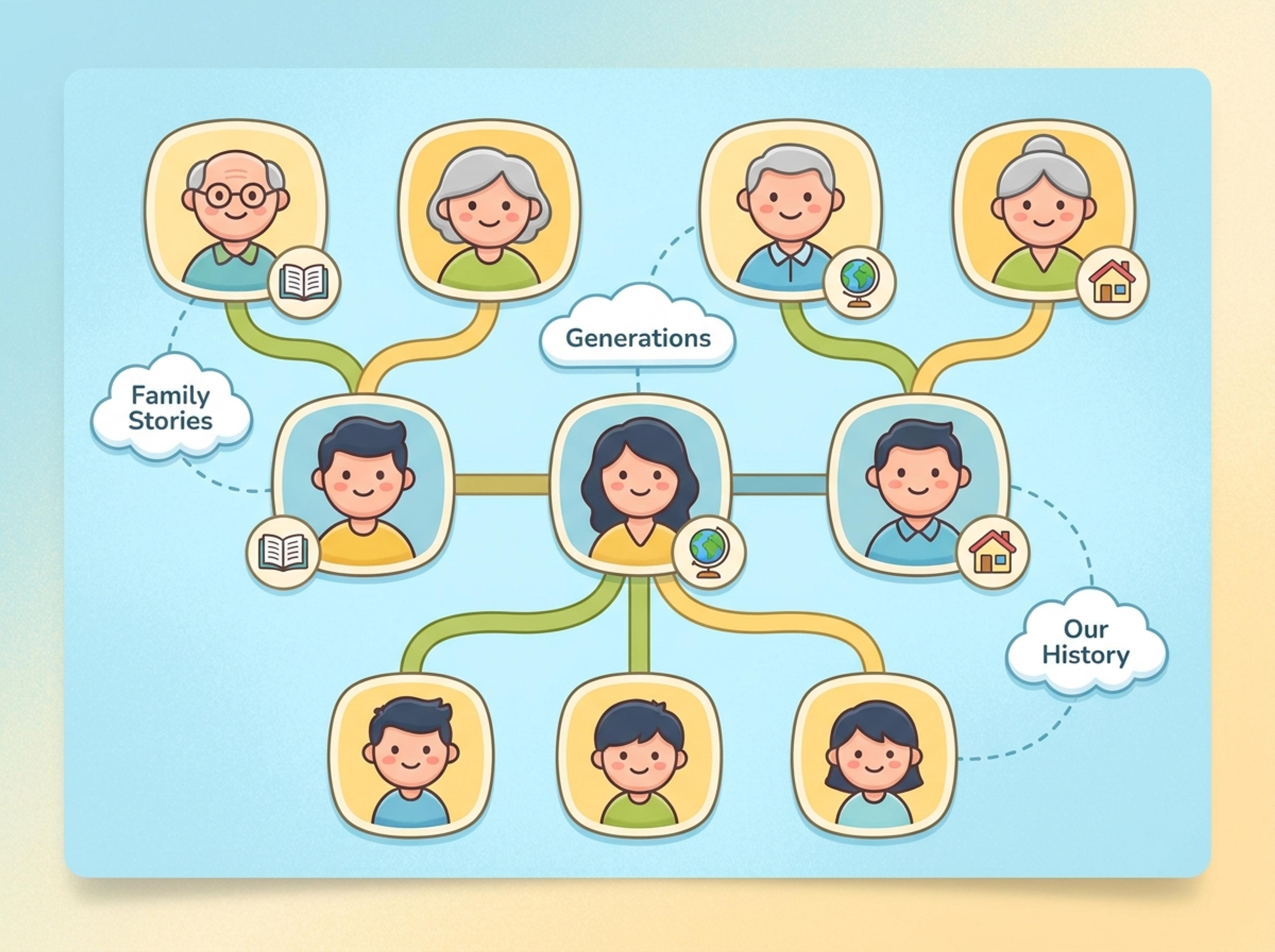
Turn a K-12 family-history activity into a friendly visual students can use to explain relatives, generations, and stories.
List family members and their relationships in plain language. You can paste an intake summary, family history note, or describe the structure directly.

Choose a clinical genogram style with standard symbols, an educational style with simpler shapes, or a custom palette for personal projects.

AI places each family member in the correct generation, draws marriage and parent-child lines, and labels relationship types based on your description.

Add a relationship, mark a medical or behavioral condition, recolor a generation, or hide a branch with a quick prompt. Export as PNG, JPG, or PDF.

Explore genogram results Infograph can create for family history, K-12 projects, counseling context, and support-network planning.
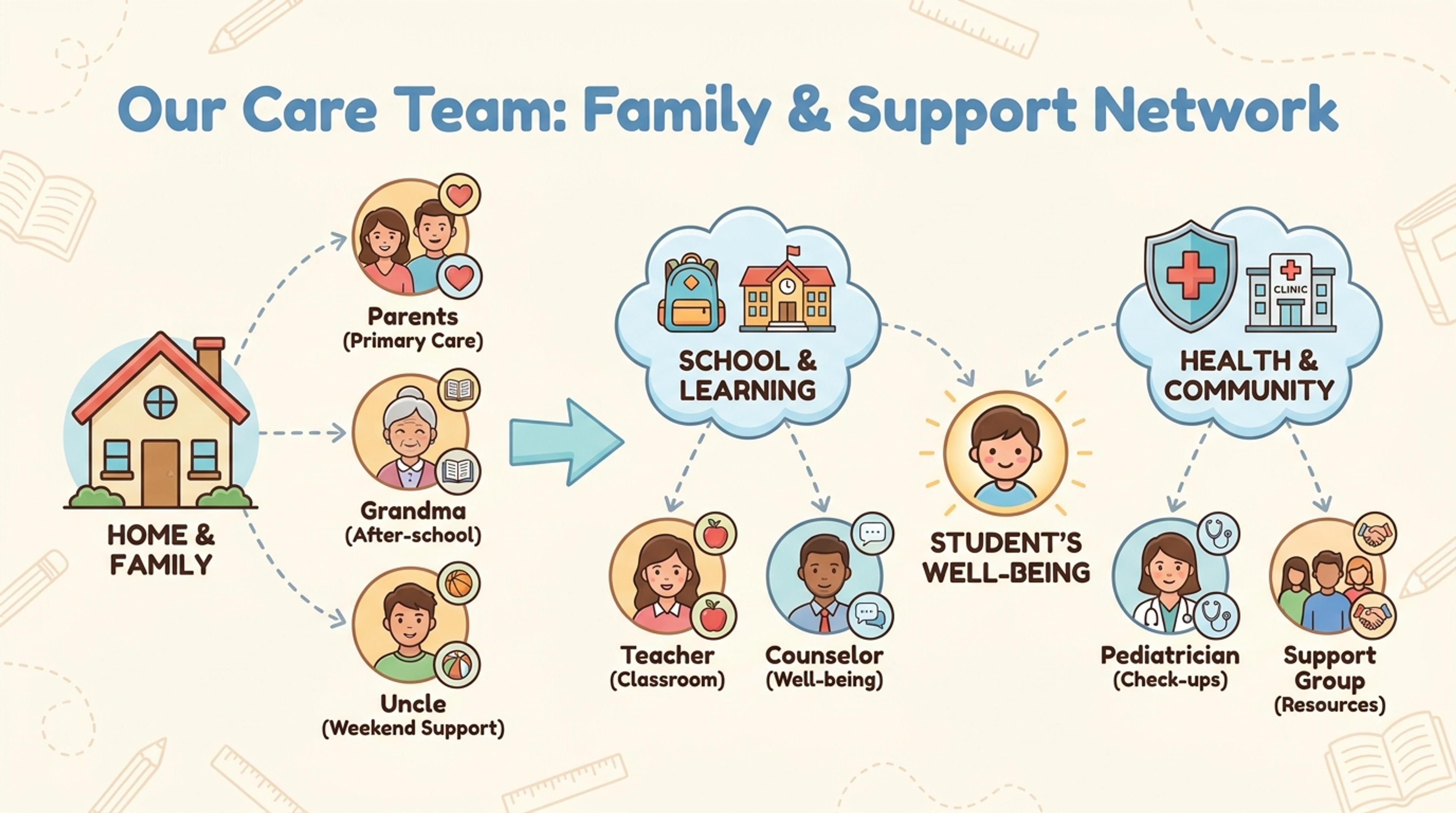
Map household members, caregivers, and support roles for a concise relationship overview.
Yes. You can build genograms for free and upgrade later if you need higher volume or more advanced styling. No credit card is required to start.
Standard clinical symbols are supported, including squares for males, circles for females, marriage and divorce lines, and notation for emotional and medical relationships.
Yes. Tell the AI to mark a condition on a specific person and it places the appropriate symbol or callout without breaking the generational layout.
Three to five generations reads well. The AI suggests collapsing branches that are not central to the analysis to keep the genogram clear.
Export as PNG or JPG for digital sharing, or PDF for therapy intake records, family history booklets, and printed coursework.
Explore adjacent Infograph tools for hierarchy charts, mind maps, concept maps, brain diagrams, and source-to-infographic workflows.
Upload an org doc, paste a list of teams and roles, or describe the structure in plain English and Infograph builds a clean hierarchy chart.
Drop in meeting transcripts, research notes, or a single topic and Infograph builds a clean radial mind map you can iterate on.
Turn notes, papers, lesson plans, and topics into concept maps that show ideas, links, hierarchy, and relationships.
Turn neuroscience notes, journal abstracts, or lecture material into a labeled brain diagram suitable for slides, posters, and study guides.
Paste an article, transcript, or batch of notes and Infograph turns the text into a polished infographic with hierarchy, callouts, and chart treatments.
Upload a .docx — strategy memo, research note, internal report — and Infograph turns the structure into a clean infographic without rewriting the doc.
Turn papers, lab notes, links, text, and data into scientific figures, graphical abstracts, biology diagrams, and research visuals. AI Scientific Figure Maker | Built for research and education