


Map Team Structures
Paste a list of teams, roles, or reporting relationships and create a clean org-style hierarchy chart.
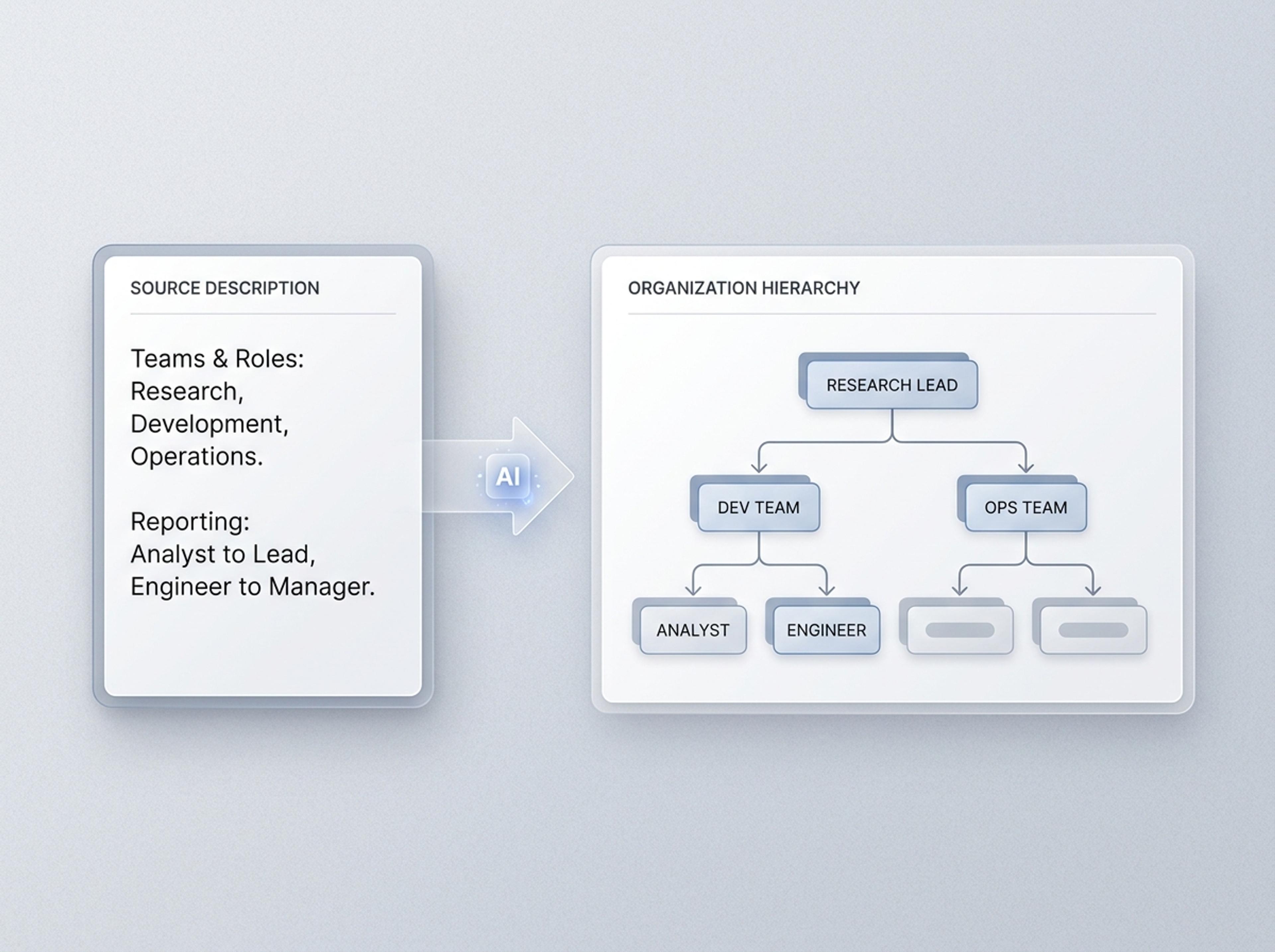
Upload an org doc, paste a list of teams and roles, or describe the structure in plain English and Infograph builds a clean hierarchy chart.
Drag and drop your paper, lab notes, lesson material, or document here or
A hierarchy chart arranges people, roles, categories, or ideas into levels so reporting lines, parent-child relationships, and nested structures are easy to understand. It is useful for org charts, decision trees, taxonomies, classroom civics, and framework explanations.
Start with a role list, outline, taxonomy, or structure description and let Infograph organize levels, labels, and branches into a readable hierarchy.
Paste a list of teams, roles, or reporting relationships and create a clean org-style hierarchy chart.
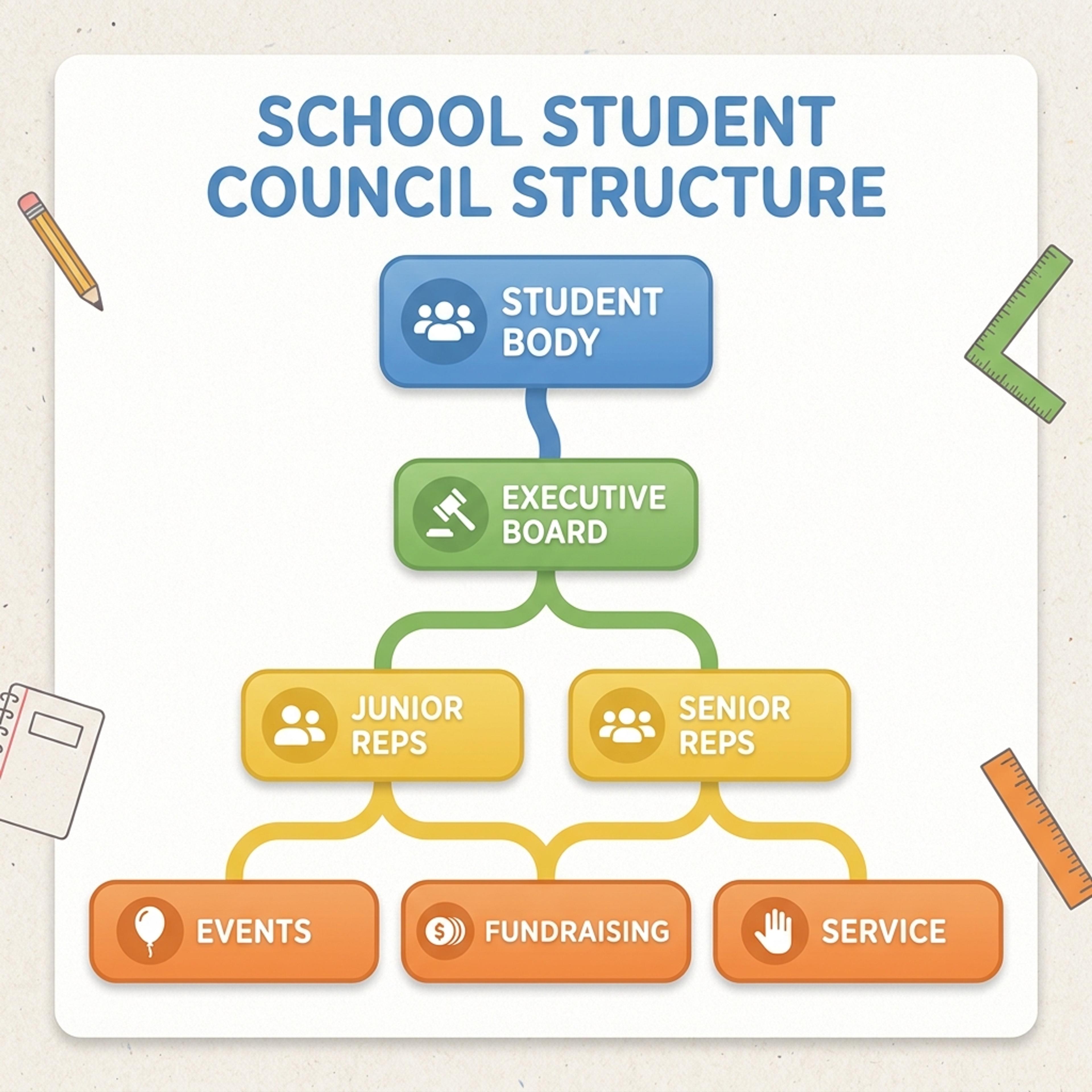
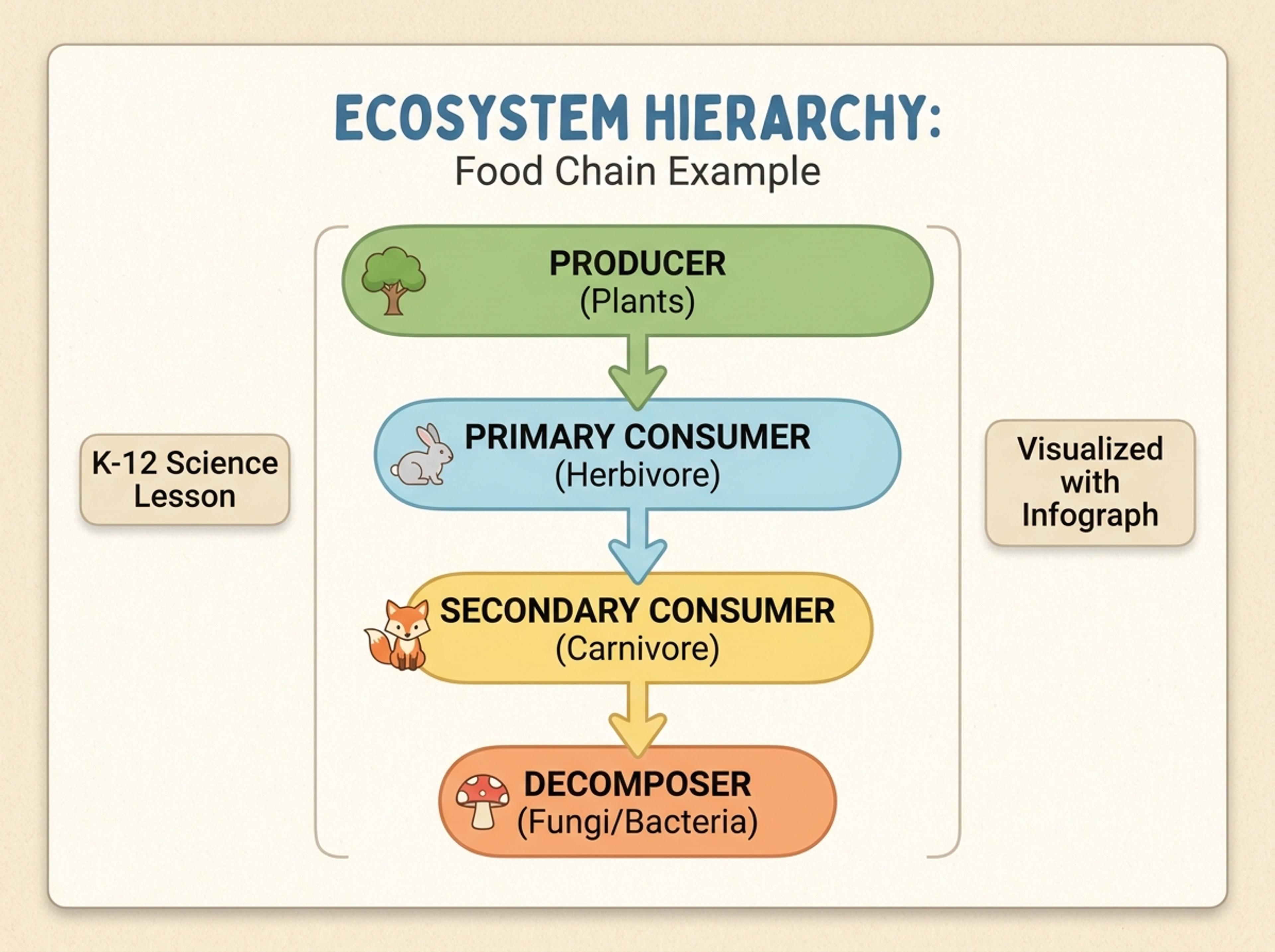
Turn classroom material into a friendly chart for branches of government, ecosystems, taxonomies, or story structure.
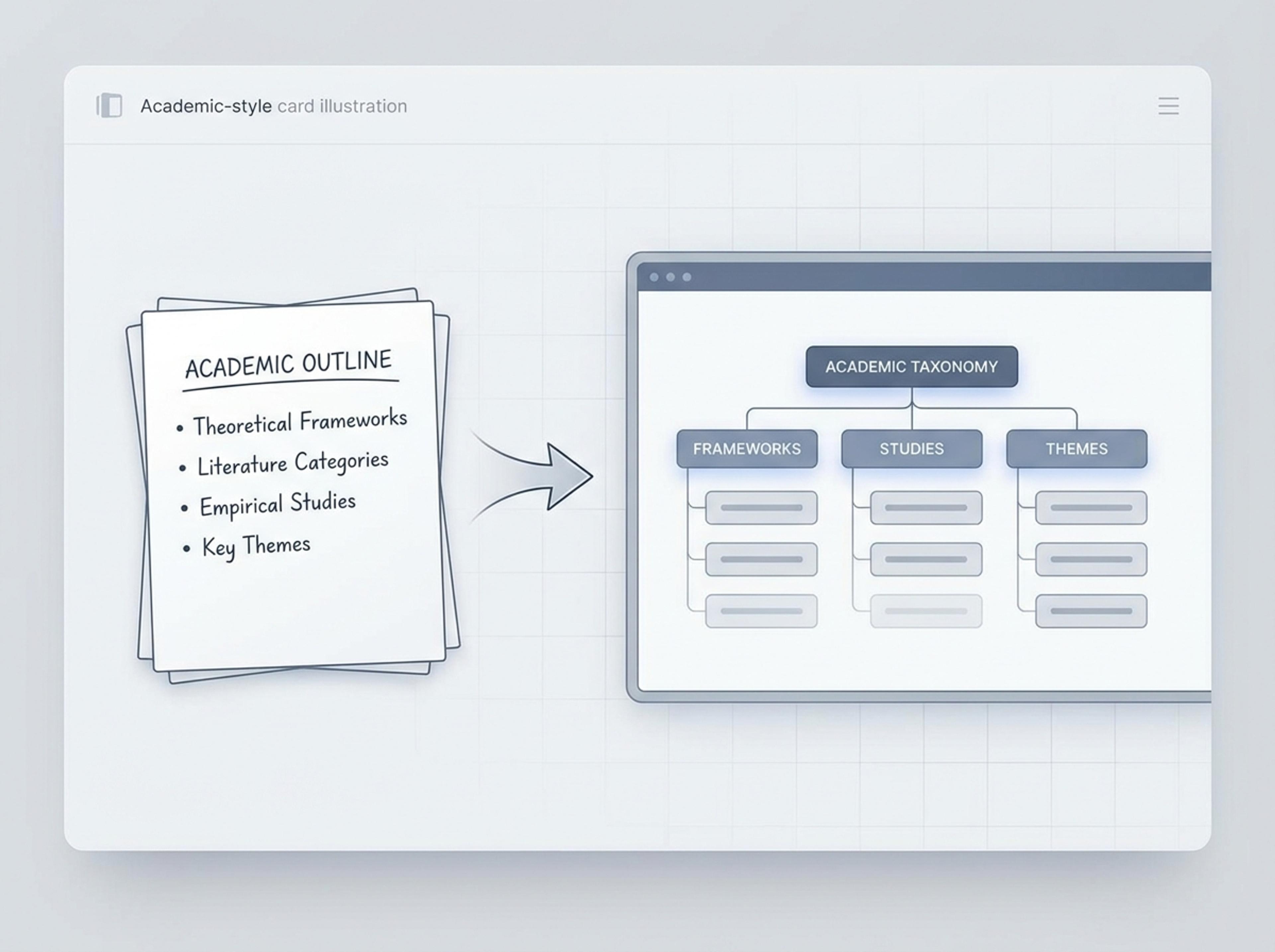
Convert outlines, literature categories, or conceptual frameworks into a credible hierarchy for papers and presentations.
Upload an org doc, paste a list of teams and roles, or link to a wiki page. The AI parses each level even if your input is loosely formatted.

Choose how many tiers to render, whether to collapse leaf nodes, and whether dotted reporting lines should be drawn alongside solid ones.

AI assigns each item to its correct level, balances horizontal spacing, and writes a one-line description for nodes that need extra context.

Promote a role with a sentence, recolor by department, or hide a sub-tree, then export the hierarchy chart as PNG, JPG, or PDF for HR or onboarding docs.

Explore hierarchy chart results Infograph can create for org structures, K-12 lessons, academic taxonomies, and strategic frameworks.
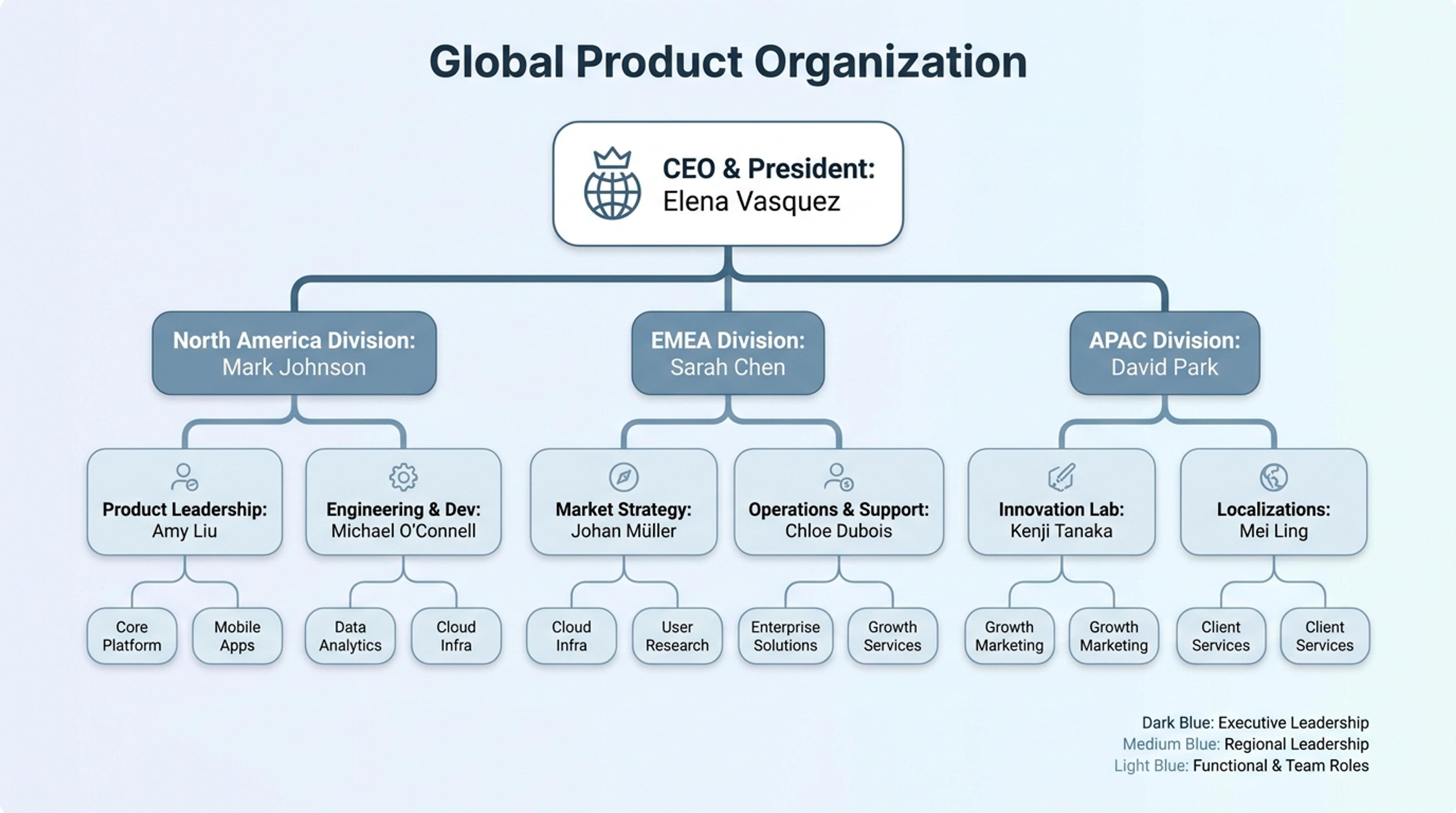
Show teams, roles, reporting lines, and ownership in a clean hierarchy chart.
Yes. Type "CEO has CFO and COO; COO has VP Operations and VP Customer Support" and the AI builds the levels and connections automatically.
Yes. Mention dotted reporting in your description or as a prompt and the AI draws the secondary connection without breaking the main tree.
Most readable charts stop at four to six levels. The AI suggests collapsing leaf nodes when the tree gets dense so the chart stays scannable.
Yes. Tell the AI to color by department, region, or function and the legend updates automatically.
Export as PNG or JPG for embeds and slides, or PDF for printed onboarding materials and HR handouts.
Explore adjacent Infograph tools for pyramids, mind maps, concept maps, genograms, and source-to-infographic workflows.
Turn frameworks like Maslow, Bloom's, or your own strategy stack into a clean pyramid chart that orders priorities at a glance.
Drop in meeting transcripts, research notes, or a single topic and Infograph builds a clean radial mind map you can iterate on.
Turn notes, papers, lesson plans, and topics into concept maps that show ideas, links, hierarchy, and relationships.
Describe family relationships in plain English and Infograph builds a clean genogram for therapy intake, family research, or classroom use.
Paste an article, transcript, or batch of notes and Infograph turns the text into a polished infographic with hierarchy, callouts, and chart treatments.
Upload a .docx — strategy memo, research note, internal report — and Infograph turns the structure into a clean infographic without rewriting the doc.
Turn papers, lab notes, links, text, and data into scientific figures, graphical abstracts, biology diagrams, and research visuals. AI Scientific Figure Maker | Built for research and education