
Start From Full Context
Paste notes, reports, briefs, or URLs so the AI can extract real structure instead of guessing from a short topic.
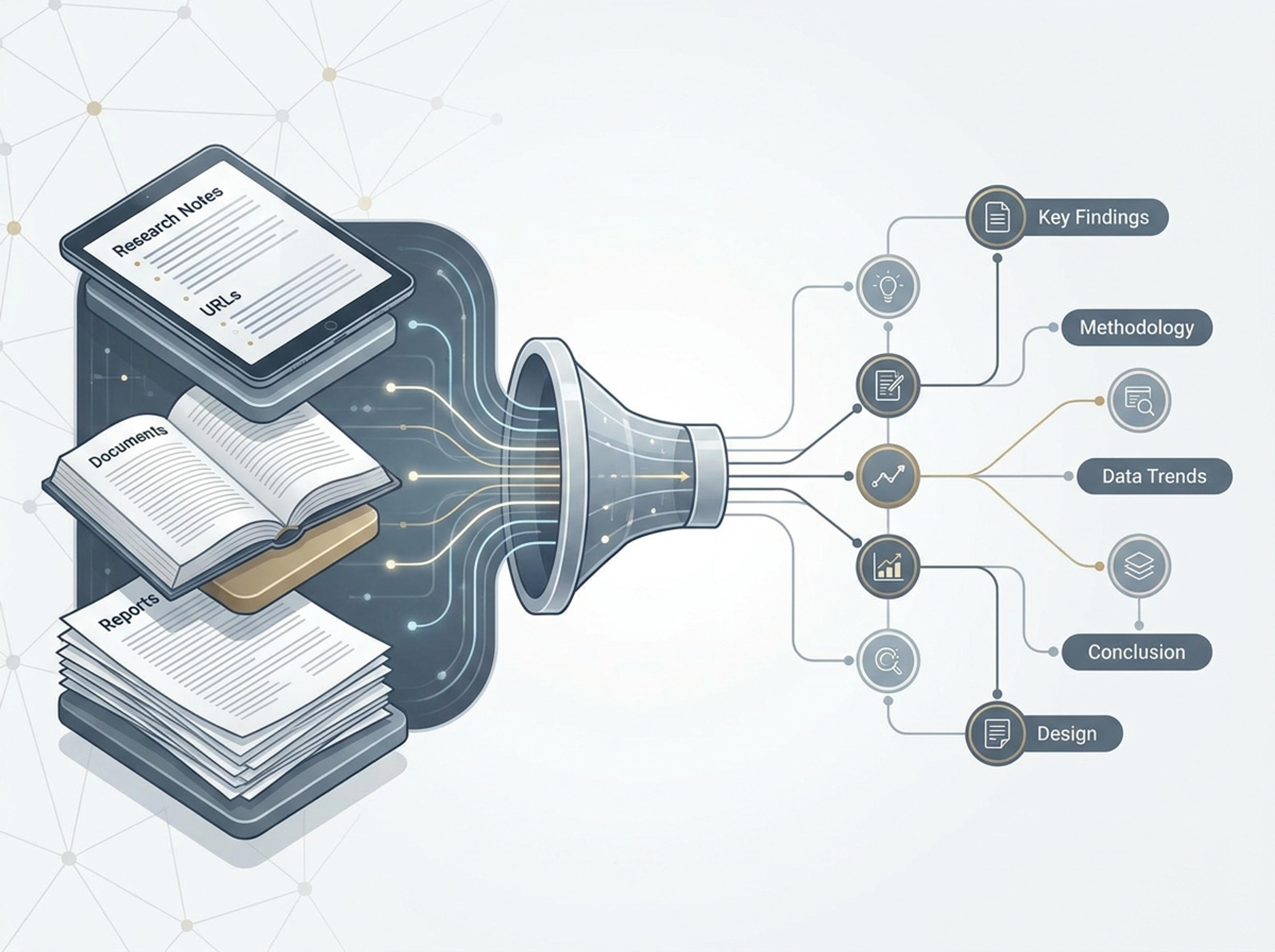
Go beyond basic topics. Use detailed infographic AI prompts, documents, or raw data to generate structured visual stories instantly.
Use detailed instructions, pasted source material, and follow-up edits to guide Infograph toward clearer visual results.
Paste notes, reports, briefs, or URLs so the AI can extract real structure instead of guessing from a short topic.
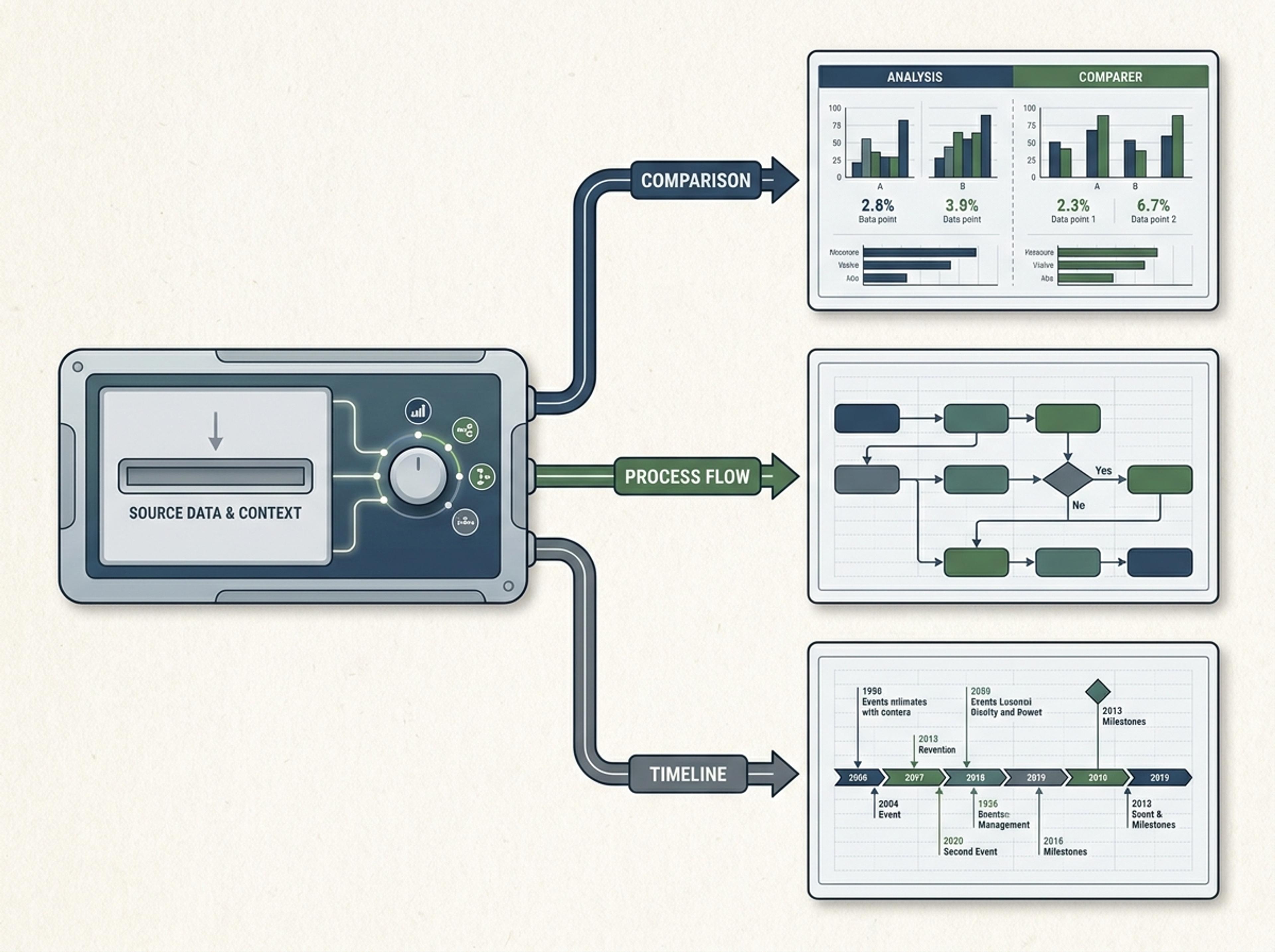
Ask for a timeline, comparison, mind map, process flow, science figure, or executive summary and keep the result on format.
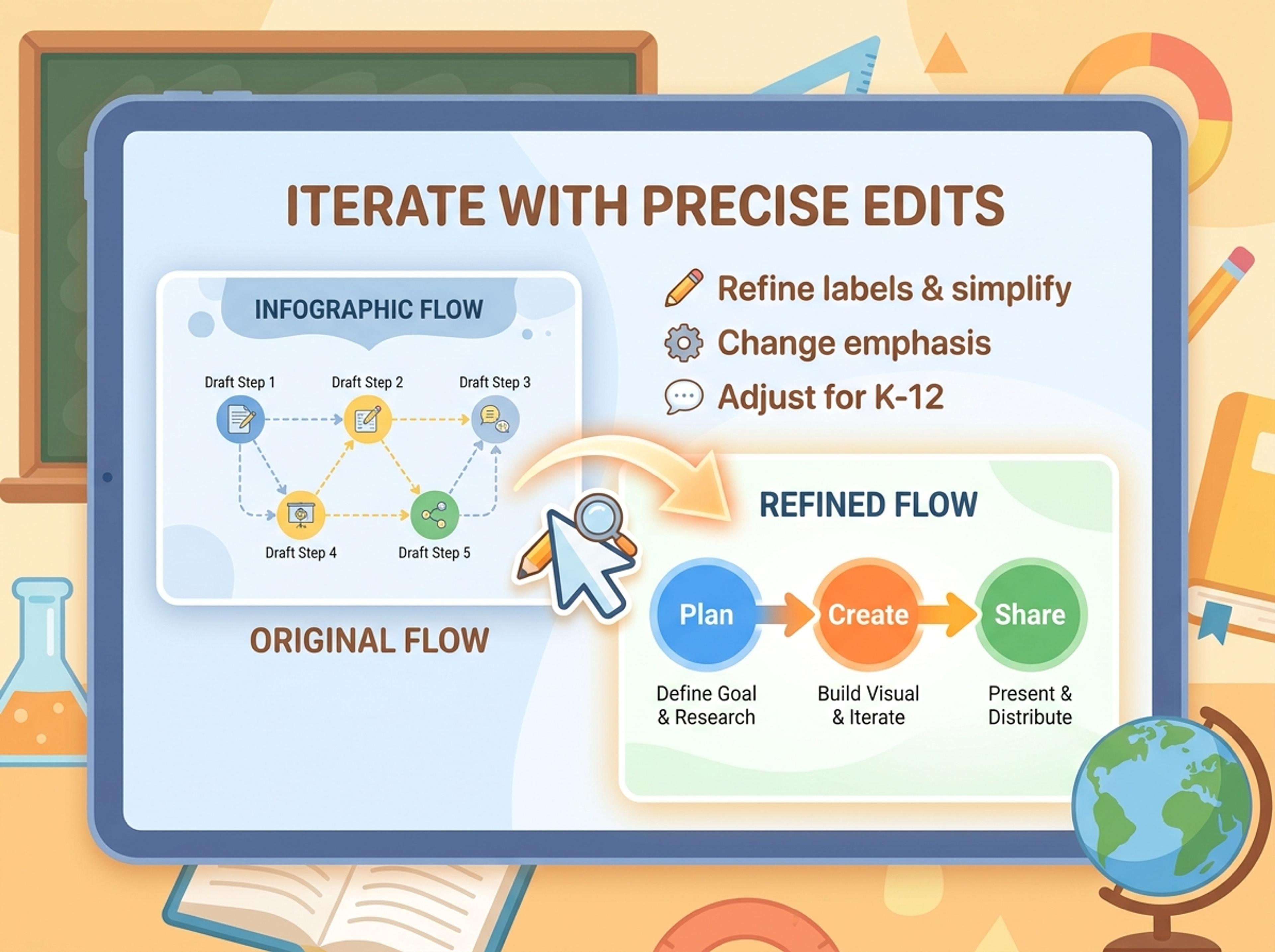
Refine labels, simplify sections, change emphasis, or make the output more K-12, academic, business, or social-ready.
See how different prompt styles turn source material into finished infographic outputs for teams, teachers, researchers, and strategists.
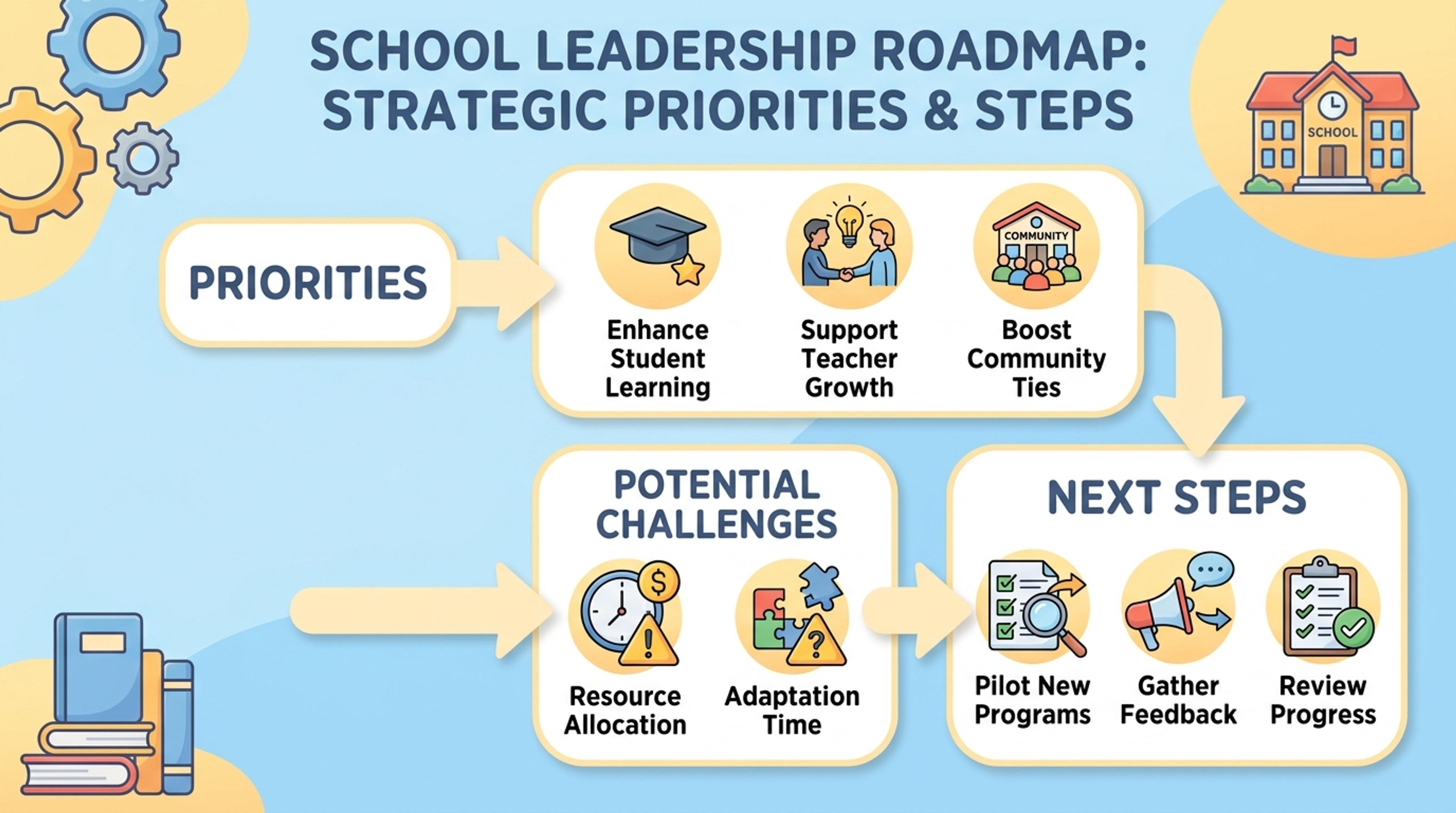
Turn a strategy memo into a one-page visual with priorities, risks, and next steps.
Infograph rewards rich instructions and source context with more specific, more useful visuals.
Full notes and documents help the AI preserve the actual meaning.
Guide the result toward the right infographic structure before generation.
Shift the style for K-12, academic, business, or executive readers.
Use follow-up prompts to improve wording, emphasis, and layout.
Save prompt patterns for repeated reports, lessons, and campaigns.
Create visuals that can move into decks, PDFs, and shared docs.
Start with a topic, pasted text, document, or link. The more context you provide, the more specific the generated infographic becomes.
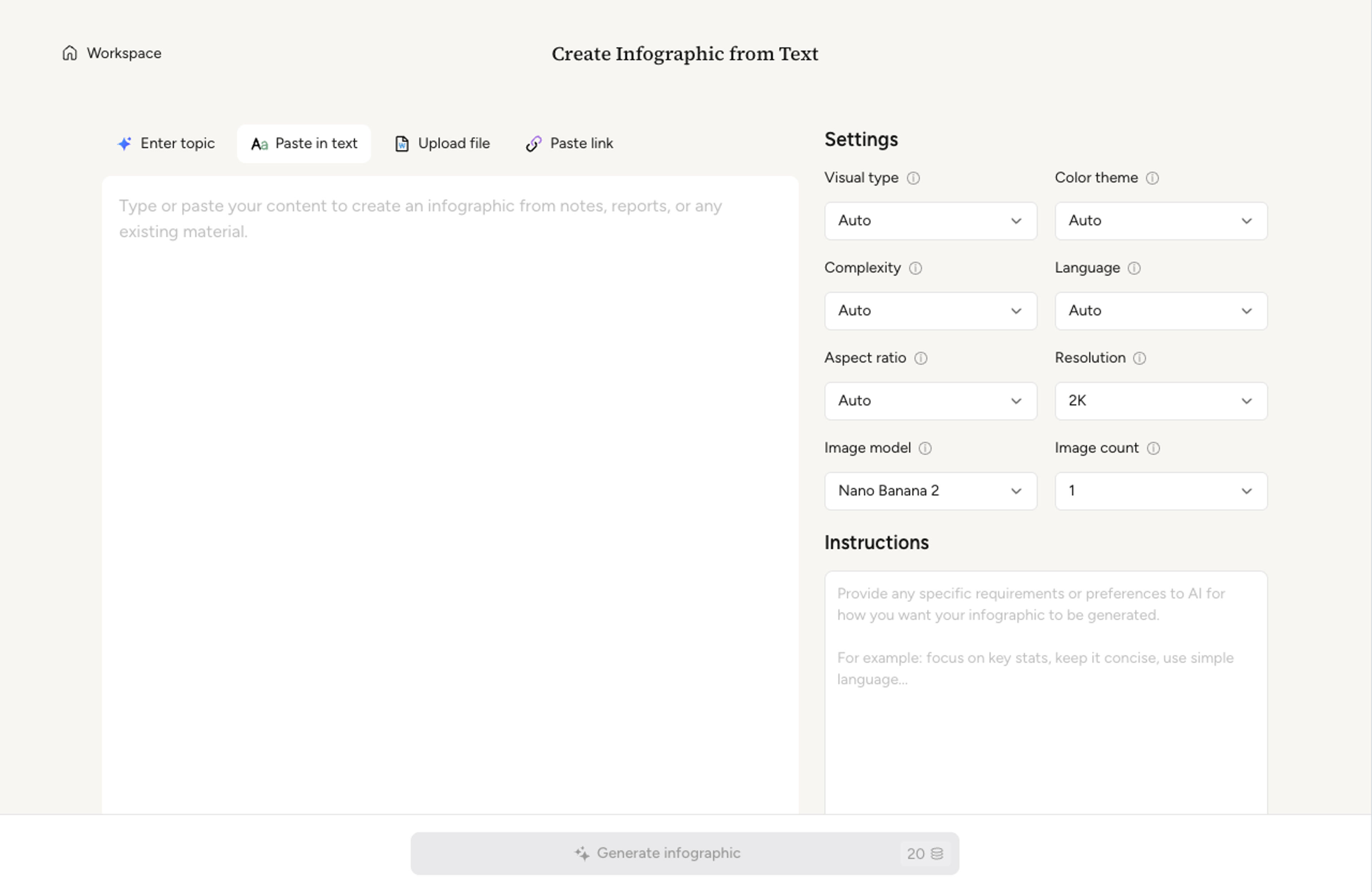
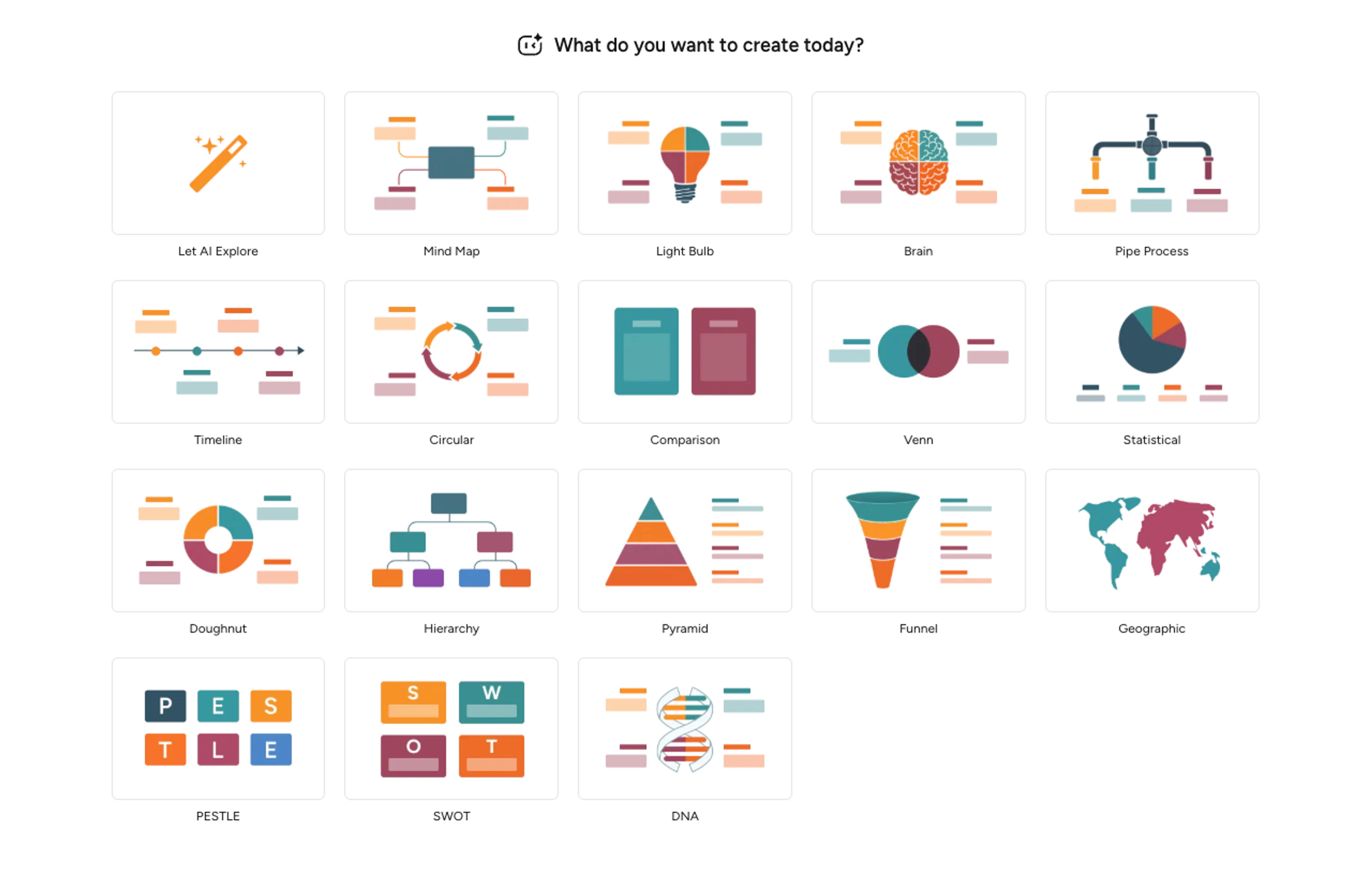
Ask for a timeline, chart, comparison, process flow, concept map, or scientific figure so the AI can choose the right structure.
Tell Infograph whether the visual should feel K-12 friendly, academic, executive, social-ready, or presentation polished.
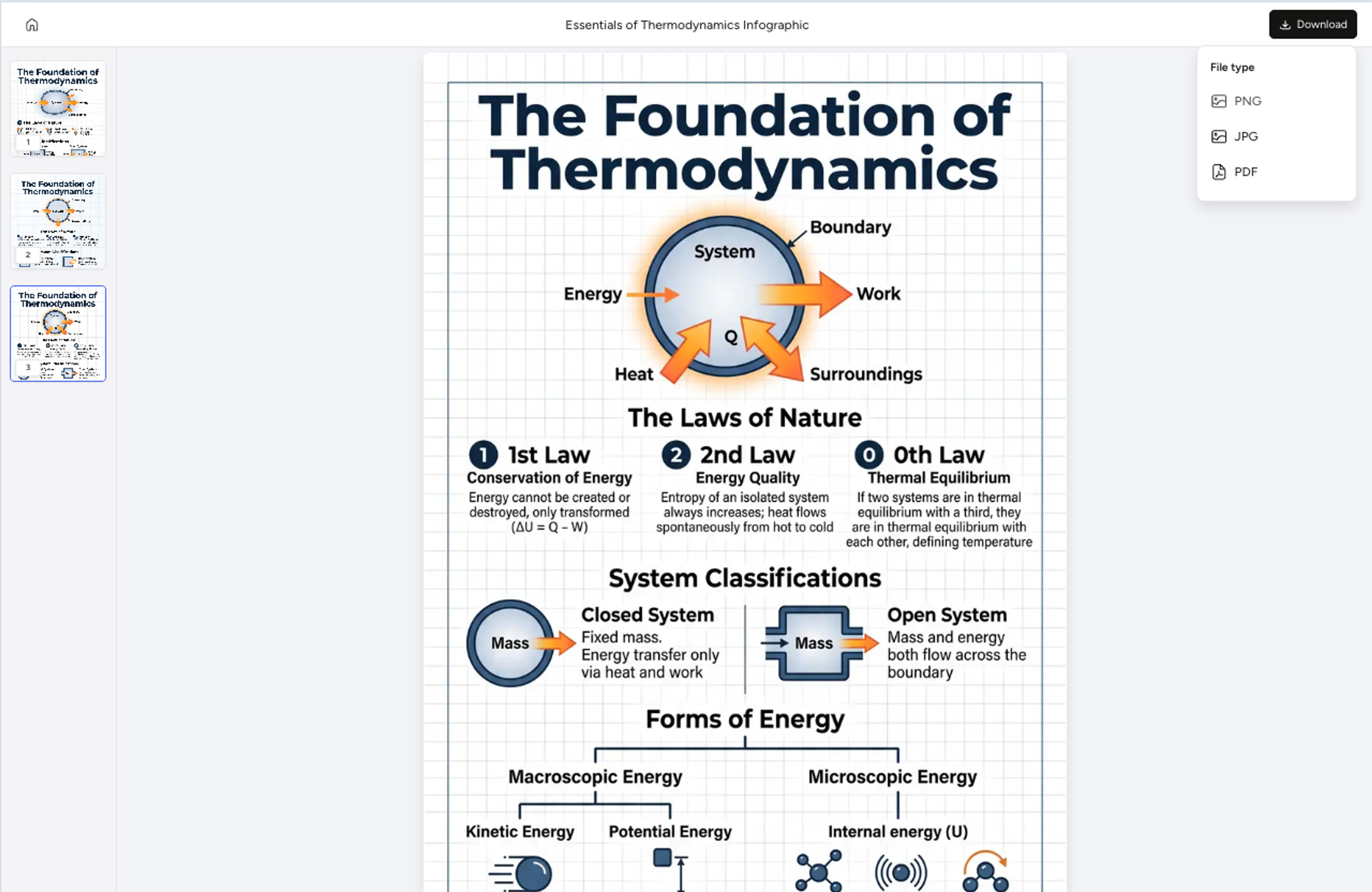
Use follow-up prompts to edit labels, simplify sections, adjust colors, or export the final infographic as PNG, JPG, or PDF.
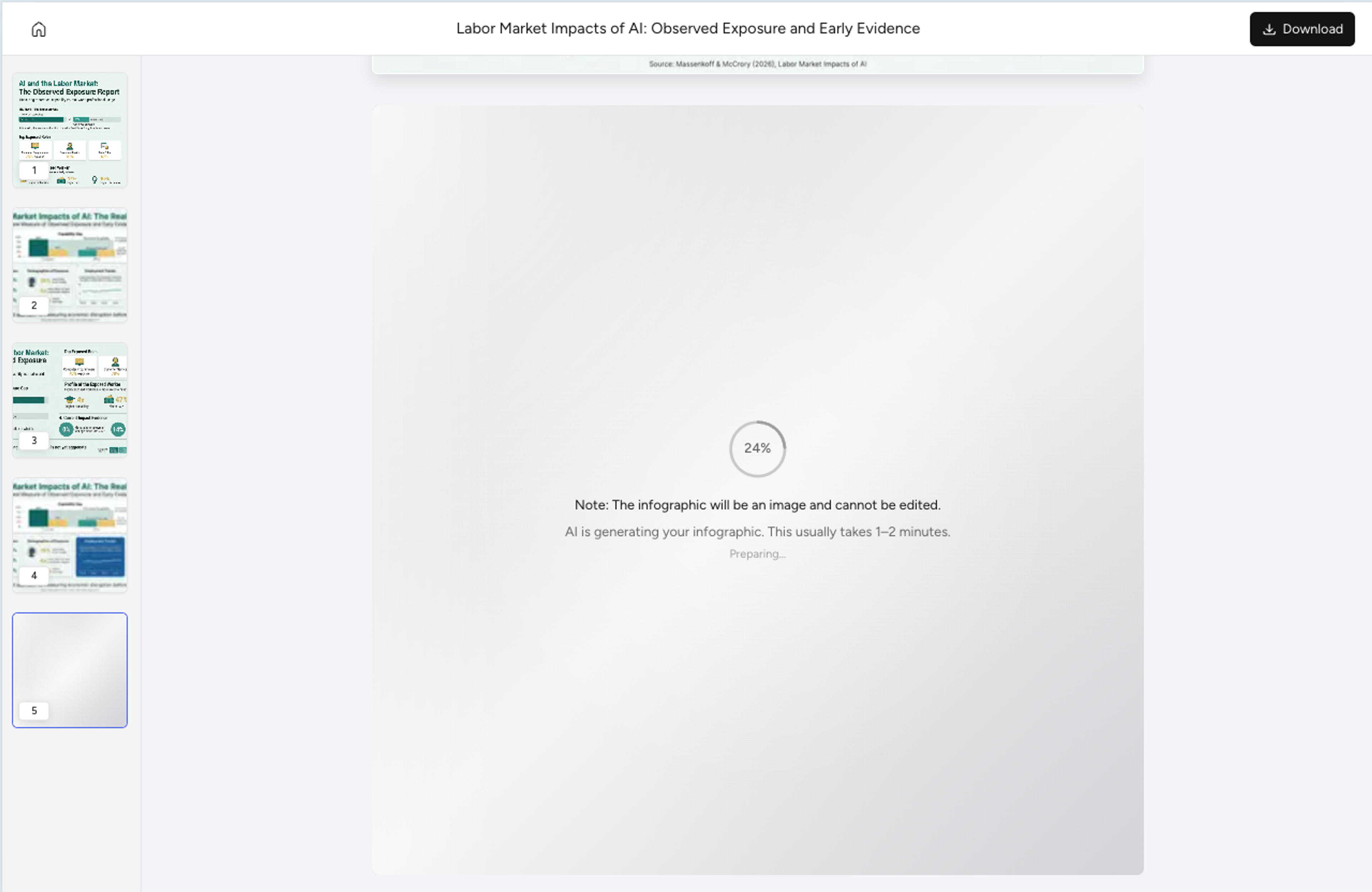
Include the topic, source material, target audience, preferred visual format, and any style or export requirements. You can also upload a document or paste text instead of writing everything manually.
Yes. You can start with a document, pasted notes, a URL, or a simple topic. Infograph extracts structure from the source and lets you refine the output afterward.
Yes. You can tell Infograph to make a result more K-12 friendly, academic, executive, presentation-ready, or social-friendly.
Yes. You can use follow-up instructions to rewrite text, change emphasis, simplify sections, or adjust the design.
Prompts can create timelines, process diagrams, comparisons, mind maps, data charts, visual summaries, scientific figures, and other infographic styles.
Explore adjacent Infograph tools for source-to-visual workflows and specific infographic formats.
Paste an article, transcript, or batch of notes and Infograph turns the text into a polished infographic with hierarchy, callouts, and chart treatments.
Turn project briefs, history readings, research notes, or links into a clean timeline infographic with milestones, labels, and visual flow.
Drop in meeting transcripts, research notes, or a single topic and Infograph builds a clean radial mind map you can iterate on.
Upload a research paper, white paper, or report PDF and Infograph extracts the structure to render a clean infographic — no copy-paste between tools.
Turn your existing documents, notes, and web links into a structured process infographic with clear hierarchy and logical flow.
Turn papers, lab notes, links, text, and data into scientific figures, graphical abstracts, biology diagrams, and research visuals. AI Scientific Figure Maker | Built for research and education