
Extract Steps From Source Material
Upload or paste process documentation and let Infograph identify the sequence, milestones, dependencies, and handoffs.
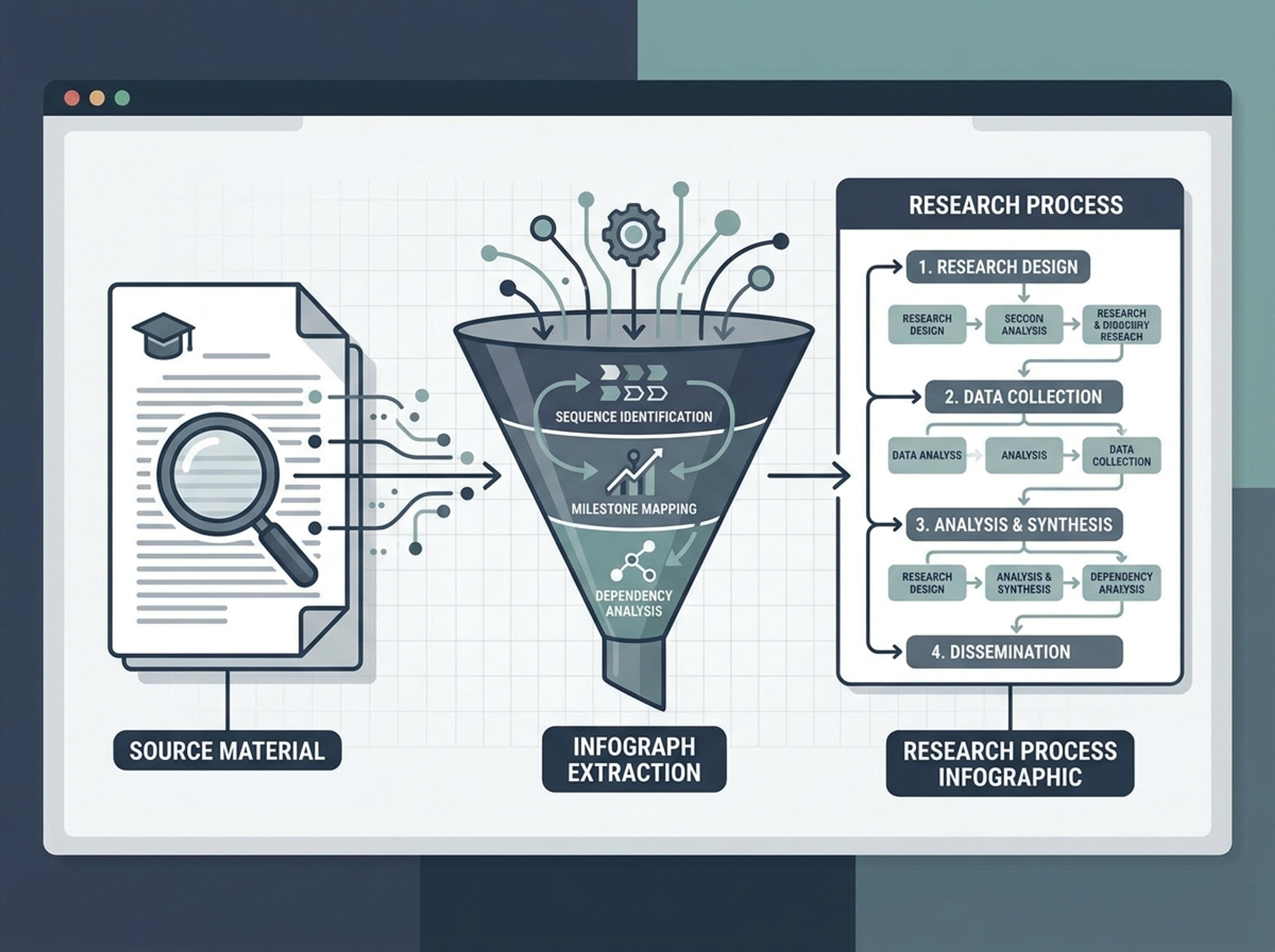
Turn your existing documents, notes, and web links into a structured process infographic with clear hierarchy and logical flow.
Convert messy process notes, SOPs, plans, and explanations into step-by-step infographic structures.
Upload or paste process documentation and let Infograph identify the sequence, milestones, dependencies, and handoffs.
Create linear flows, pipe process diagrams, swimlane-style summaries, or simple classroom sequences depending on the audience.
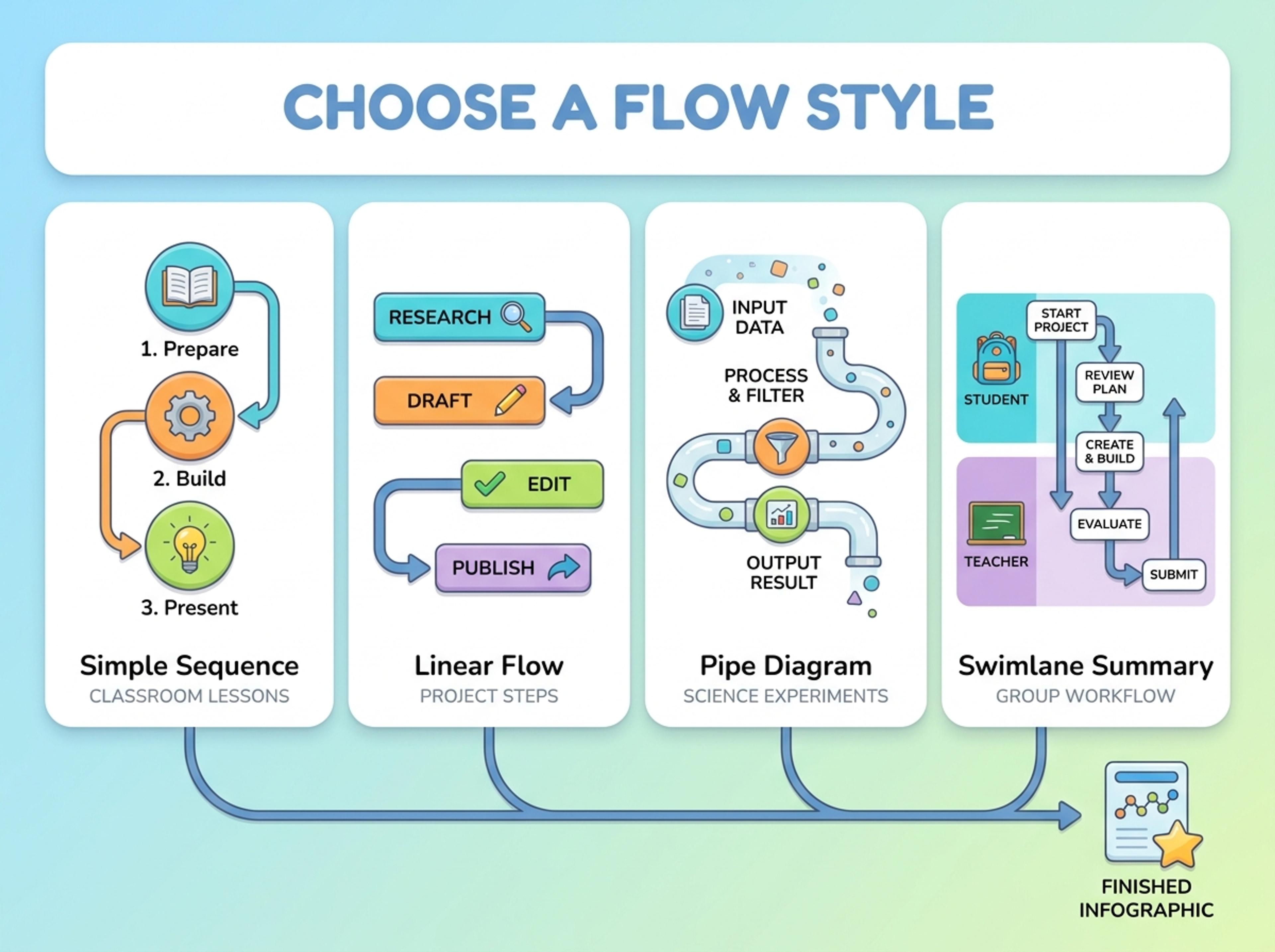
Update labels, merge steps, simplify explanations, or make the process more operational, educational, or executive-ready.

Explore finished process visuals for operations, classroom lessons, research methods, and strategy workflows.
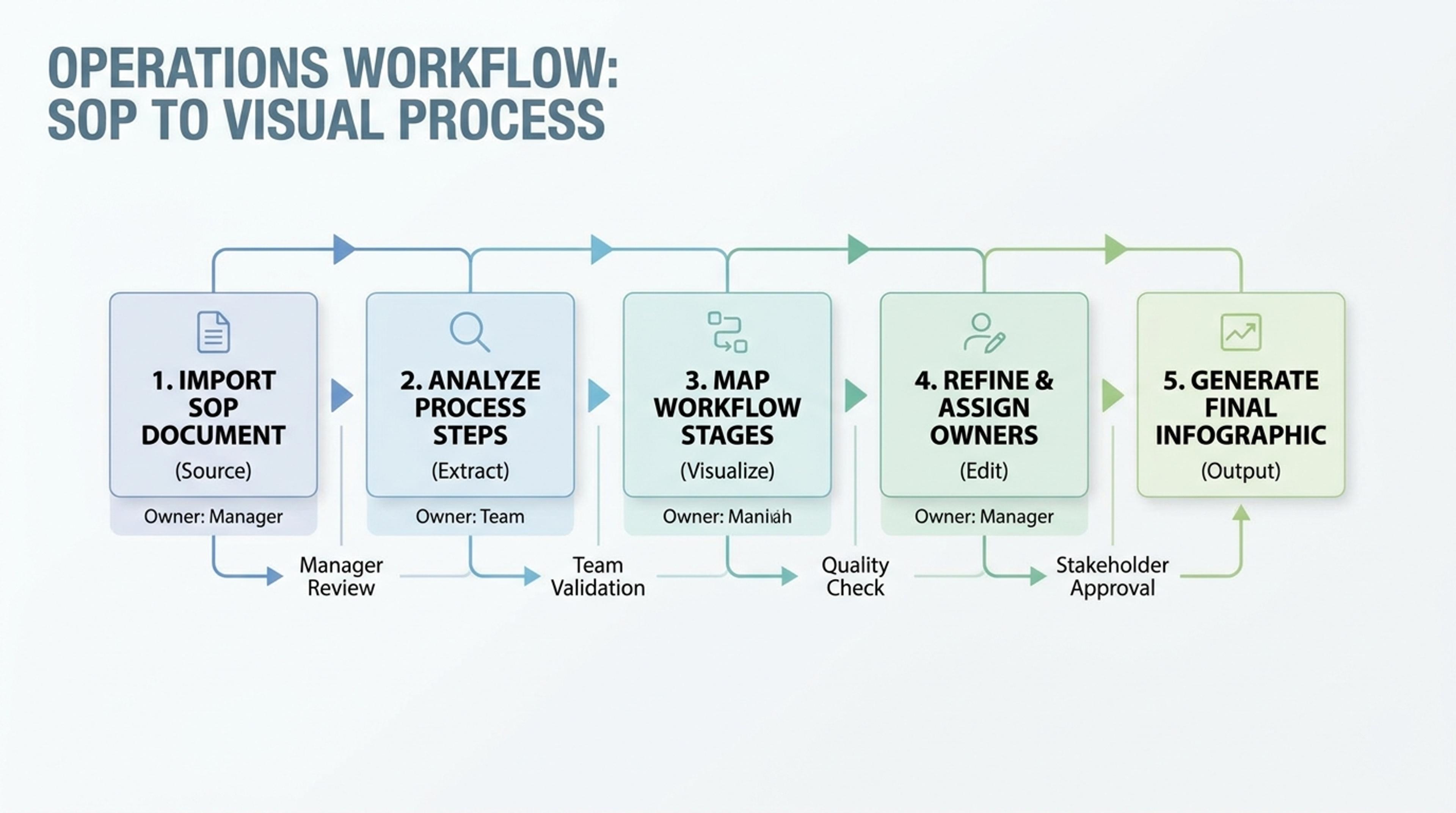
Convert an SOP into a clean flow with owners, checkpoints, and outputs.
A process page is useful only when the flow is easier to scan than the original document.
Steps are ordered so readers understand what happens first, next, and last.
The process comes from real notes, manuals, and plans.
Use linear, circular, pipe, or milestone styles when the workflow needs it.
Make the same process feel instructional, operational, or executive-ready.
Rewrite individual steps or reorganize the flow after the first draft.
Use the finished process in reports, decks, docs, and training material.
Paste an SOP, upload a manual, link to a workflow doc, or describe the process you need to visualize.
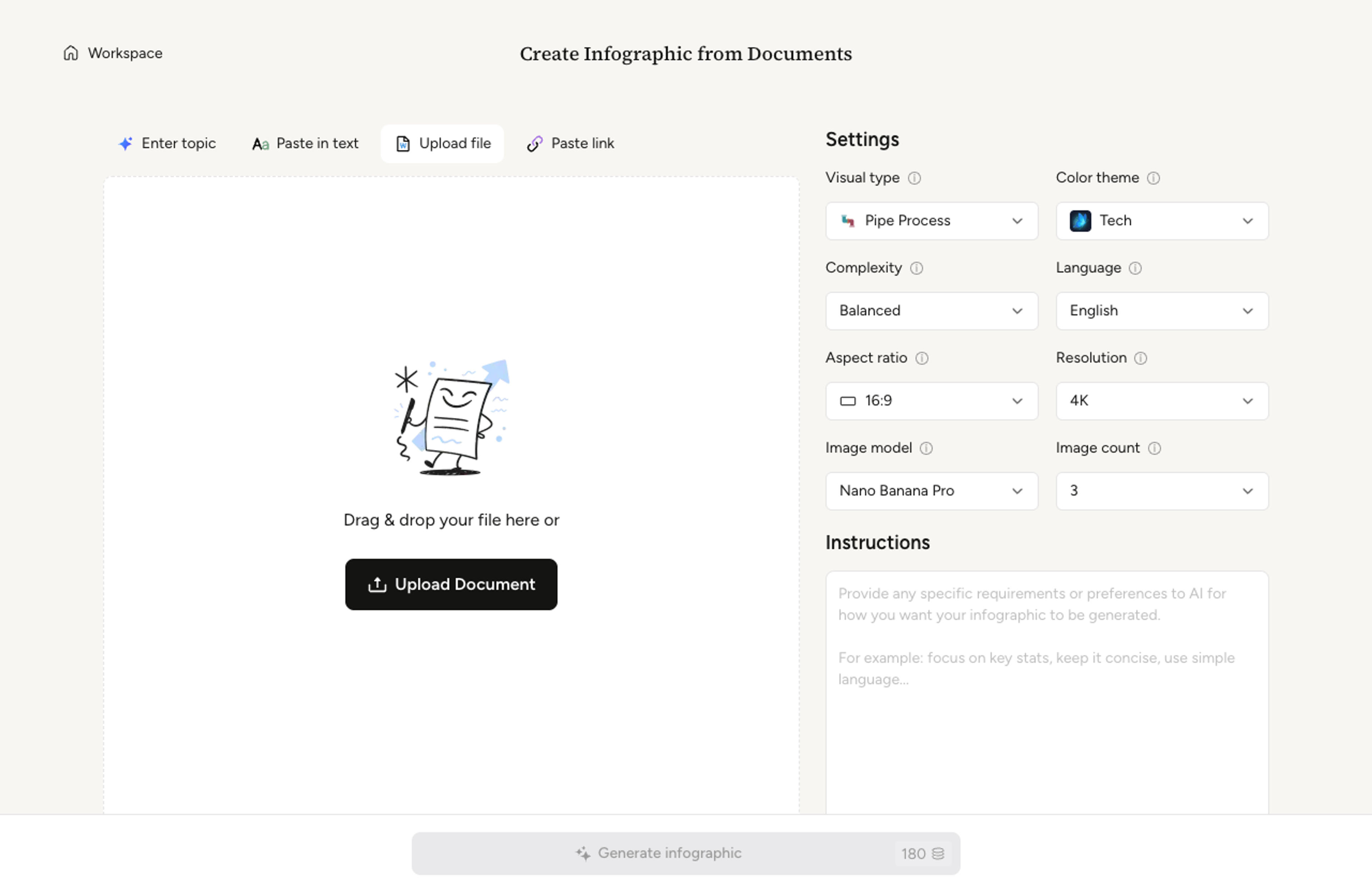
Choose whether the flow should be linear, circular, staged, pipe-style, or simplified for classroom use.
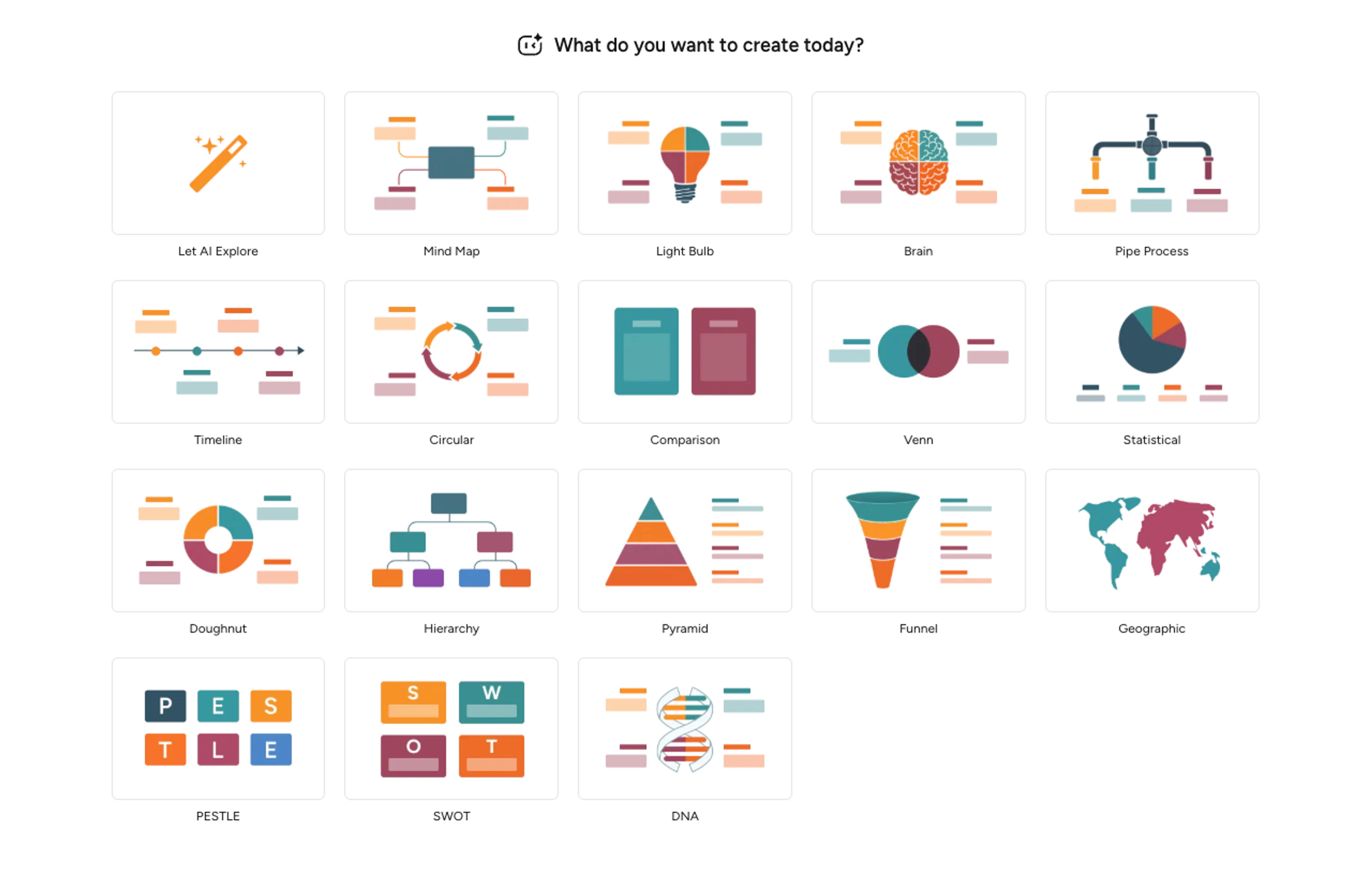
Infograph extracts the key stages, orders them, and creates a readable process infographic with consistent hierarchy.
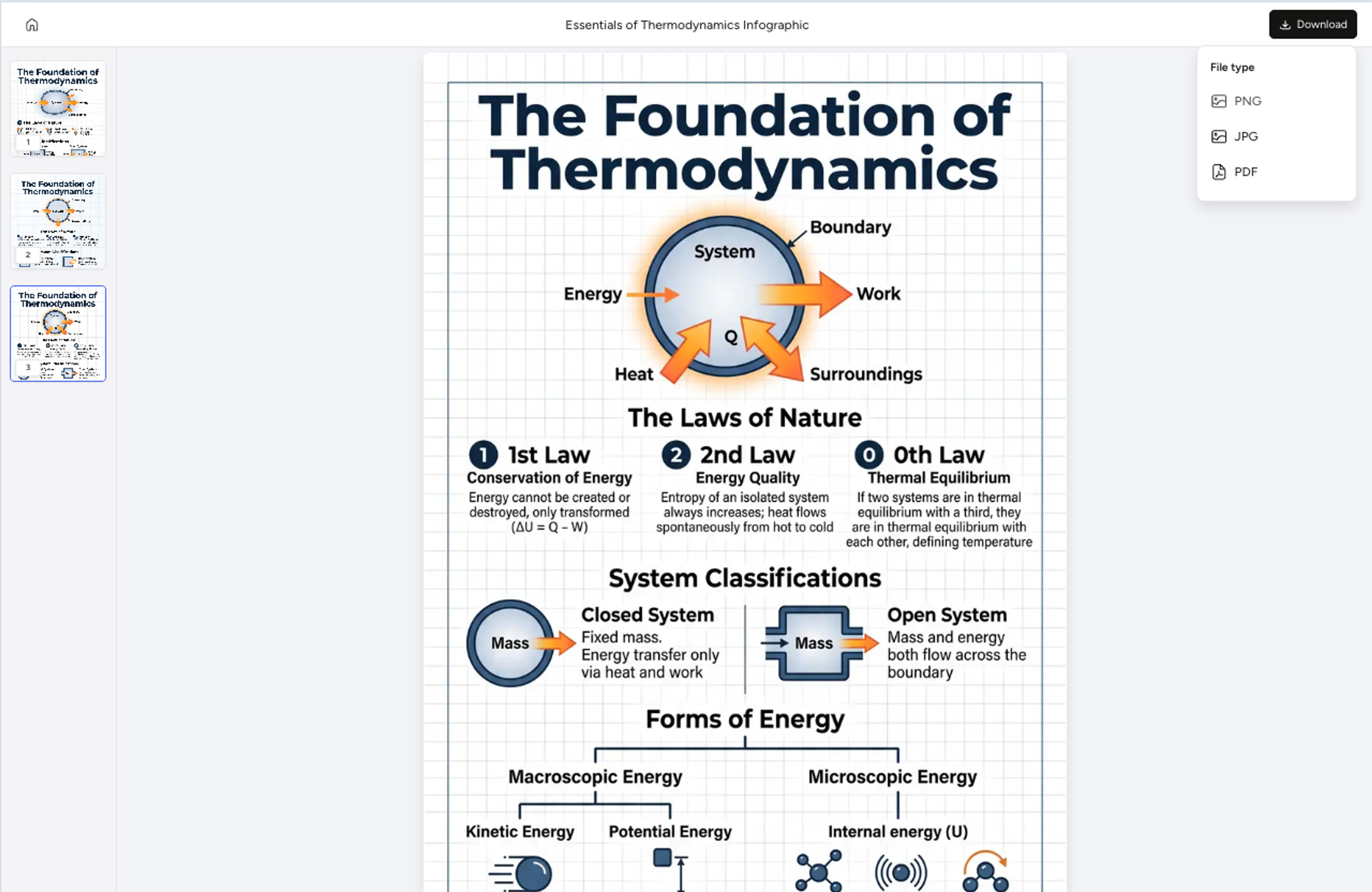
Merge steps, rename stages, simplify explanations, and export the result as PNG, JPG, or PDF.
A process infographic explains a sequence of steps, stages, or decisions visually so the reader can follow the workflow quickly.
Yes. You can upload a document, paste text, or provide a link. Infograph extracts the sequence and turns it into a visual flow.
Yes. You can rename steps, merge stages, change the layout, or ask the AI to simplify the explanation.
You can create linear flows, staged diagrams, pipe process visuals, circular flows, or simplified classroom-friendly sequences.
Yes. Generated infographics can be exported as PNG, JPG, or PDF for reports, presentations, docs, or training content.
Explore related Infograph formats for workflows, timelines, maps, and source-to-visual conversion.
Drop in a P&ID description, technical spec, or system overview and Infograph composes a clean pipe process diagram with named units and flow direction.
Turn project briefs, history readings, research notes, or links into a clean timeline infographic with milestones, labels, and visual flow.
Turn strategy memos, planning sessions, or release notes into a roadmap visual that reads cleanly in stakeholder reviews and quarterly updates.
Paste an article, transcript, or batch of notes and Infograph turns the text into a polished infographic with hierarchy, callouts, and chart treatments.
Go beyond basic topics. Use detailed infographic AI prompts, documents, or raw data to generate structured visual stories instantly.
Upload a research paper, white paper, or report PDF and Infograph extracts the structure to render a clean infographic — no copy-paste between tools.
Turn papers, lab notes, links, text, and data into scientific figures, graphical abstracts, biology diagrams, and research visuals. AI Scientific Figure Maker | Built for research and education