

Repurpose Dense Deck Content
Upload a document or paste slide notes, then turn the core message into a clearer visual your audience can scan.
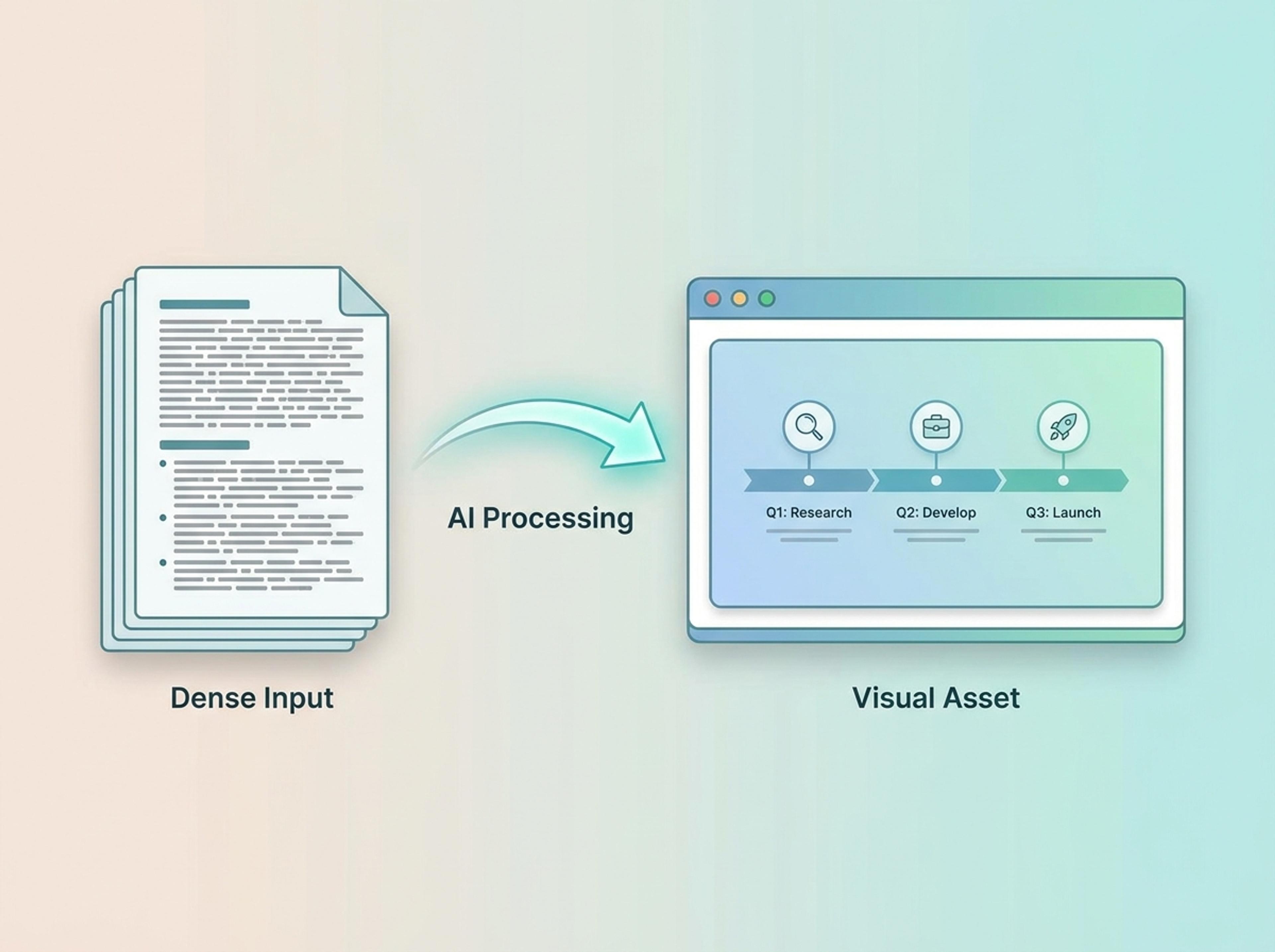
Turn your dense documents, notes, and raw data into clear, professional infographics ready to drop directly into your next presentation.
Use Infograph to transform dense slide notes, reports, and briefing content into clean infographic visuals for presentations.
Upload a document or paste slide notes, then turn the core message into a clearer visual your audience can scan.
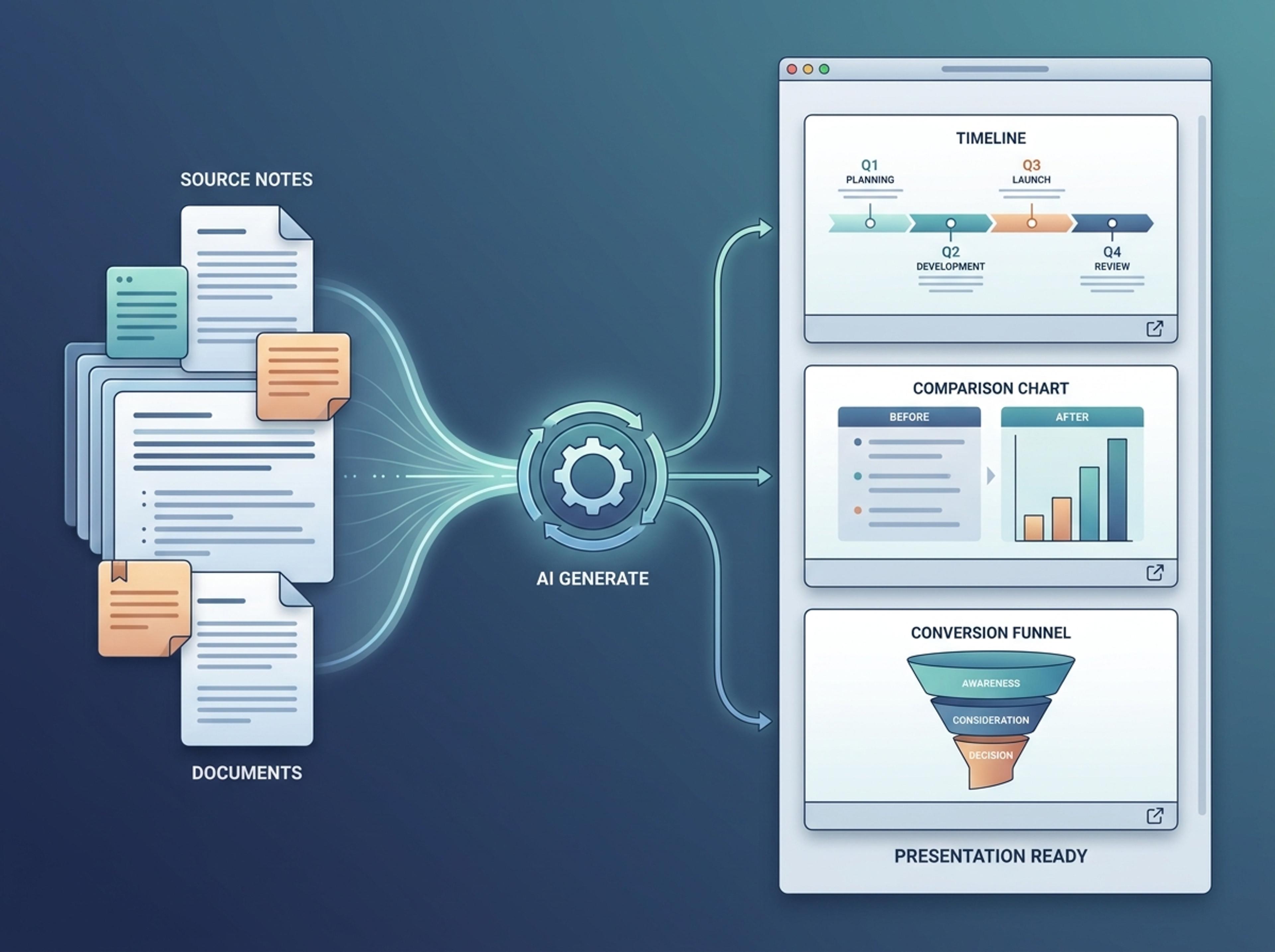
Generate timelines, comparisons, funnels, frameworks, and summaries that can support a keynote, class presentation, or internal update.
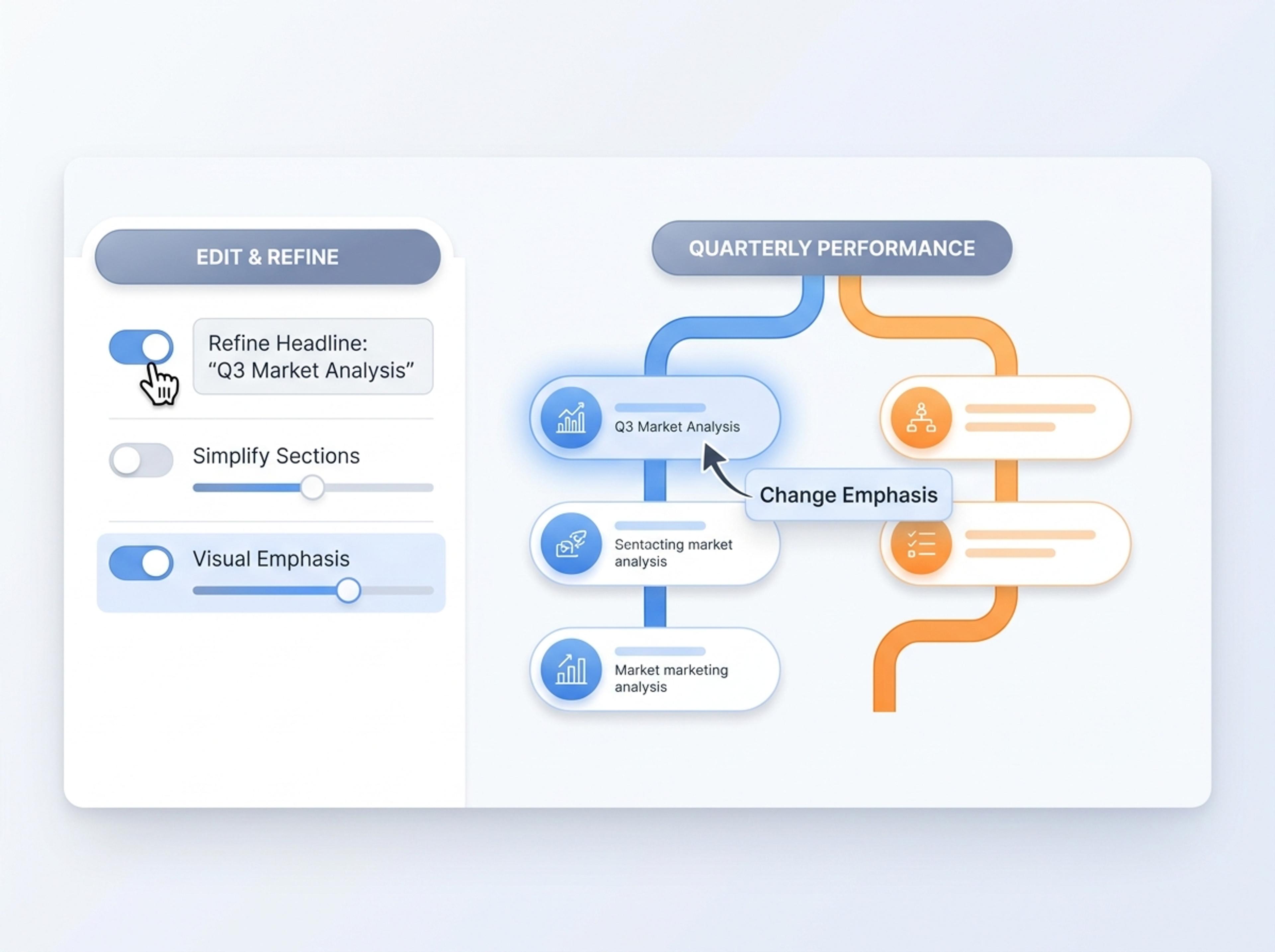
Refine the headline, simplify sections, or change the visual emphasis before exporting the result for PowerPoint workflows.
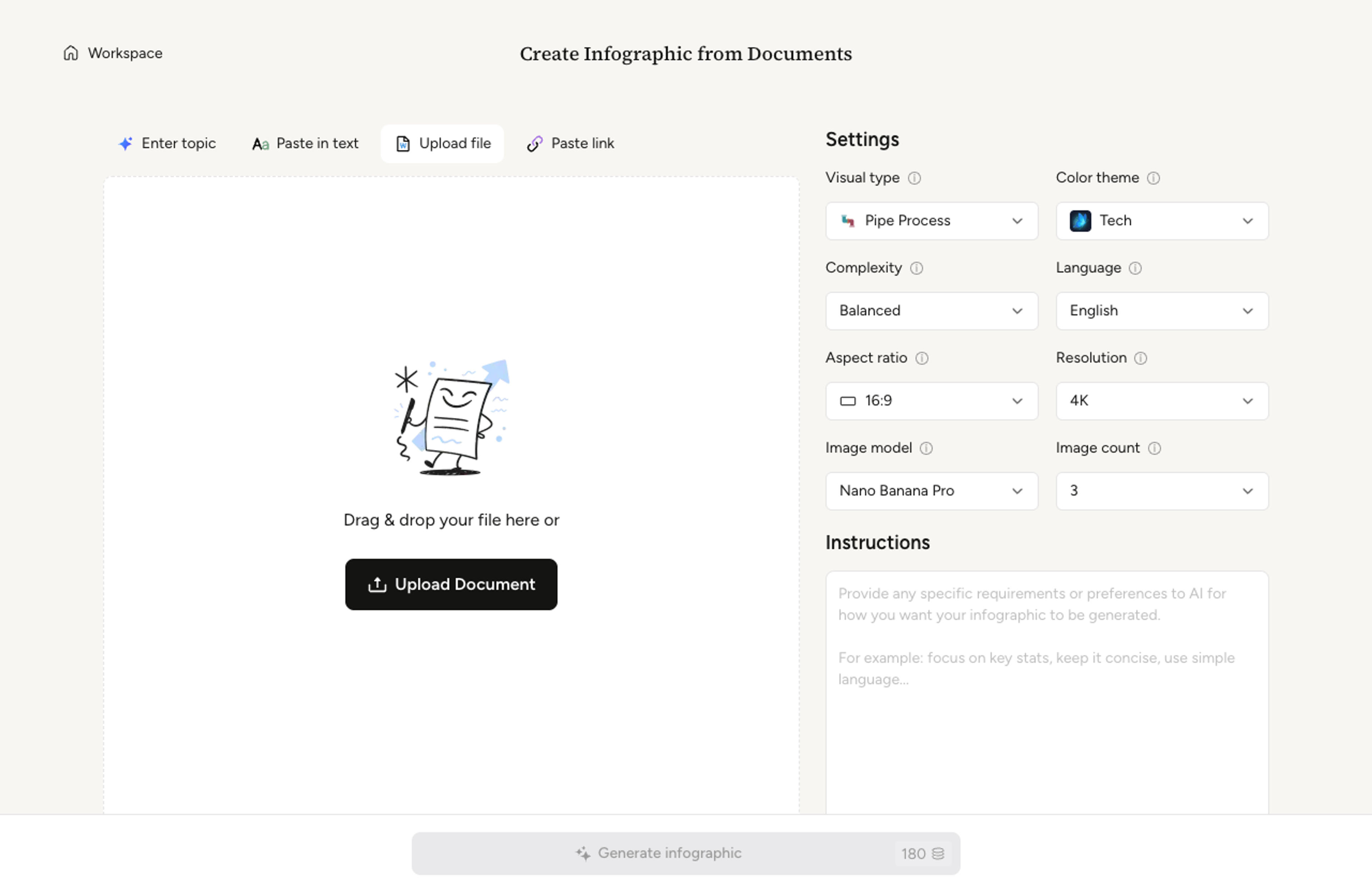
Upload a deck-related document, paste notes, or describe the presentation topic you need to turn into a visual.
Choose a timeline, comparison, framework, funnel, pyramid, or summary layout that fits the slide story.

Infograph extracts the core message, organizes sections, and creates a polished visual that can sit inside a slide.

Ask for tighter wording, clearer hierarchy, or a different format, then export the result for your presentation workflow.

See how different presentation contexts can become clear infographic visuals instead of text-heavy slides.
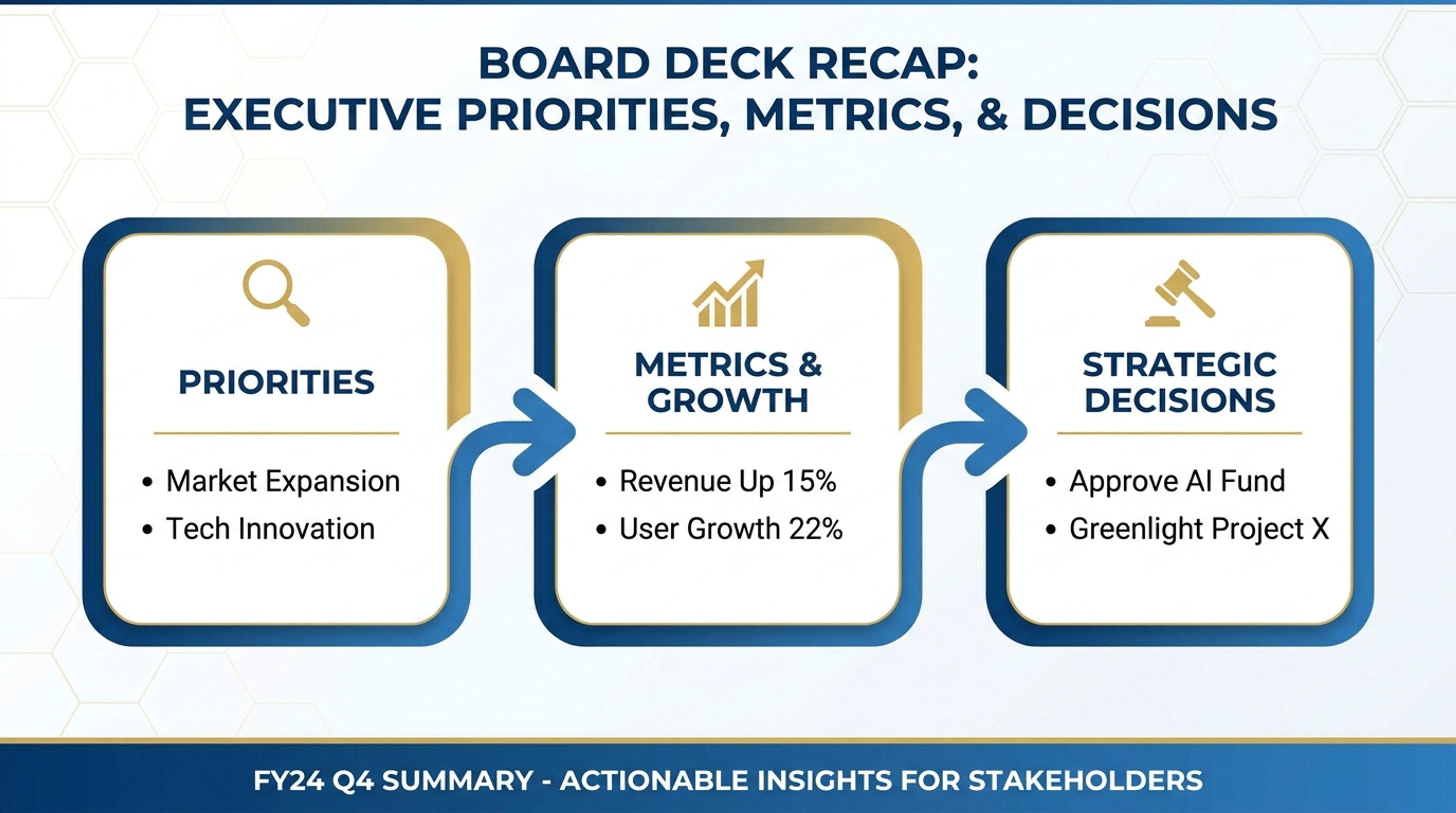
Turn executive notes into a concise visual summary with priorities, metrics, and decisions.
Make presentation content easier to understand without rebuilding the design manually.
Turn source notes into a visual hierarchy that fits a slide discussion.
Convert reports, outlines, and notes into reusable visual assets.
Generate timelines, funnels, frameworks, comparisons, and summaries.
Adapt visuals for business, classroom, academic, or strategy contexts.
Refine labels and sections before putting the visual into your deck.
Download the finished infographic for slide handoffs and shared materials.
Yes. You can generate an infographic from notes, documents, or a topic, then export the result for your presentation workflow.
Briefing notes, research summaries, lesson material, reports, product plans, and strategy outlines are good starting points.
Yes. Education examples should be K-12 friendly, colorful, and easy for students to follow.
Yes. Academic and business examples can use more formal typography, tighter labels, and a more presentation-polished style.
Yes. You can refine the wording, simplify sections, or ask for a different visual structure before export.
You can export generated visuals for slides, reports, handouts, or follow-up materials.
Explore related Infograph tools for presentation content, source conversion, visual formats, and structured summaries.
Upload a .pptx and Infograph extracts the slide content into a single infographic — perfect for blog posts, social posts, or executive one-pagers.
Paste an article, transcript, or batch of notes and Infograph turns the text into a polished infographic with hierarchy, callouts, and chart treatments.
Upload a research paper, white paper, or report PDF and Infograph extracts the structure to render a clean infographic — no copy-paste between tools.
Turn project briefs, history readings, research notes, or links into a clean timeline infographic with milestones, labels, and visual flow.
Turn your existing documents, notes, and web links into a structured process infographic with clear hierarchy and logical flow.
Turn papers, lab notes, links, text, and data into scientific figures, graphical abstracts, biology diagrams, and research visuals. AI Scientific Figure Maker | Built for research and education