


Map Recurring Workflows
Paste a playbook, SOP, or process description and create a loop diagram with balanced phases and directional arrows.

Drop in workflow notes, lifecycle descriptions, or a process doc and Infograph builds a clean circular diagram with directional arrows and balanced phases.
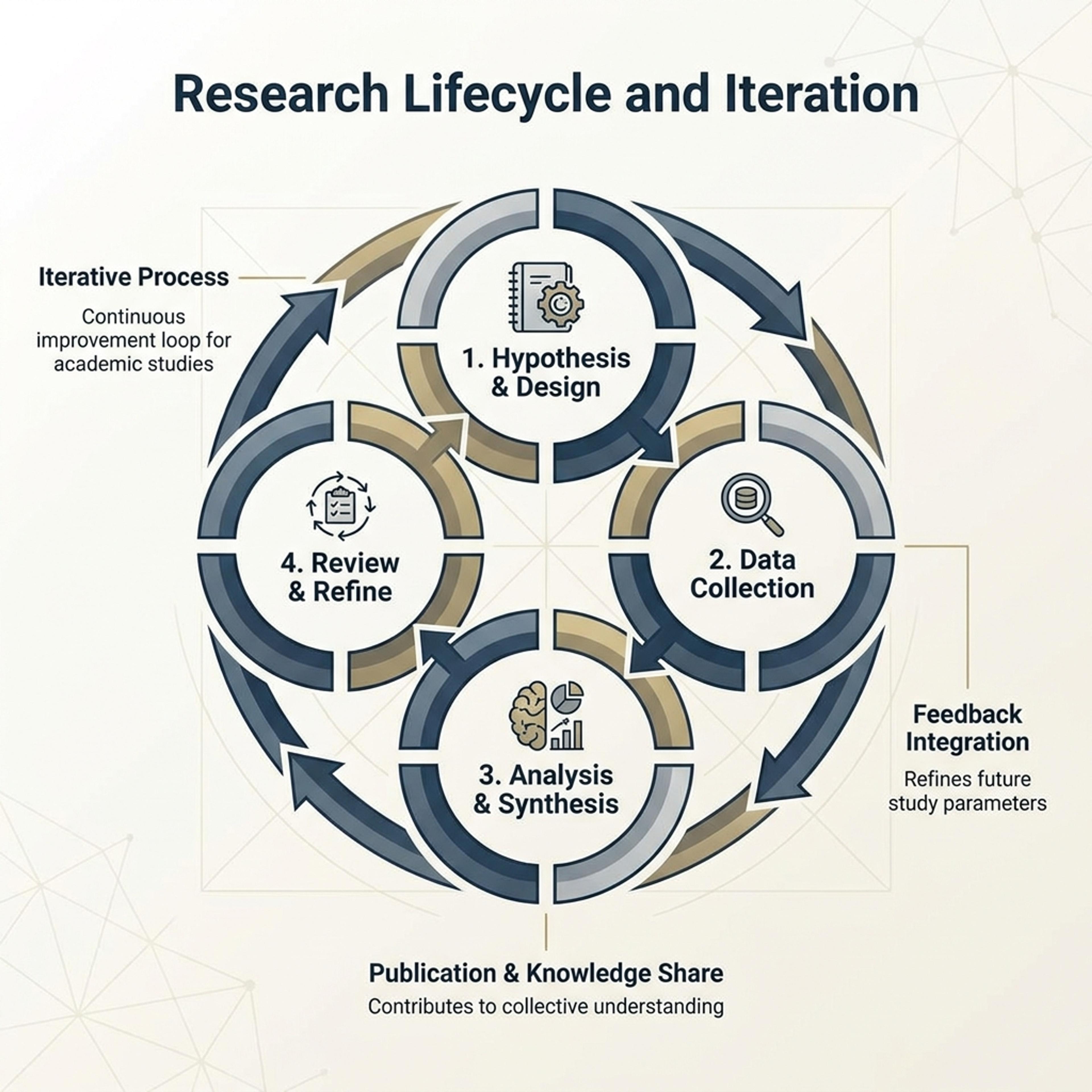
Drag and drop your paper, lab notes, lesson material, or document here or
A circular diagram shows a cycle, loop, lifecycle, or recurring workflow with phases arranged around a ring. It is useful for operations playbooks, science cycles, onboarding loops, review cadences, and any process that returns to its start.
Start with process notes, lifecycle descriptions, or a recurring workflow and let Infograph balance phases, arrows, and captions into a clean circular diagram.
Paste a playbook, SOP, or process description and create a loop diagram with balanced phases and directional arrows.
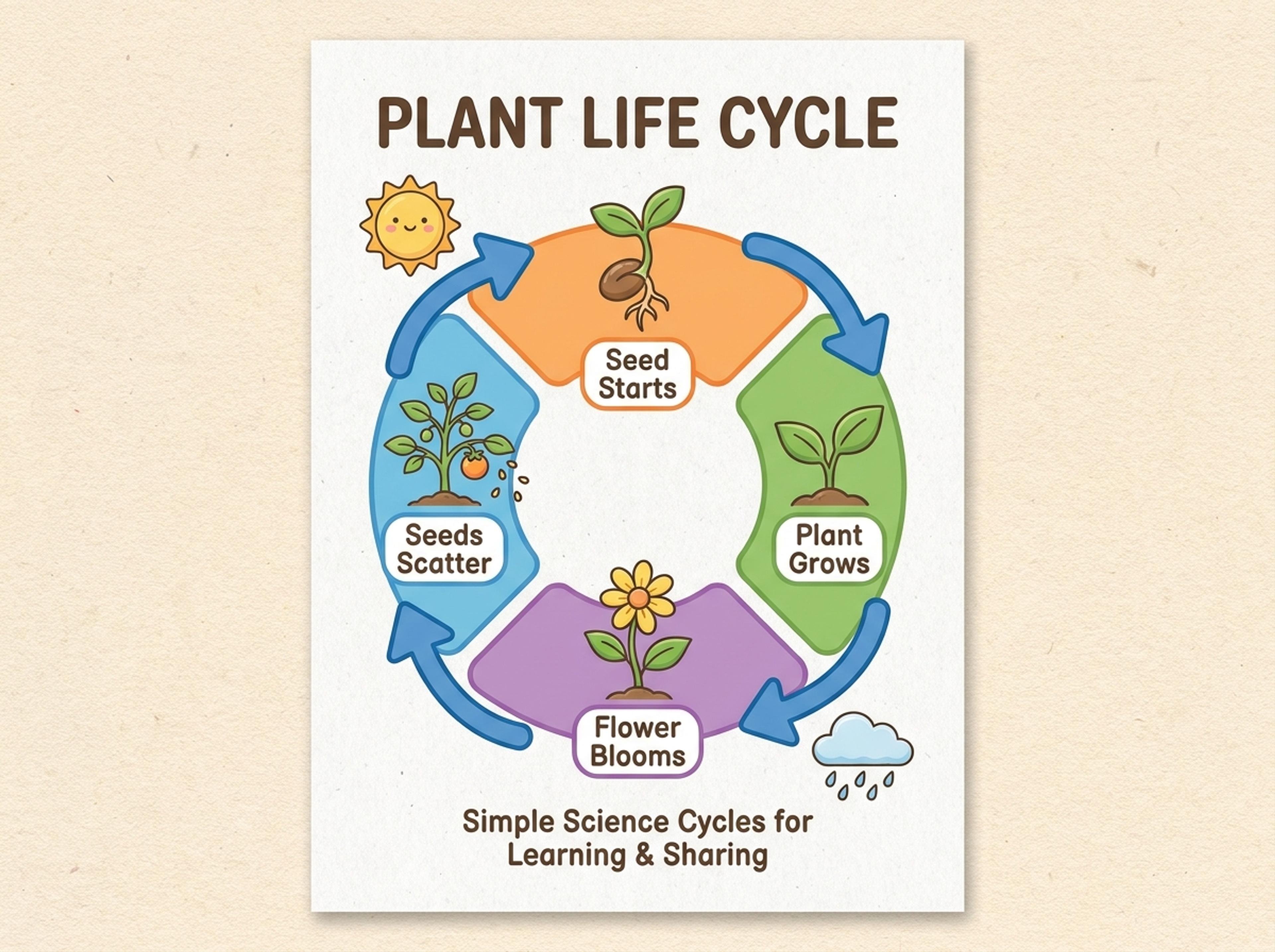
Turn K-12 science or social studies material into a colorful cycle students can follow, remember, and discuss.
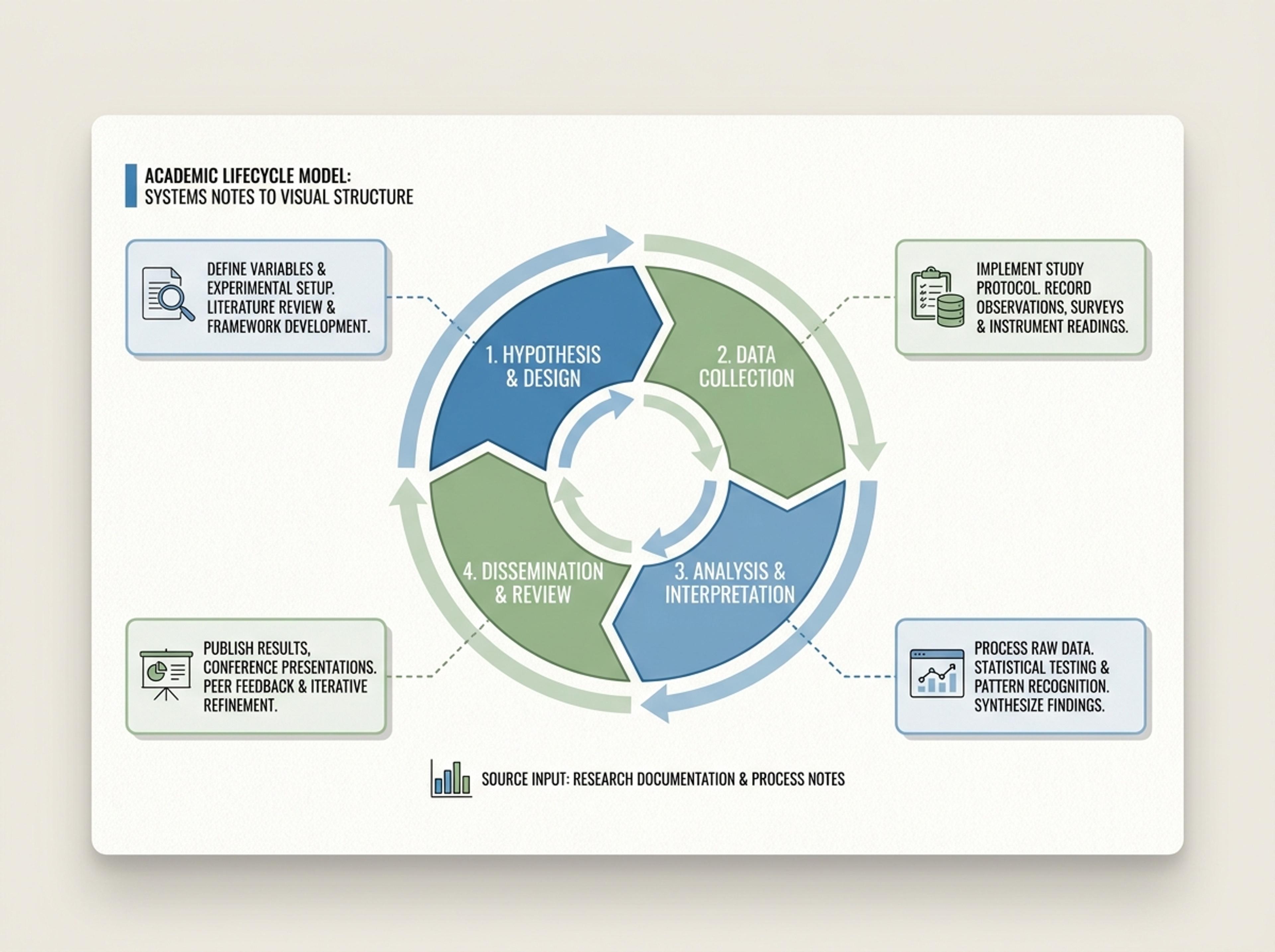
Convert product, research, or systems notes into a circular model with clear phase labels and supporting callouts.
Upload process notes, paste a workflow description, or link to documentation that defines the loop. Each phase you mention becomes a labeled segment.

Choose how many phases to render, whether the diagram should highlight a single critical step, and how heavy the connecting arrows should feel.

AI arranges the phases evenly around the ring, adds directional arrows, and writes a concise description for each segment based on your source.

Reorder phases with a sentence, swap palettes, or extend a description, then export the circular diagram as PNG, JPG, or PDF for reports or onboarding docs.

Explore circular diagram results Infograph can create for workflows, K-12 lessons, academic models, and recurring strategy cycles.
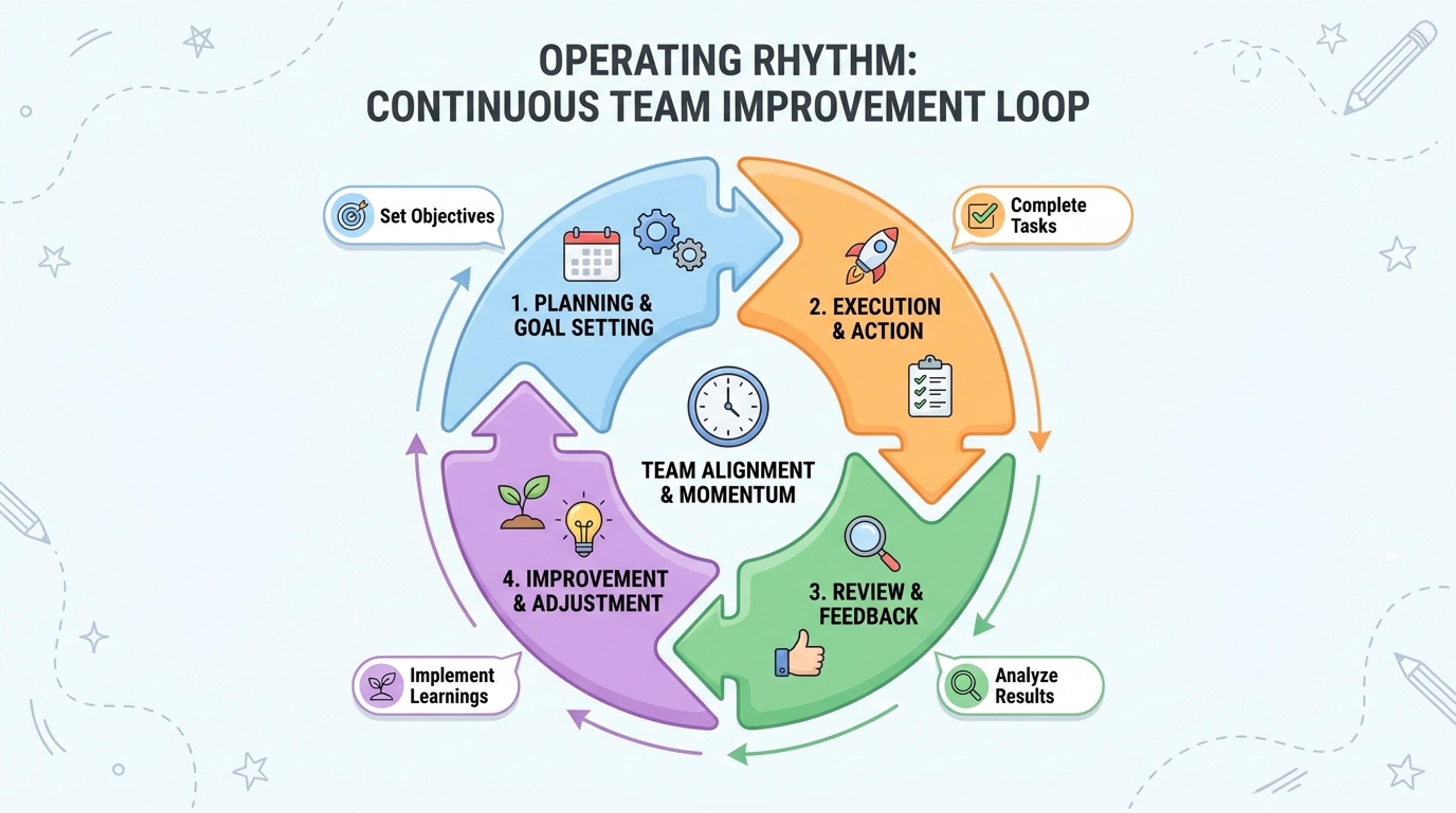
Show planning, execution, review, and improvement as a reusable loop for team alignment.
Reach for circular when the process loops back to its start — lifecycles, review cycles, sprint cadences, or recurring workflows. Use a linear flow when there is a clear end state.
Four to eight phases reads cleanly. The AI suggests merging closely-related phases when there are more, so the ring stays balanced.
Yes. Tell the AI which phase to highlight and it recolors that segment, adds a callout, and explains the emphasis in a short note.
Yes. Pick the direction in plain language. The AI flips arrows and reorders any sequence-dependent labels accordingly.
Export as PNG or JPG for slides and embeds, or PDF for printed handouts and operating manuals.
Explore adjacent Infograph tools for timelines, funnels, pyramids, mind maps, and source-to-infographic workflows.
Turn project briefs, history readings, research notes, or links into a clean timeline infographic with milestones, labels, and visual flow.
Drop in your funnel data, paste a marketing recap, or describe each stage and turn it into a clean conversion funnel ready for the next QBR slide.
Turn frameworks like Maslow, Bloom's, or your own strategy stack into a clean pyramid chart that orders priorities at a glance.
Drop in meeting transcripts, research notes, or a single topic and Infograph builds a clean radial mind map you can iterate on.
Paste an article, transcript, or batch of notes and Infograph turns the text into a polished infographic with hierarchy, callouts, and chart treatments.
Upload a research paper, white paper, or report PDF and Infograph extracts the structure to render a clean infographic — no copy-paste between tools.
Turn papers, lab notes, links, text, and data into scientific figures, graphical abstracts, biology diagrams, and research visuals. AI Scientific Figure Maker | Built for research and education