


Clarify One Big Idea
Paste a strategy note or brainstorming summary and create a visual that makes the main idea instantly visible.

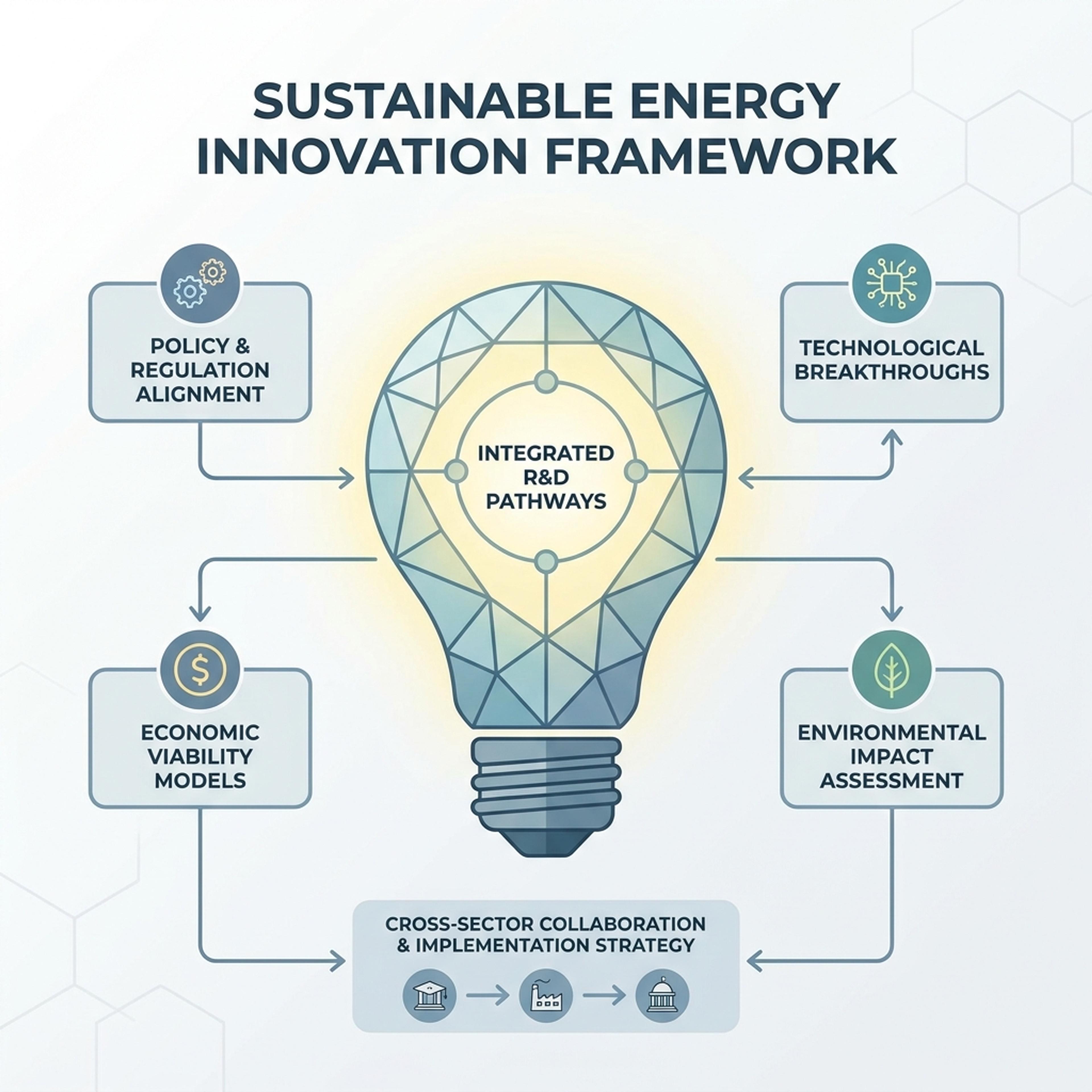
Frame an innovation brief, brainstorming notes, or a strategy memo as a clean light bulb infographic that lands the core idea in a single visual.
Drag and drop your paper, lab notes, lesson material, or document here or
A light bulb infographic frames one central idea and surrounds it with supporting insights, proof points, opportunities, or next steps. It is useful for innovation briefs, brainstorming outputs, strategy memos, campaign ideas, and concept explanations.
Start with a rough idea, brief, or memo and let Infograph turn it into a polished concept visual with a clear center and supporting points.
Paste a strategy note or brainstorming summary and create a visual that makes the main idea instantly visible.
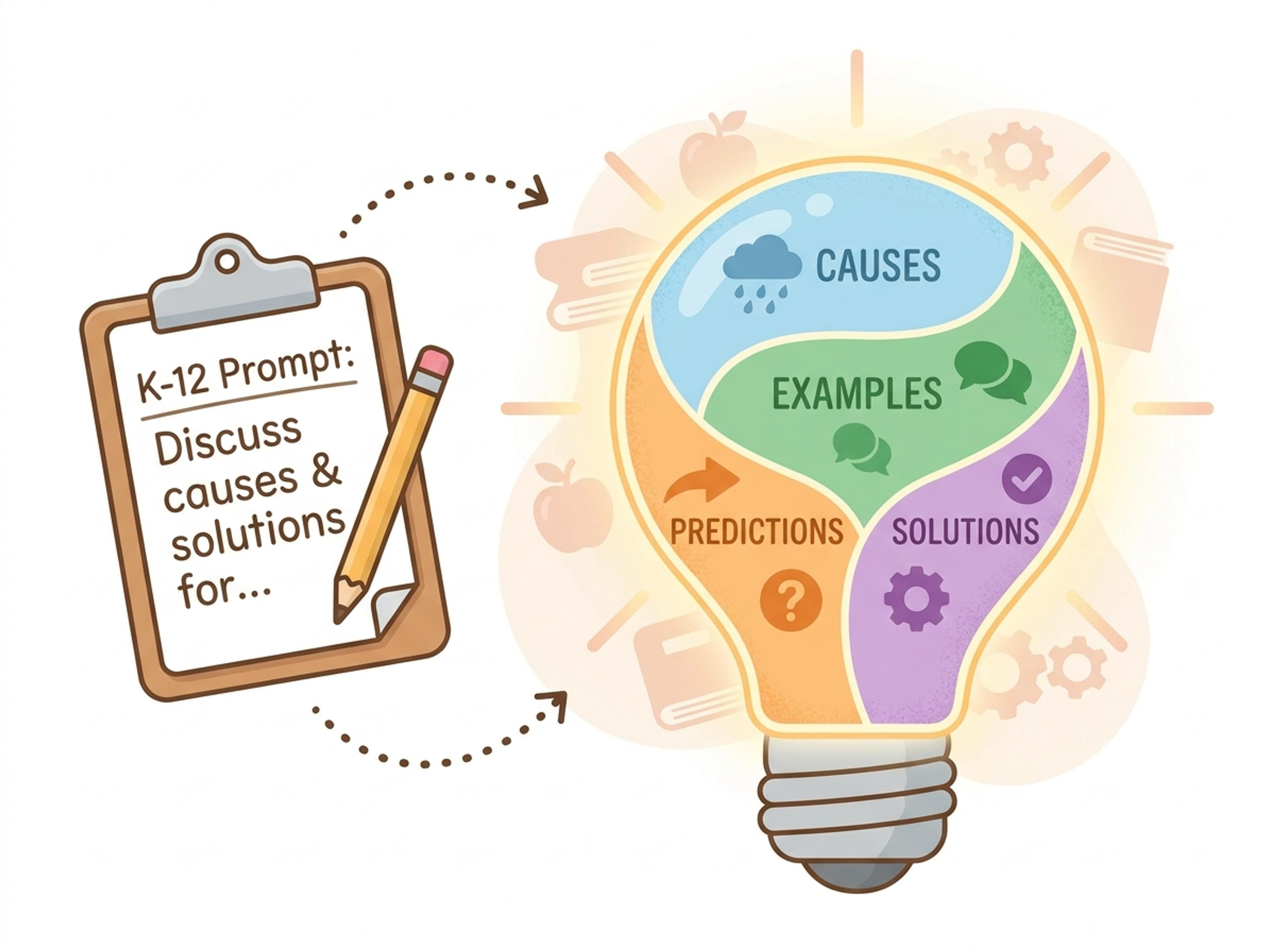
Turn a K-12 prompt into a friendly visual students can use to discuss causes, examples, predictions, or solutions.
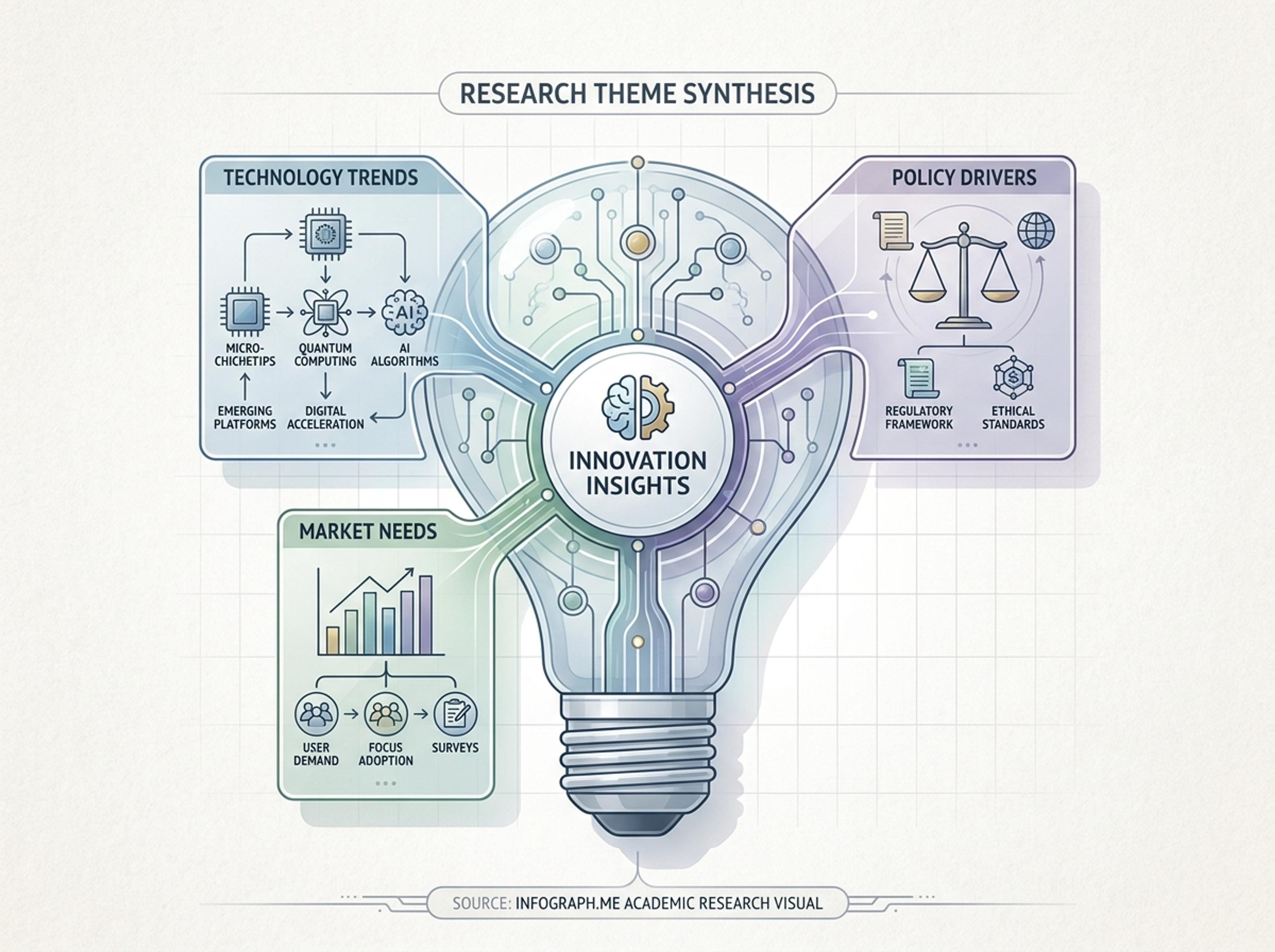
Convert research notes, interview themes, or product insights into a compact visual for teams and stakeholders.
Paste brainstorming notes, drop in a strategy memo, or link to the article that triggered the idea. Real source material keeps the visual specific and credible.

Decide whether the infographic should highlight one big idea, contrast multiple options, or stage a sequence of insights. The light bulb layout adapts to each angle.

AI extracts the core insight, supporting points, and any data callouts, then renders them inside the light bulb composition with consistent typography.

Tweak headlines or swap accent colors with simple instructions, then export the light bulb infographic as PNG, JPG, or PDF for a deck, blog post, or pitch slide.

Explore light bulb infographic results Infograph can create for business ideas, K-12 prompts, research insights, and strategy concepts.
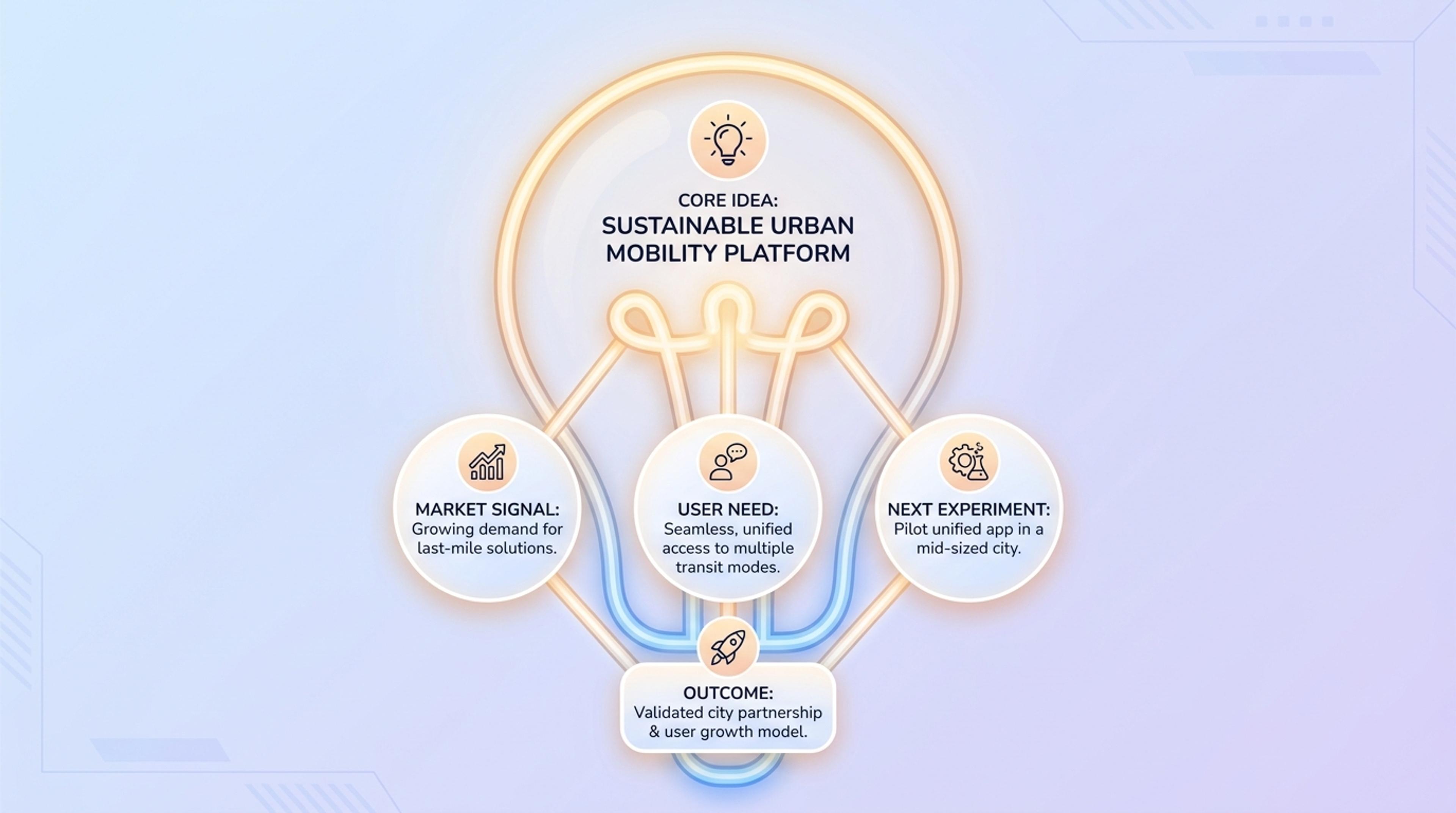
Show the core idea, market signal, user need, and next experiment in a single visual.
Reach for it when you want to land a single big idea — a key insight, a guiding principle, or an "aha" moment that frames the rest of a deck or post.
Yes. The composition supports a headline insight plus 3 to 5 supporting points. The AI keeps spacing balanced even when one section is wordier than another.
Five to ten words reads strongest at a glance. The AI offers shorter alternatives when your phrasing runs long.
Yes. Tell the AI your accent color, font weight preference, or brand mood and the composition adjusts without redoing the layout.
Export as PNG or JPG for blog posts, social, and slide embeds, or PDF for printed handouts and pitch one-pagers.
Explore adjacent Infograph tools for mind maps, timelines, funnels, pyramids, and source-to-infographic workflows.
Drop in meeting transcripts, research notes, or a single topic and Infograph builds a clean radial mind map you can iterate on.
Turn project briefs, history readings, research notes, or links into a clean timeline infographic with milestones, labels, and visual flow.
Drop in your funnel data, paste a marketing recap, or describe each stage and turn it into a clean conversion funnel ready for the next QBR slide.
Turn frameworks like Maslow, Bloom's, or your own strategy stack into a clean pyramid chart that orders priorities at a glance.
Paste an article, transcript, or batch of notes and Infograph turns the text into a polished infographic with hierarchy, callouts, and chart treatments.
Upload a research paper, white paper, or report PDF and Infograph extracts the structure to render a clean infographic — no copy-paste between tools.
Turn papers, lab notes, links, text, and data into scientific figures, graphical abstracts, biology diagrams, and research visuals. AI Scientific Figure Maker | Built for research and education